

Peanut Me Card
Spend USDC at Visa merchants with Peanut Me Card while keeping funds above your card limit in your own wallet.

Peanut Me virtual crypto card: USDC on Arbitrum and fees
What is Peanut Me Card?
Peanut Me Card is a virtual Visa crypto card for spending USDC from a self custody wallet, with no monthly fee and a 1% Visa fee on currency conversion.
Ready to try Peanut Me Card?
Open the official site and get started in a few clicks.
Peanut Me Card Overview
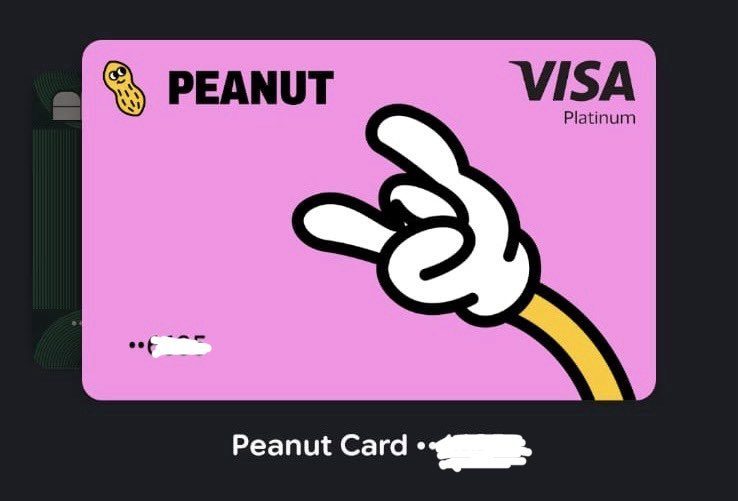
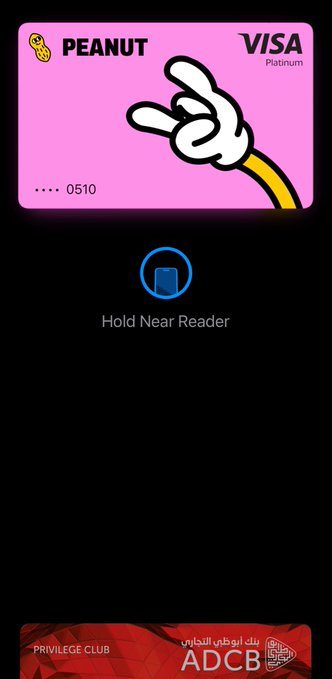
With the Peanut Me Card, you can spend USDC through a virtual Visa card inside the Peanut money app. It suits stablecoin holders and cross border workers who want to pay merchants without moving their whole balance to a custodial card provider. Use it online or add it manually to Apple Pay or Google Pay for tap payments. There is no plastic card.
You fund your Peanut balance with supported crypto deposits or bank transfers. For card spending, you use USDC on Arbitrum and choose a card limit. Only that amount goes into card collateral; you keep the rest in your self custody wallet. Returning collateral requires approval from both you and the issuer, subject to cooldown rules.
Peanut charges no card creation or monthly fee and no fee to load the card from your Peanut balance. For dollar purchases, Peanut adds no spending fee. For other currencies, you pay Visa's exchange rate plus a 1% International Service Assessment, with no extra Peanut FX markup. No standard cashback rate is published; Peanut lists referral rewards instead.
The main draw is control over how much USDC you commit to card spending. Access remains in closed beta through a waitlist, with some invite exceptions, and every cardholder must complete identity checks. It is a better fit for everyday merchant payments than for anyone who needs reliable ATM access.
Peanut Me Card Key features
-
Virtual Visa card
Get a virtual Visa number, expiry date, and CVV in the Peanut app. Use it for online payments, subscriptions, and in-app purchases without a plastic card.
-
Apple Pay and Google Pay
Add the virtual card to Apple Pay or Google Pay by entering the card details manually. You can then use your phone for contactless payments in stores.
-
Self custody wallet
The main Peanut balance stays in a passkey-protected smart wallet that you control. Keys stay on your device, and Peanut says it cannot freeze or seize that main balance.
-
Collateral card limit
Choose how much USDC backs the card. Only that amount moves into the collateral contract, while the rest stays in your main smart account.
-
No same-currency fee
Peanut adds no spend fee when the purchase currency matches your dollar balance.
-
Visa currency conversion
For purchases in another currency, Visa sets the exchange rate and applies a 1% International Service Assessment. Peanut says it adds no separate foreign exchange fee.
-
In-app 3D Secure
Some merchants require an extra check. Peanut sends a one-time code through an in-app notification instead of an SMS from a bank.
-
Adjustable card limit
Raise or lower the card limit in the app. This limit is separate from regional fiat monthly limits.
-
Referral rewards
Referral rewards continue to accrue when you or your network pay by card. You claim them from the app rather than at the payment terminal.
-
Free collateral loading
Peanut charges no fee to move funds from your Peanut balance into card collateral. Peanut covers network gas on supported crypto deposits and withdrawals.
-
USDC on Arbitrum
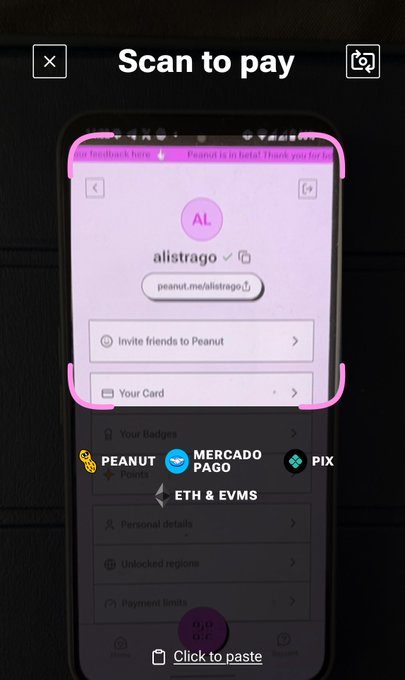
The card settles against USDC on Arbitrum. Peanut also lists Solana, Base, Tron, Ethereum, and Polygon for deposits that feed the same dollar balance.
-
Closed beta access
Access remains gated by a waitlist, badge eligibility, or invite code. Availability depends on the current rollout.
-
KYC required
Every cardholder must complete identity checks with photo ID and a selfie. The card is for individuals aged 18 or older, not businesses.
Peanut Me Card Fees
-
Issuance fee Peanut charges no fee to create the virtual card.
-
Recurring fees Peanut charges no monthly or annual card fee.
-
Top-up fee Peanut charges no fee to add funds from your Peanut balance and covers gas on supported crypto rails.
-
Same currency purchases Peanut charges no spend fee when the purchase currency matches your dollar balance.
-
Currency conversion fee Visa converts purchases at its network exchange rate plus a 1 percent International Service Assessment, and Peanut adds no extra FX fee.
Peanut Me Card Supported networks
 Solana
 Arbitrum
 Base
Base Tron
Tron Ethereum
 Polygon
 Optimism
How to use Peanut Me Card
-
Join the card flow
Open the Peanut app or peanut.me/shhhhh, then create or sign into your account. Request the virtual card in Profile, then Card, or join the waitlist if access is still gated.
-
Verify your identity
Complete the card KYC check when Peanut asks for it. Submit a photo ID and selfie through Sumsub, and make sure you are 18 or older and applying as an individual.
-
Fund your balance
Add USDC to your Peanut balance, or use a supported route such as USDT or ETH conversion and supported bank rails. The card uses USDC on Arbitrum as its settlement balance.
-
Set your card limit
After approval, choose the card limit in the app and keep enough USDC available to cover that amount as collateral. Funds above the limit stay in your main self custody wallet.
-
Make your first payment
Open Profile, then Card, and copy the card number, expiry date, and CVV for an online Visa payment. For in-person use, add the details manually to Apple Pay or Google Pay, then approve any 3-D Secure request from a Peanut notification.
Peanut Me Card Demo video
Peanut Me Card Screenshots
Peanut Me Card User Reviews
-
Peanut Card Experience
View on X ↗
Deposited: $5
Spent: $5
Hidden Fees: $0
Extra Charges: $0
Exactly what I deposited is exactly what I was able to spend. No deductions, no unexpected fees.
So far, Peanut Card is keeping it simple and transparent. -
Peanut Card update
View on X ↗
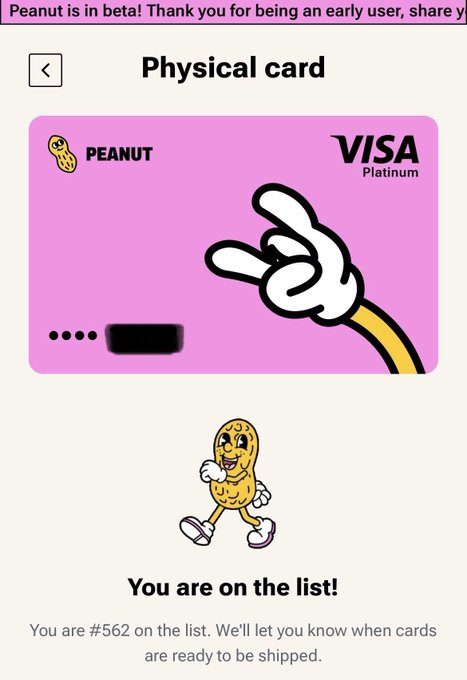
Got my virtual Peanut Card and I'm already using it successfully. So far, so good
The project is still in beta, and I'm really looking forward to getting the physical card.
My current queue number is #562 -
I've used the peanut card, it works in my region
View on X ↗
Peanut Me Card Review
Pros
- Peanut charges no issuance fee or recurring card fee.
- You keep control of funds above your chosen card collateral limit.
- You can add the virtual card to Apple Pay or Google Pay for tap payments.
- Peanut charges no fee to move your Peanut balance into card collateral.
- Peanut covers gas for deposits and withdrawals on supported chains.
- Peanut adds no spend fee when you pay in US dollars.
- You pay Visa exchange rates plus a 1% Visa fee on currency conversions, with no Peanut markup.
- You can raise or lower your card limit in the app.
Cons
- Visa charges a 1% fee on purchases that require currency conversion.
- You need the issuer's co-signature to return card collateral to your wallet.
- You may have to wait for closed beta access.
- Peanut issues only a virtual card, with no plastic option.
- Every cardholder must complete identity checks.
- Peanut has no published card cashback rate; rewards depend on referrals.
Our verdict
I'd carry Peanut Me Card as a backup for USDC-funded travel. You control the main balance; the issuer shares control over card collateral. There's no recurring fee or cashback; foreign purchases use Visa's rate plus 1%. Funding conversion spreads aren't specified, so I wouldn't call 1% the all-in cost. I'd drop it if funding spreads made my bank card cheaper.
Peanut Me funding
-
Founded by Konrad Urban and Hugo Montenegro are co-founders and CEOs of Peanut, built by London-based Squirrel Labs Ltd; the raw data does not state their prior backgrounds.
Is Peanut Me Card safe & legit?
Peanut Me Card appears legitimate: Konrad Urban and Hugo Montenegro founded Squirrel Labs Ltd, the London company behind the app, though the supplied sources name no backers and do not firmly establish Third National as the card issuer. You keep your main balance in self-custody, but Rain manages the card collateral contract, and you need the issuer's co-signature to return that money to your wallet. The supplied sources describe no widely reported custodial loss, but I would confirm the issuer in the live terms before depositing much, given the smart contract risks and closed beta limits.
X account intel @joinpeanut
-
Based in Germany
-
Joined X September 2022 4 years ago
-
Username changes 1 rename last on Sep 11, 2025
-
Signup source Poland Android App
Public profile signals from X. Use as one input alongside other due-diligence.
Peanut Me Card Updates
-
 we're going places
- 16 replies
- 8 reposts
- 90 likes
- 5.6K views
-
BREAKING NEWS we now support iphone duo
(caveat: looks like this)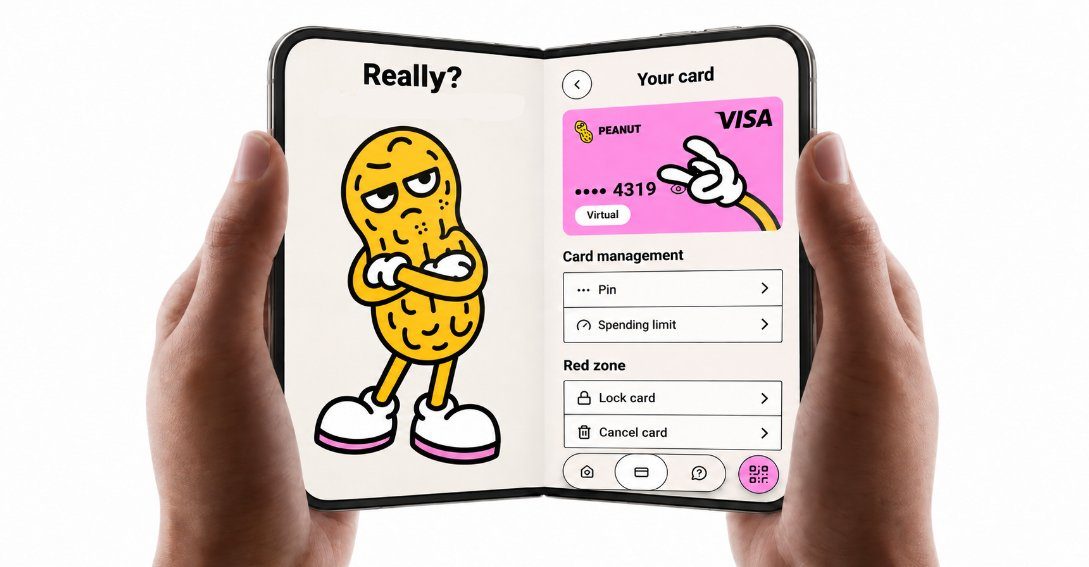
- 8 replies
- 2 reposts
- 55 likes
- 2.3K views
-
yooo
devs & legal have been shippppinngggg
we simplified id verification1 more in this thread
wooo- 9 replies
- 5 reposts
- 71 likes
- 3.8K views
-
Peanut now supports Stable.
Deposit from Stable straight into the app and withdraw back to it. Your digital dollars land in seconds, ready to send or spend anywhere.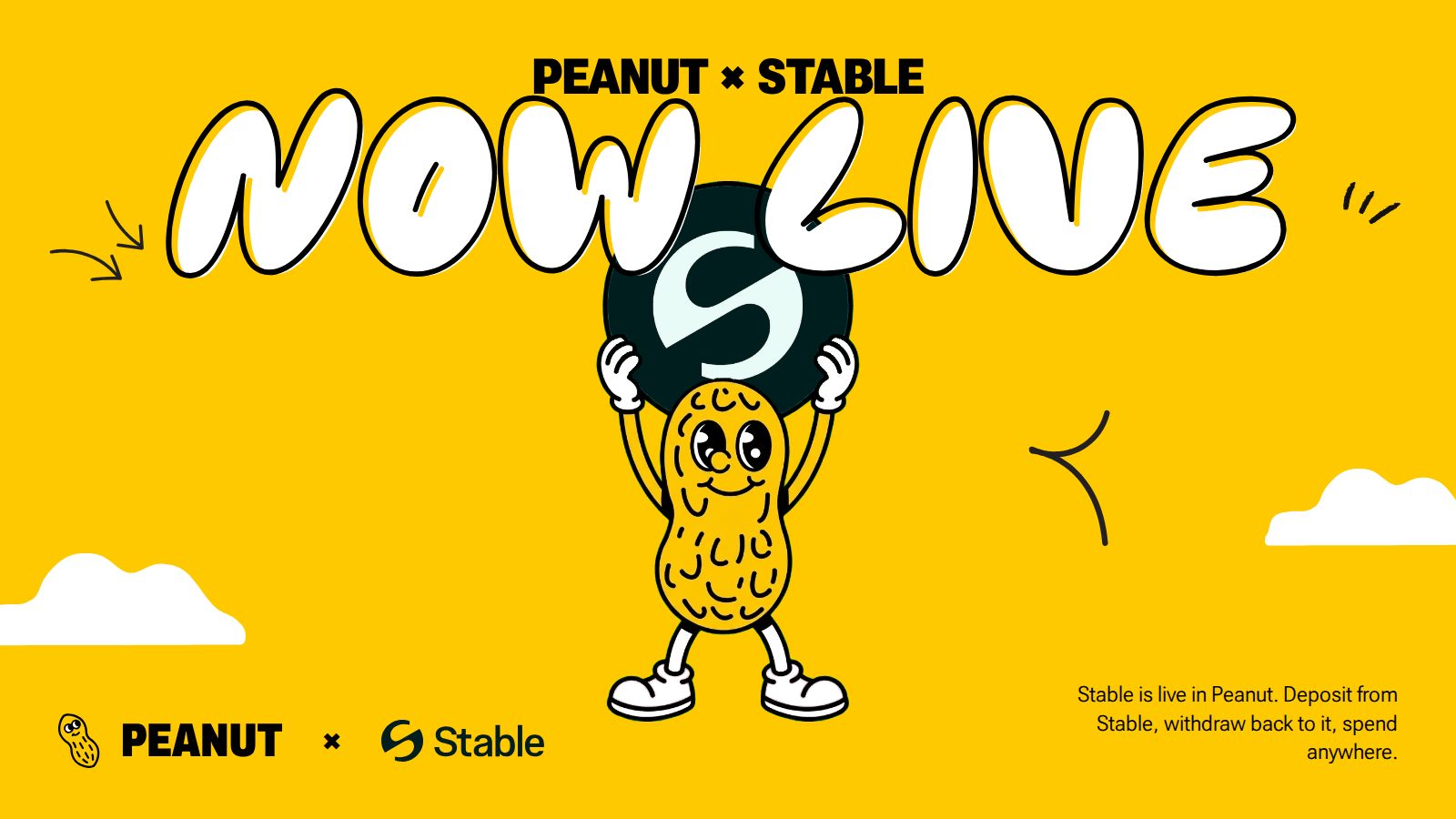
3 more in this thread
wait.. but who is @stable? 🥜 a payment network built for one thing: digital dollars. money in, money out, fast.why you care: dollars you keep on Stable can now land in Peanut in seconds. and turn into rent, groceries, coffee.that's the whole trick. deposit from Stable, spend with Peanut- 7 replies
- 3 reposts
- 56 likes
- 7.9K views
-
a whopping 34% of users enjoyed our new languages
what language should we add next?- 1 replies
- 1 reposts
- 9 likes
- 1.6K views
-
be like jota
- 1 replies
- 18 likes
- 2.2K views
-
To quell rumors: avici hack is localized, Peanut users are safe and not affected.
We're obviously still monitoring the situation, and security is as always our #1 priority.- 1 replies
- 1 reposts
- 17 likes
- 761 views
-
Day 1 In Buenos Aires.
@joinpeanut first test. Very nice for the UI to show card savings directly to the user.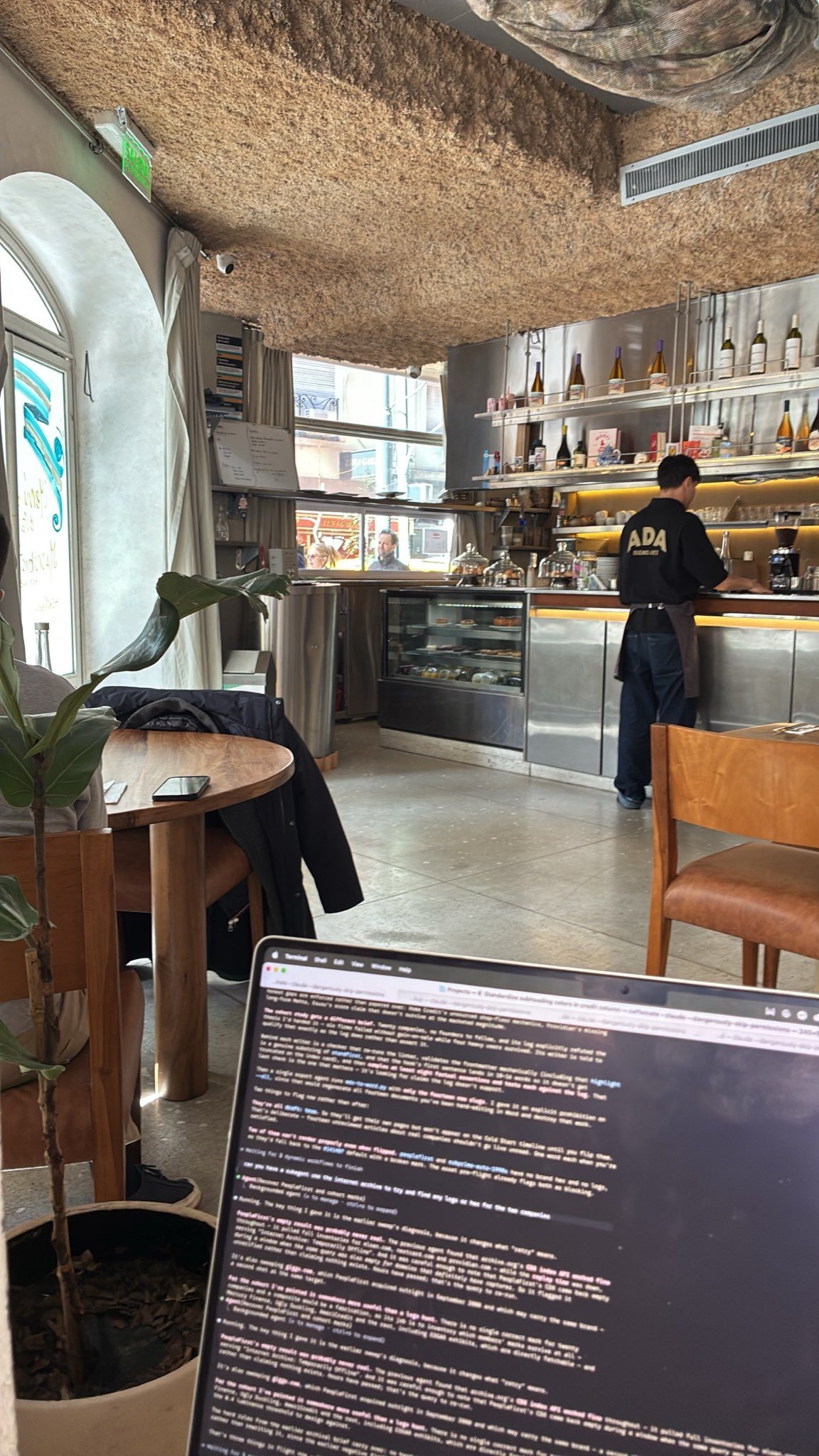
- 8 replies
- 2 reposts
- 36 likes
- 1.2K views
-
yoooo Peanut now speaks português and español

2 more in this thread
Peanut ahora habla como vos 🇦🇷 O Peanut agora fala português 🇧🇷
- 21 replies
- 3 reposts
- 105 likes
- 6.2K views
-
Three years of earning in crypto means I’ve had my fair share of figuring out how to actually spend it.
Tried @joinpeanut recently, set up my virtual visa card and made my first payment with it.
Being able to fund my wallet with crypto and spend directly without having to go through P2P first? I’ll take it.
Skip the waitlist and claim your Naija Badge: http://peanut.me/invite?code=tee07&campaign=naija- 20 replies
- 13 reposts
- 88 likes
- 1.8K views
-
3d peanut wtf is happening
- 10 replies
- 31 likes
- 3.6K views
-
🚨16 REAIS UMA COXINHAAAAAA!!🚨
Porém paguei em dólar usando a @joinpeanut
- 0% de taxa de transferência,
- Uso do pix para pagamentos locais com dólar e o melhor, aceito em mais de 140 países!
- Paga os amigos via link.
Fiz o teste no @blockchain_rio e está aprovado!
50 acessos pro cartão no link dos comentários.
#nuttycontent- 11 replies
- 2 reposts
- 37 likes
- 3.6K views
-
what if we rebranded to whatever this is

- 11 replies
- 31 likes
- 1.4K views
Peanut Me Card Reviews & Comments
No reviews yet. Be the first to share your experience.
Peanut Me Card alternatives
Other Polymarket tools that do a similar job. Compare and pick what fits your workflow.
-
Compare
Offgrid Cash card
Crypto holders load Bitcoin, Monero, or stablecoins onto a virtual Visa and spend it with…
-
Compare
Jupiter Solana Card
Deposit USDC or USDT once, then spend that balance anywhere Visa is accepted, with no FX…
-
Compare
Kast card
Holding stablecoins won't buy groceries until Kast card turns that USDC or USDT balance i…
-
Compare
Privacy Card
Spend crypto as USD with Privacy Card, a virtual Visa you can fund without an ID upload.




Recommended reading
In-depth guides for Crypto Cards — get more out of tools like Peanut Me Card.
-
Crypto Referral & Invite Codes
Tuyo Card Referral Code And Invite Code: "BOOST"
Tuyo Card Referral Code is "Boost". What it gives you, how the $10 voucher works, and what the self custodial Visa charges on eve…
6 min read -
Crypto Referral & Invite Codes
Kast Card Codes: Referral Code, Coupon Code And Unlock
Which Kast code goes where? Referral and invite codes at signup, coupon codes at checkout, plus cashback rates, fees and the rewa…
4 min read


Ready to try Peanut Me Card?
Open the official site and get started in a few clicks.
Leave a comment