

Laso Finance Card
Spend stablecoins through Laso Finance Card, a virtual prepaid card you can use without opening a bank account.

Laso Finance Card: Stablecoin Fees, Cashback And Supported Chains
What is Laso Finance Card?
Laso Finance Card is a self-custody crypto prepaid card that converts USDC, USDT, or DAI into virtual Visa spending, gift cards, or debit card payouts without a bank account or standard KYC.
Ready to try Laso Finance Card?
Open the official site and get started in a few clicks.
Laso Finance Card Overview
The Laso Finance Card is a virtual prepaid crypto card for stablecoin holders who want to pay merchants that do not accept crypto. You connect a self custody wallet and send supported stablecoins, such as USDC or USDT, to fund a card. Once you transfer funds, you have a prepaid balance rather than crypto held in your wallet. You can pay online or add the card to a supported mobile wallet, such as Apple Pay or Google Pay.
Laso suits occasional purchases more than everyday banking. For the standard prepaid flow, you do not need a bank account or a passport upload. Most cards are single load: spend the balance, then order another card when you need more. Some merchants reject prepaid cards. Developers can also use Laso's payment API to let AI agents buy goods.
Laso lists a 0% deposit fee for US and Canada prepaid cards, with no monthly fee or Laso purchase fee. For international cards, Laso lists 4.8%, with a $1.50 minimum; check the live quote before you pay. You also pay network gas. No cashback rate is published in the supplied material.
Load close to your purchase total. Where Laso permits unused balance refunds, it lists a fee of 14%, with a $10 minimum. That is a steep cost for leftover funds. Standard US and Canada prepaid cards have no ATM access, so this is a better fit for planned purchases than cash withdrawals.
Laso Finance Card Key features
-
USDC stablecoin funding
Connect a self-custody wallet and fund the card with USDC, USDT, or DAI on a supported network. You pay the network gas.
-
US prepaid card
The virtual Visa-style card is designed for US merchants and uses a single-load USD balance. Laso lists a 0% deposit fee, no monthly fee, and no Laso purchase transaction fee for this product.
-
Canada prepaid card
The virtual CAD card is designed for Canadian merchants and uses a single-load balance. Laso lists a 0% deposit fee for this product.
-
International prepaid card
The virtual USD card is designed for spending outside the US. Laso's fees page lists a 4.8% deposit fee with a $1.50 minimum, while older pages quote 3.8%, so check the live checkout quote.
-
Digital gift cards
You can buy digital gift cards from a catalog of more than 2,000 brands. Fees vary by brand, and digital codes are delivered after purchase.
-
Push to card
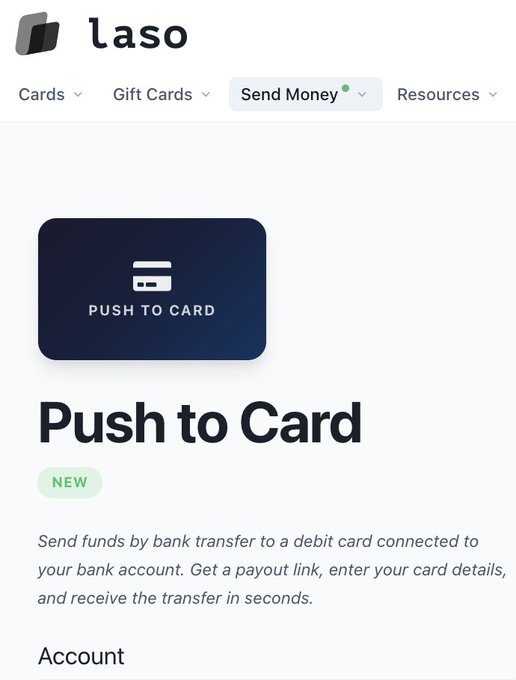
Laso can send USD, EUR, or GBP to an existing debit card. The published fee is about 4.8% to 4.9% with a $1.50 minimum, and the listed minimum send is about $10.
-
PayPal and Venmo
Laso supports direct payouts to PayPal and Venmo accounts from crypto. The listed fee is about 4.9% with a $1.50 minimum, and the fee can vary.
-
Mobile wallet support
You can add the virtual card to Apple Pay, Google Pay, or Samsung Pay where the merchant accepts prepaid cards.
-
Single-load balance
Most cards use one load that you spend across one or more purchases. The product data says you need a new card for more spending because these cards are not reloadable.
-
Virtual card only
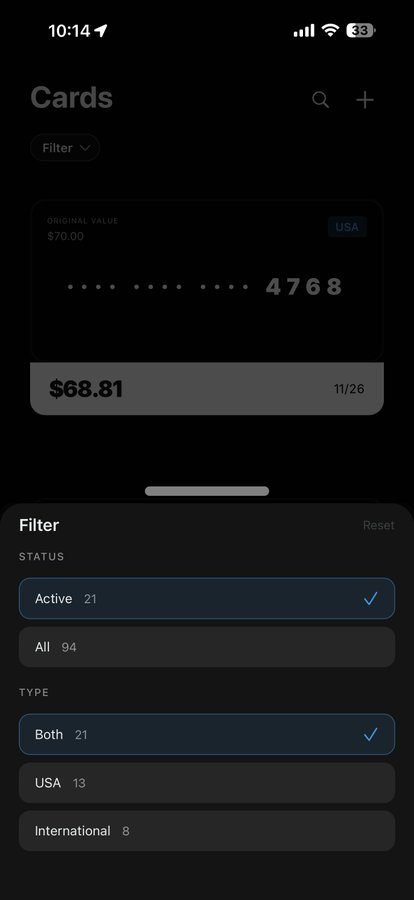
The standard US and Canada prepaid products are virtual, with no plastic card listed. ATM cash withdrawal is not available on those products.
-
Multi-chain funding
Public product pages list Ethereum, Solana, Stellar, Arbitrum, Base, Polygon, Optimism, and BNB Chain for funding. The available assets and networks depend on the live deposit screen.
-
Agent API access
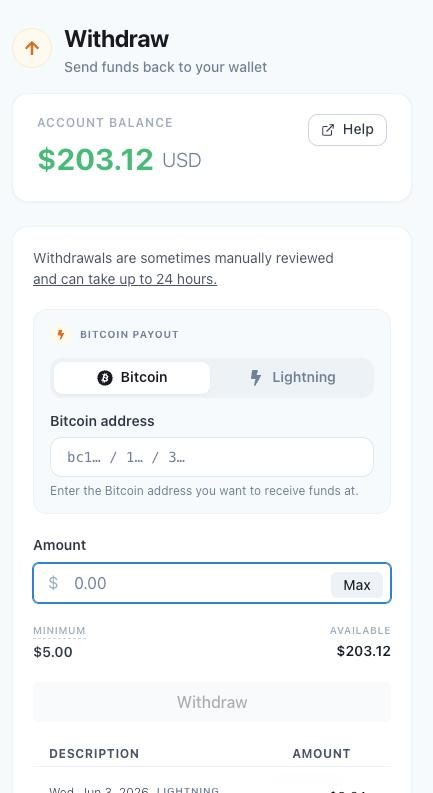
An x402 payment-gated API lets software order cards, check order status, and use some withdrawal flows. This supports automated spending without a human checkout.
-
Self-custody wallet
You connect a wallet such as MetaMask, Phantom, or Coinbase Wallet and send the stablecoins yourself. Laso does not replace the wallet or hold your seed phrase.
-
No bank account
The standard prepaid flow does not require a bank account or credit check. The raw data says it also does not require a passport upload for that flow.
-
Free card issuance
Laso lists card issuance as free for its prepaid products. It also lists no monthly or annual card fee.
Download Laso Finance Card App For Android And iOS
Download Laso Finance Card and start spending crypto from your phone — available on Android and iOS.
Laso Finance Card Fees
-
US and Canada deposit US and Canada non-reloadable card deposits have a 0% Laso fee.
-
International deposit International non-reloadable card deposits have a 4.8% fee with a $1.50 minimum; older pages listed 3.8%.
-
Push to card Push-to-card transfers cost 4.8% to 4.9%, with a $1.50 minimum.
-
PayPal and Venmo PayPal and Venmo transfers cost about 4.9%, with a $1.50 minimum.
-
Other card fees Gift card fees vary by brand, while Laso lists no purchase transaction fee, monthly fee, maintenance fee, or issuance fee; unused balance refunds cost 14% with a $10 minimum when the product allows them.
Laso Finance Card Supported networks
 Ethereum
 Solana
- Stellar
 Arbitrum
 Base
Base Polygon
 Optimism
 BNB Chain
- Pulsechain
How to use Laso Finance Card
-
Open Laso and connect
Go to laso.finance on the web or mobile app and connect a self-custody wallet, such as MetaMask, Phantom, or Coinbase Wallet. The standard prepaid flow does not require a passport upload or a credit check.
-
Choose your card
Select a US, Canada, or international prepaid card, then choose the amount. Match the amount to the merchant's full total, including tax and shipping, because these cards are usually single-load and cannot be topped up.
-
Select your funding details
Choose a supported network and fund with USDC, USDT, or DAI. Use the network and deposit address shown on the live Laso screen, and keep enough of your own funds for network gas.
-
Send the exact deposit
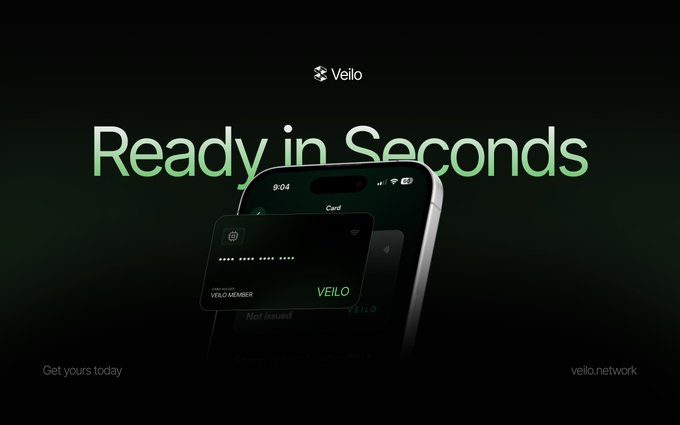
Send the required stablecoin amount from your connected wallet and wait for the onchain deposit to confirm. US cards often issue within seconds, while international cards can take longer.
-
Get your card details
Copy the virtual card number, expiry date, and CVV after Laso issues the card. You can also add the card to Apple Pay, Google Pay, or Samsung Pay where prepaid cards are accepted.
-
Make the first payment
Enter the card details at the merchant or pay with a linked mobile wallet. If the merchant rejects the prepaid card, use a gift card or push to card instead of repeatedly retrying the payment.
Laso Finance Card Demo video
Laso Finance Card Screenshots
Laso Finance Card User Reviews
-
Using @LasoFinance for long time. Great team, great updates and always working!
View on X ↗ -
build products people need: thanks @LasoFinance
View on X ↗
my parents are retired, so i help with some bills:
the most important bill can only be paid directly from my gbp account.
previously moving funds was stressful:
with Laso's push to card, it's stables to gbp in under two minutes. -
I tested Laso myself. Used push to card. Had me a little worried when the fund didn't show up for an hour but it finally did. Will be using it in the future.
View on X ↗
Laso Finance Card Review
Pros
- US and Canada prepaid cards have a 0% Laso deposit fee.
- US cards usually arrive within seconds after the onchain deposit confirms.
- You can fund the card with USDC, USDT, or DAI from several supported blockchains.
- The virtual card can be added to Apple Pay, Google Pay, or Samsung Pay.
- Laso does not charge a monthly, maintenance, or purchase transaction fee on its prepaid cards.
- You can pay merchants without opening a bank account or passing a credit check.
- The API lets software order cards and check their status without a manual checkout.
Cons
- Each prepaid card is single-load and cannot be topped up after you spend the balance.
- Cards have a lifetime cap near $1,000.
- International cards charge about 4.8%, with a $1.50 minimum.
- Push-to-card transfers charge about 4.8% to 4.9%, with a $1.50 minimum.
- Unused-balance refunds can cost 14%, with a $10 minimum, when Laso allows them.
- Prepaid cards may be declined by merchants that reject prepaid Visa cards.
- The standard US and Canada cards do not support ATM cash withdrawals.
- Laso does not provide FDIC insurance for customer deposits.
Our verdict
Laso Finance Card is worth carrying for stablecoin holders paying ordinary merchants without full KYC.
The US and Canada cards cost 0%, but international spending adds roughly 4.8%, plus network gas and possible spread.
There is no published cashback rate, so cashback should not influence your decision.
I would change my mind after reloadable cards, clearer spreads, stronger disputes, or published limits beyond $1,000.
Laso Finance funding
-
Founded by Laso Finance was founded by Hunter Monk, a former Meta software engineering team lead who previously sold LiberEx.
-
Raise - Jun-Jul 2026 Laso Finance raised $1 million through a MetaDAO sale held from 30 June 2026 to 3 July 2026, with named strategic participants including Colosseum, Theia Investments, DBA, and Anagram.
Is Laso Finance Card safe & legit?
Laso Finance Card appears legit enough for small prepaid spending. Laso Finance LLC, a US company led by founder Hunter Monk, is registered with FinCEN, and named backers include Colosseum, Theia Investments, DBA, and Anagram. Your balance stays in your connected self-custody wallet until you fund the card, then it becomes value held through prepaid card and issuing partners, with no FDIC insurance stated. Known risks include frozen or declined cards, a $1,000 lifetime card cap, costly refunds, and issuer risk; no confirmed fraud red flags appear in the supplied data.
X account intel @LasoFinance
-
Based in United States
-
Joined X February 2023 3 years ago
-
Username changes 1 rename last on Feb 16, 2023
-
Signup source Web
Public profile signals from X. Use as one input alongside other due-diligence.
Laso Finance Card Updates
-

- 1 reposts
- 6 likes
- 399 views
-
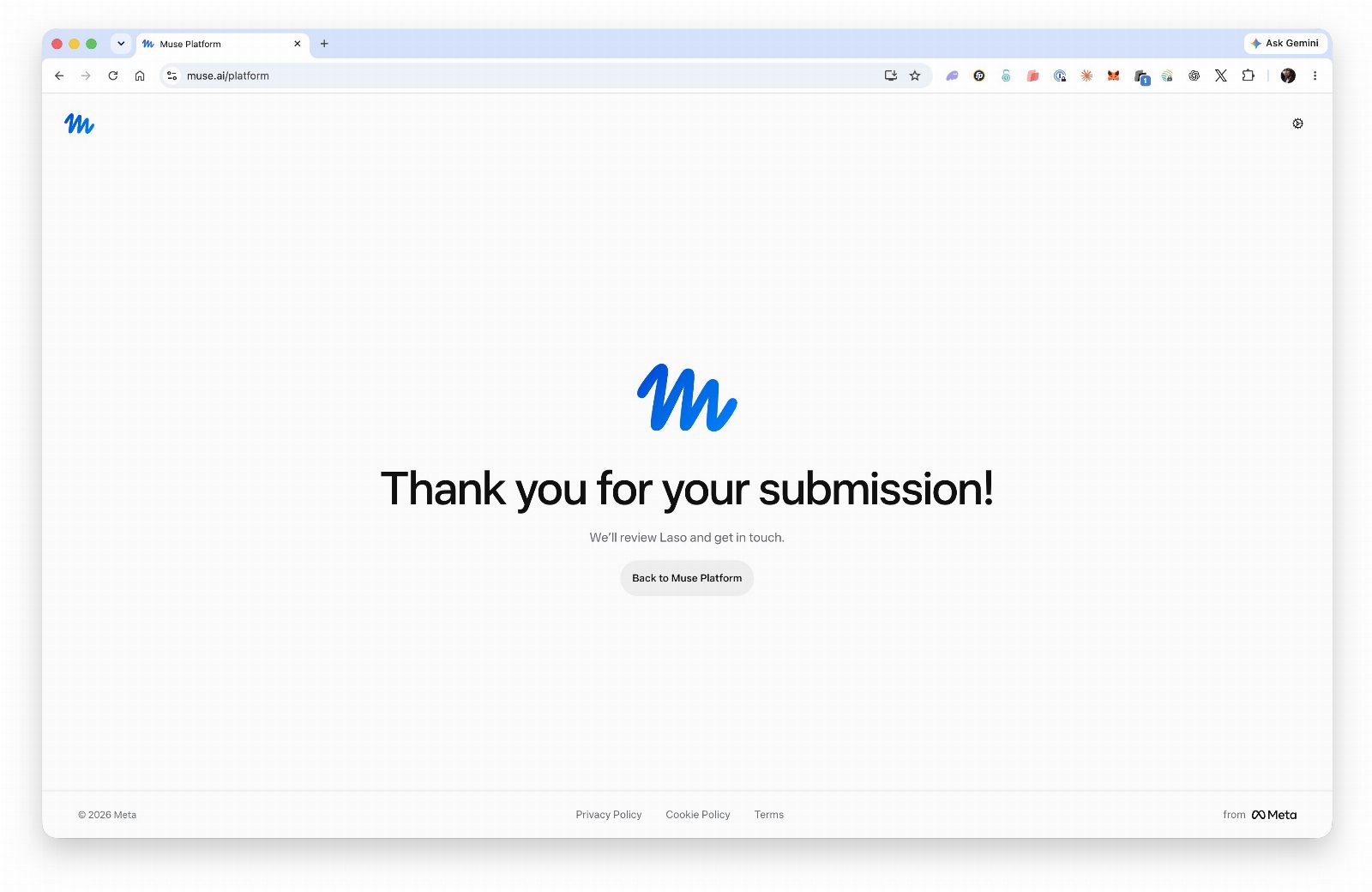
9/16/2026 Changelog
Smoother Verification for Agentic Payment Rails, Accurate REL Top-Ups, Website UI/UX Improvements
New Features & Improvements
• Verification for Agentic payment rails: No need to re-enter details multiple times; US users enter SSN once; address and date-of-birth entered once, this info will then be prefilled automatically where applicable; Address and date of birth also now parsed from your verified ID so forms are pre-filled; simpler banking application questions: “purpose” and “source of funds” are now easy, searchable single-choice fields.
• Website UI/UX: Log in button added to the top-right header for account access from every page on the website; Popular payment options are now visible to visitors on our public landing pages; Gift card tiles have a refreshed design that surfaces key details at a glance; INTL NR FAQ now plainly explains that in-person acceptance is limited, so you can plan to use these cards primarily online.
• Ordering transparency: Card verification requirements now stated directly in the order flow.
Bug Fixes & Optimizations
• REL card top-ups are now tracked step by step and the account balance debits correctly, eliminating rare mismatches between top-ups and available balance.
• Frozen accounts can now access wallet history and view withdrawals, so you can monitor funds even while usage is restricted.
• Documentation polish: Improved copy on developer docs landing page for quicker orientation.
Security & Performance Updates
• More reliable transfers thanks to improved network connection handling, reducing hiccups during busy periods.
• API robustness: Responses now return structured error details, published rate limits, and a pricing page to set expectations for usage at scale.
https://laso.finance/changelog- 1 replies
- 10 likes
- 657 views
-
Laso Finance x Instinct
Send a single prompt to your Instinct agent and it can:
- Issue its own prepaid card.
- Open its own bank account.
- On/off-ramp.
And much more. Try it today.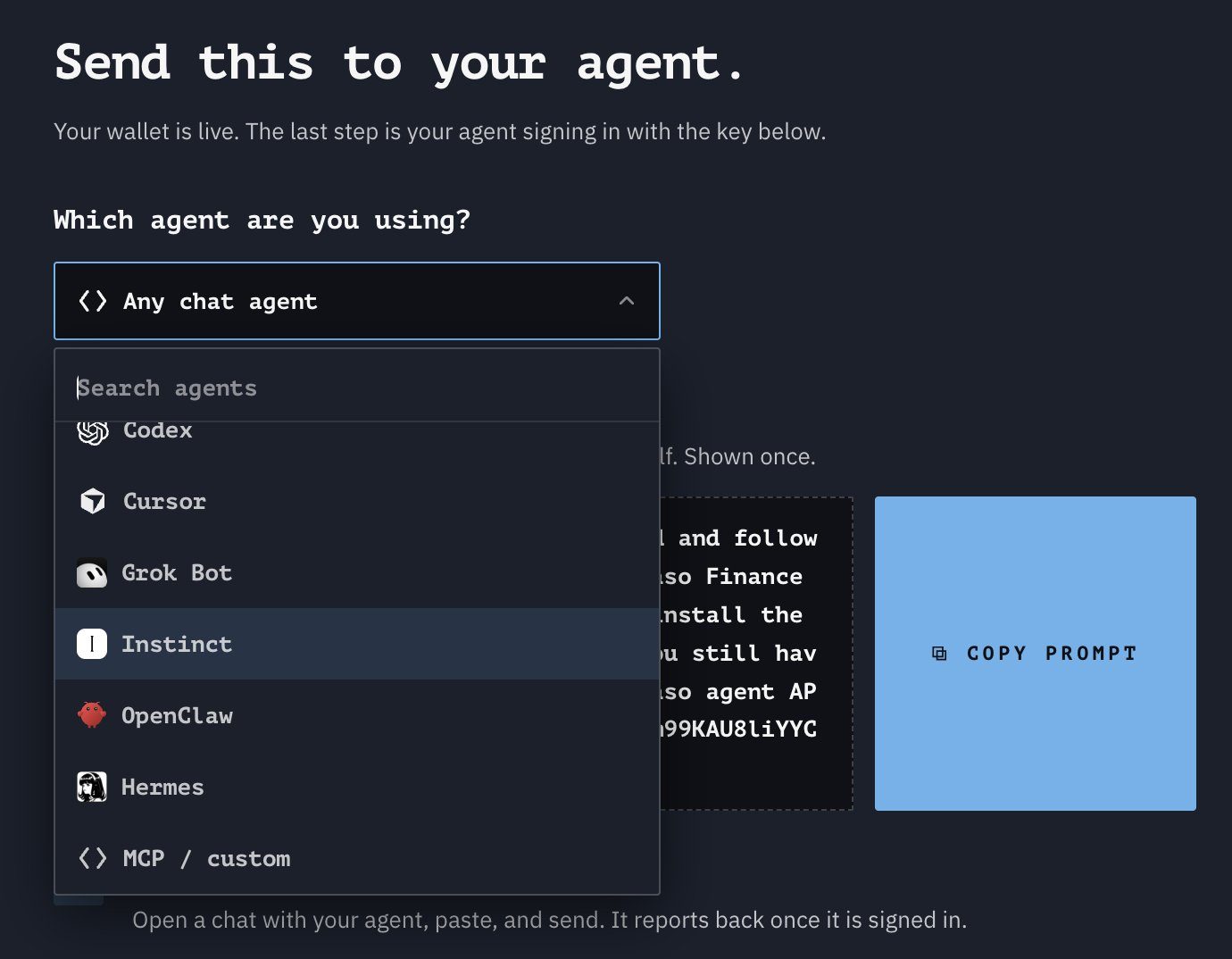
- 4 replies
- 19 likes
- 1.3K views
-
No words needed for this one 🫶
- 2 replies
- 10 likes
- 558 views
-
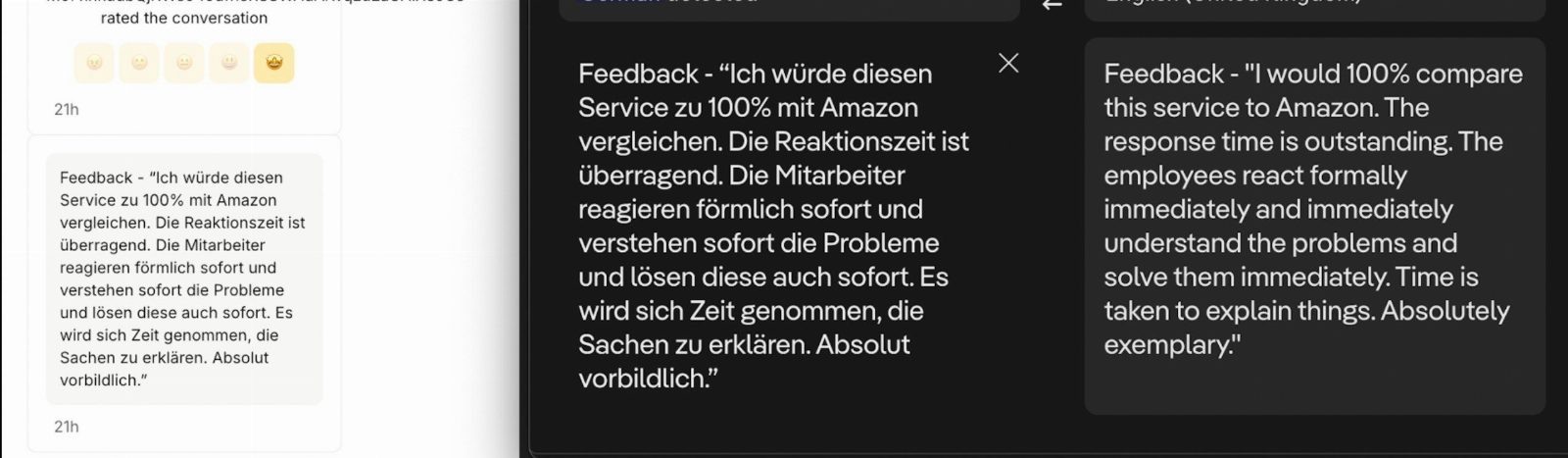
Feedback like this from customers keeps our team going! So great when our products hit the mark 🎯

- 13 likes
- 592 views
-
Your agent can use cards, bank transfers, on/off-ramp, Venmo, PayPal, x402 payments and more to do your work for you.
- 1 replies
- 1 reposts
- 14 likes
- 1.2K views
-
Happy customers make for happy Mondays!

- 1 replies
- 9 likes
- 653 views
-
What’s new on ICM?
A $140K bee-farm ICO filled, Rip Cars goes live, and Pump let memes pair against Nvidia.
Here’s the rundown:
> @hivebits_io hit its $140K $NECTAR raise on @futarddotio in 1 day 3 hours. The sale ends today; anything over the cap refunds pro-rata.
> @sagapad_icm teased their upcoming 4th ICO as a .fun add-on after Pump Custom Pairs.
> @LFOWNDOTFUN launched sucessfully on @futarddotio with 315% softcap overfilled. Pair asset is a @MetaDAOproject ownership coin, not SOL. Idea came from @JustSparkIdeas with 0 founders and 0% team.
> @ripcarsio launches the first gacha platform for collector-grade Hot Wheels today, with @solanagaming going live with the team.
> @JurassicFi’s Deaton fossil raise is ~60% filled and ends in 2 days.
> @Pumpfun shipped Custom Pairs, now folks can launch a coin against tokenized stocks, majors, or metals, 93 pairs via @sunrise and @xStocksFi
> @stardotfun put the CLI in founders’ hands, help them to go from code to capital and growth at fiber speeds.
> @stardotfun launched @getstonkoptions, a launchpad where anyone can create a meme/community token and pair it with a tokenized stock
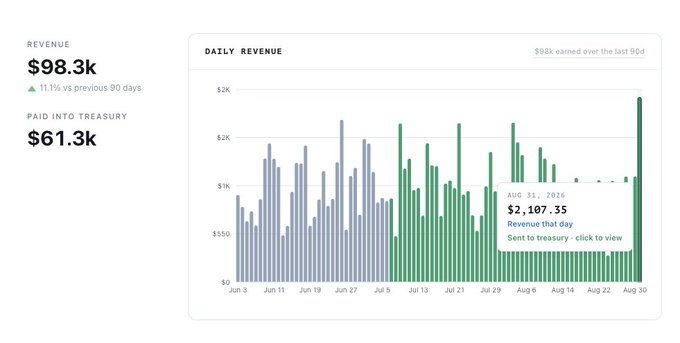
> @LasoFinance crossed $250K in 30-day x402 volume for the first time.
> @solomon_labs passed DP-00004. Legacy SOLO-USDC Meteora LP is retired; ~900K SOLO returns to treasury ahead of USDv.
> @P2Pdotme said weekly active users grew with Zcash. Two projects are building on its rails for private ZEC on-ramp, off-ramp, and spend.
> @MeteoraAG turned on launches paired with 100+ @xStocksFi assets.
- 1 replies
- 4 reposts
- 13 likes
- 839 views
-
Agents use @LasoFinance.
https://is-agentic.com/scan/laso.finance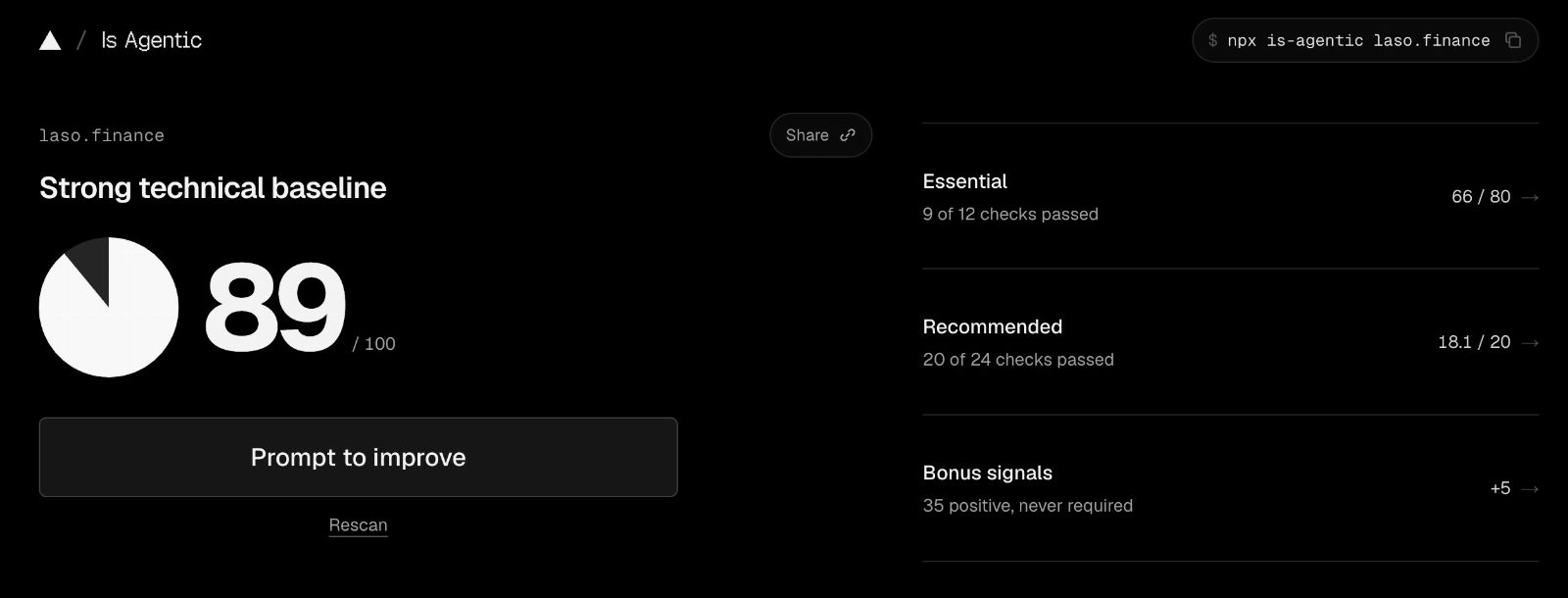
- 2 replies
- 1 reposts
- 7 likes
- 458 views
-
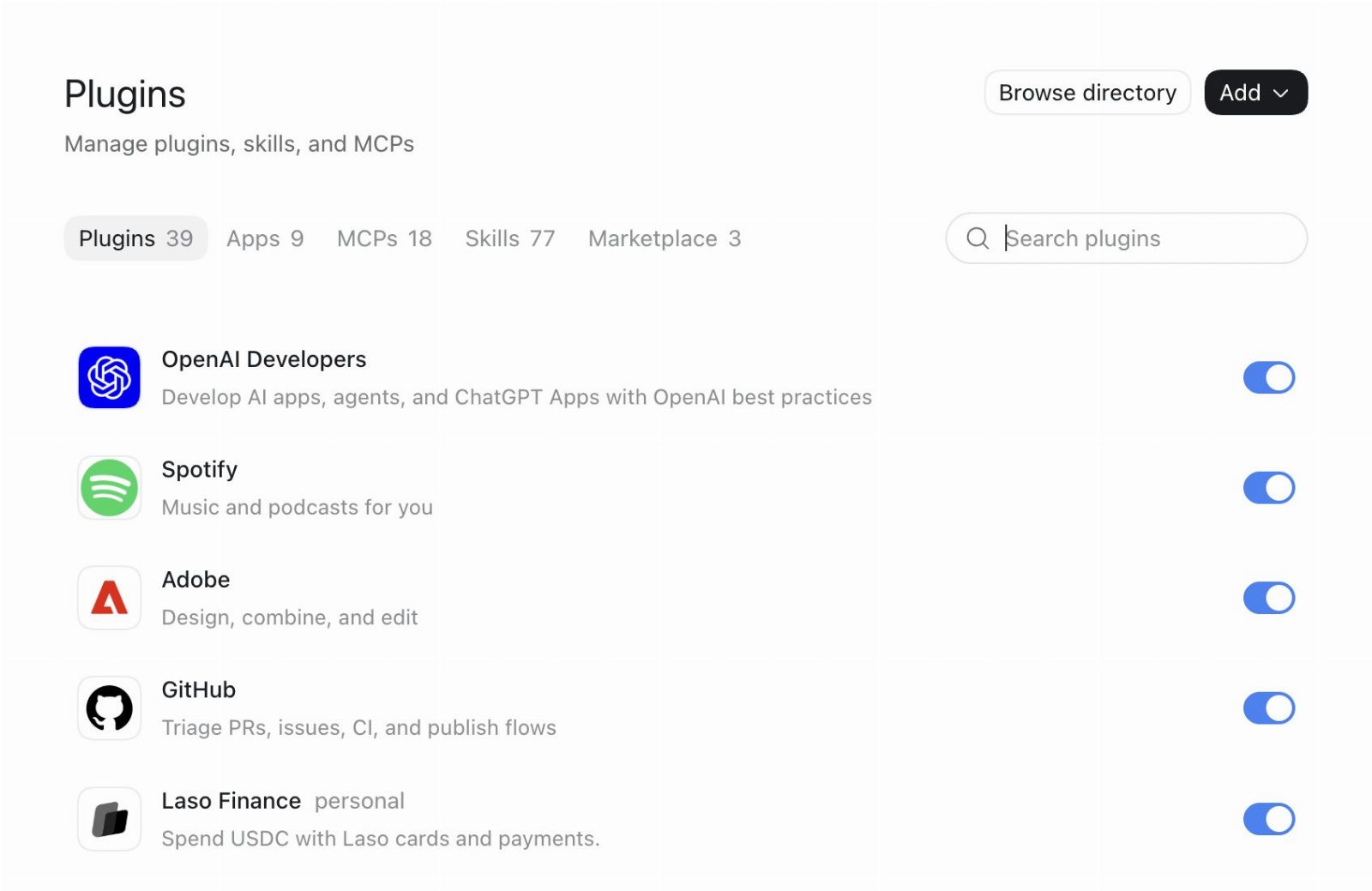
Laso Finance can now be installed inside ChatGPT as a native plugin.
- 3 replies
- 13 likes
- 963 views
-
Demo Day starts in 30 minutes.
Laso Finance presents first, so register now.- 1 replies
- 12 likes
- 1.2K views
-
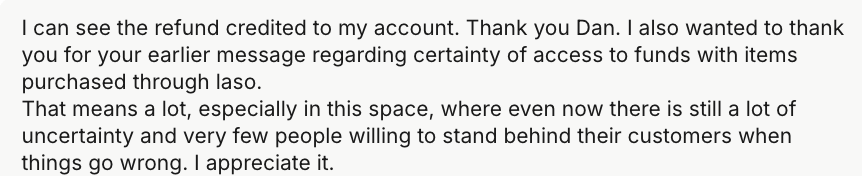
It truly warms our hearts to receive messages like this from our customers ❤️
- 1 reposts
- 15 likes
- 940 views
-
Another proud milestone for us. We have surpassed $250k volume in a 30 day period on x402 for the first time 🎊

- 6 replies
- 1 reposts
- 17 likes
- 1.3K views
Laso Finance Card Reviews & Comments
No reviews yet. Be the first to share your experience.
Laso Finance Card alternatives
Other Polymarket tools that do a similar job. Compare and pick what fits your workflow.
-
Compare
Offgrid Cash card
Crypto holders load Bitcoin, Monero, or stablecoins onto a virtual Visa and spend it with…
-
Compare
Jupiter Solana Card
Deposit USDC or USDT once, then spend that balance anywhere Visa is accepted, with no FX…
-
Compare
Kast card
Holding stablecoins won't buy groceries until Kast card turns that USDC or USDT balance i…
-
Compare
Privacy Card
Spend crypto as USD with Privacy Card, a virtual Visa you can fund without an ID upload.




Recommended reading
In-depth guides for Crypto Cards — get more out of tools like Laso Finance Card.
-
Crypto Referral & Invite Codes
Tuyo Card Referral Code And Invite Code: "BOOST"
Tuyo Card Referral Code is "Boost". What it gives you, how the $10 voucher works, and what the self custodial Visa charges on eve…
6 min read -
Crypto Referral & Invite Codes
Kast Card Codes: Referral Code, Coupon Code And Unlock
Which Kast code goes where? Referral and invite codes at signup, coupon codes at checkout, plus cashback rates, fees and the rewa…
4 min read


Ready to try Laso Finance Card?
Open the official site and get started in a few clicks.
Leave a comment