

Bloom Trading
Bloom Trading lets you trade Solana and EVM tokens across Telegram, web, and Chrome, with copy trading and automated execution.

Bloom Trading Crypto Terminal: Fees, Solana, Base And Copy Trading
What is Bloom Trading?
Bloom Trading is a cross-chain crypto trading terminal for Solana, Ethereum, BNB Chain, and Base with copy trading, sniping, automation, multi-wallet tools, and a 1% fee per buy and sell, reduced to 0.9% through referrals.
Ready to try Bloom Trading?
Open the official site and get started in a few clicks.
Bloom Trading Overview
Bloom Trading is a cross-chain crypto trading terminal built for fast spot trades, copy trading, new token launches, and automated orders. Traders use its Telegram bot, Chrome extension, and web Manager from one account. The platform reports support for Solana, Ethereum, BNB Chain, Base, Robinhood Chain, HyperEVM, and Arc, with more networks in expansion.
Bloom suits active Solana and EVM traders, multi-wallet users, and anyone who wants automated execution without switching between several apps. Copy trading can mirror buys or sells, while AFK rules, limit orders, take profits, stop losses, sniping, and portfolio tracking handle routine tasks. The Chrome extension adds quick trade buttons, presets, keyboard shortcuts, wallet groups, and priority fee settings inside supported terminals.
The published fee is 1% on every buy and every sell. A referral link reduces this to 0.9%, and users can receive 10% cashback on fees when claim conditions are met. Network gas, priority fees, and bridge costs are separate. Bloom uses platform-managed trading wallets, so traders should confirm the current key arrangement before funding an account. Token safety check details are not published in the supplied information.
Bloom Trading Key features
-
Telegram Trading Bot
The Telegram bot handles spot buys and sells, copy trading, AFK rules, X automation, limit orders, strategies, multi-wallet actions, and bridging.
-
Chrome Terminal Extension
The Chrome extension adds quick buy and sell actions, presets, keyboard shortcuts, P&L cards, and data scrapers inside supported terminals.
-
Web Manager Dashboard
The Manager provides portfolio views, task creation, embedded trading, reward tracking, social tracking, and token deployment tools.
-
Multi-Chain Trading
Bloom supports Solana, Ethereum, BNB Smart Chain, Base, Robinhood Chain, HyperEVM, Arc, and other networks listed by the platform.
-
Copy Trading
Copy trading mirrors target wallets with exact amounts, percentage sizing, buy and sell controls, market cap or token age filters, and Reverse Mode.
-
AFK Trading Rules
AFK Mode places automated buys on matching new launches while the user is offline. Users can set rules for platforms, quote pairs, deployers, buy amounts, and slippage.
-
X Automation
X automation creates tasks from posts, replies, reposts, keywords, or deleted tweets by selected accounts. It detects contract addresses in text and can use OCR on images.
-
Automated Exit Rules
Strategies and auto orders can apply take profits, stop losses, dev sell triggers, trailing conditions, or market cap targets after a buy.
-
Fast Execution Controls
Users can set buy amounts, slippage, and priority fees through presets. The extension uses the same execution engine for terminal actions.
-
Multi-Wallet Trading
The platform supports multiple wallets and wallet groups, with simultaneous actions plus randomized or staggered entries through the extension.
-
Sniping Tools
Sniping targets new liquidity events or migrations with configurable parameters and high-speed detection.
-
Token Filters
Copy and AFK tasks can filter trades by platform, quote pair, deployer rules, token age, and market cap.
-
Wallet Portfolio Tracking
The Manager shows portfolio views, positions, P&L, and rewards across the connected account and wallets.
-
Trading Wallet Custody
Bloom generates wallets or supports wallet imports, while signing takes place on its infrastructure. The platform gives users the private key at wallet creation, so users must store it securely.
-
Wallet Safety Controls
Users can lock withdrawal addresses, and changes have a 24-hour cooldown. The platform also provides MEV protection routing options.
-
Published Trade Fee
Bloom charges 1% on each buy and each sell. A referral link reduces the fee to 0.9%, while network gas, priority fees, tips, and bridge costs are separate.
-
Referral Rebates
Users receive 10% cashback on fees, with claims subject to minimum thresholds per chain. Referrers earn commissions across multiple levels.
-
Bridge Support
Integrated bridge tools move assets between supported chains and include private or public options.
-
Programmatic Access
An API provides programmatic access to the same trading engine used by the Telegram bot, Chrome extension, and Manager.
Bloom Trading Fees
-
Standard trading fee The standard fee is 1% on each buy and each sell.
-
Referral trading fee Signing up through a referral link reduces the fee to 0.9%.
-
Cashback rate Users receive 10% cashback on fees, subject to minimum claim thresholds per chain such as 0.1 SOL.
-
Referral commissions Referrers earn commissions across levels, with examples including 25% on direct referrals and lower percentages at deeper levels.
-
Network costs Network gas, priority fees, tips, and bridge costs are separate and paid by the user, while Bloom has no subscription or upfront platform fees.
Bloom Trading Supported networks
 Solana
 Ethereum
 BNB Chain
 Base
Base Robinhood Chain
- HyperEVM
- Arc
How to use Bloom Trading
-
Open the official bot
Use the verified link from bloombot.app or an official channel to open the Solana or EVM Telegram bot, then tap Start and accept the terms if prompted.
-
Create or import wallet
Create a Bloom wallet or import one through the bot. Save the private key offline immediately, then delete the key message from the chat and never share it.
-
Fund the wallet
Send native tokens such as SOL or ETH to the wallet address for trading and network costs. Start with a small amount.
-
Set trading defaults
Configure your buy amount, slippage, priority fee, and MEV protection settings. Enable the withdrawal address lock before trading.
-
Place your first trade
Use the bot menu or commands to paste a token address and execute a spot buy, then monitor the position and PnL. You can install the Chrome extension or sign in to the Manager later with Telegram for extra controls.
Bloom Trading Demo video
Bloom Trading Screenshots
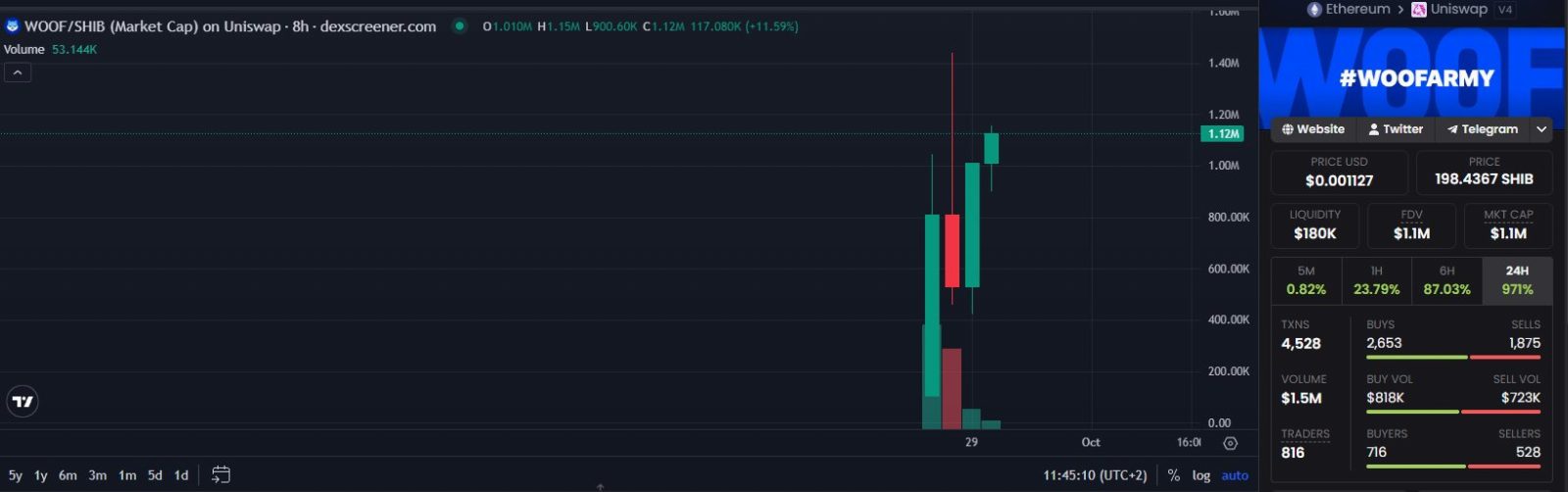
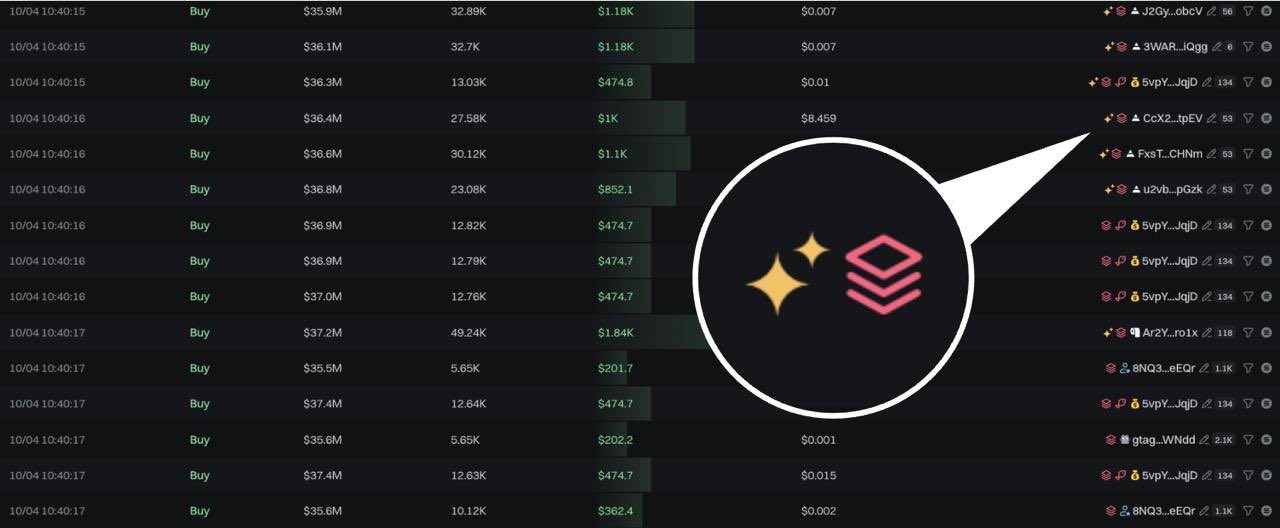

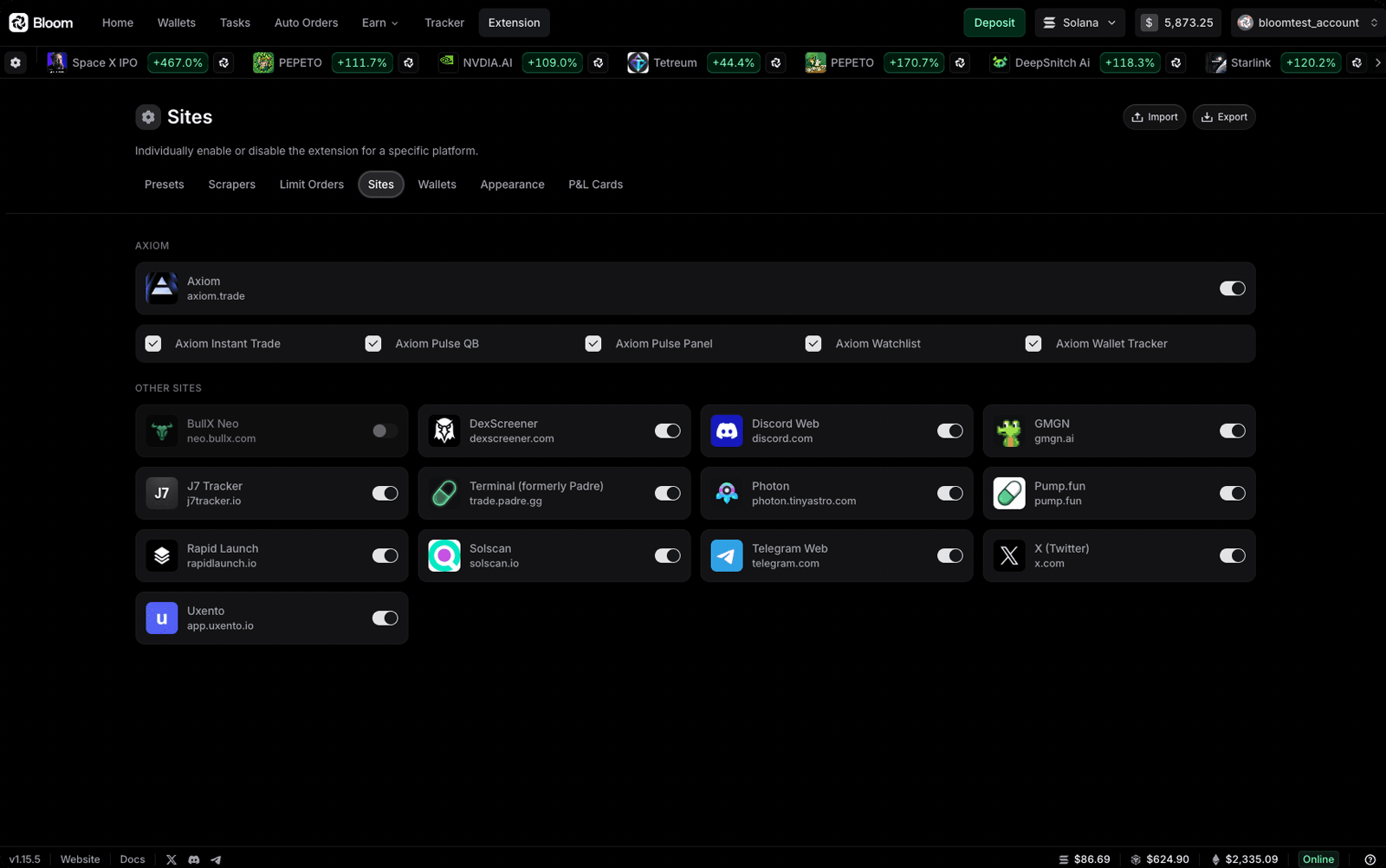
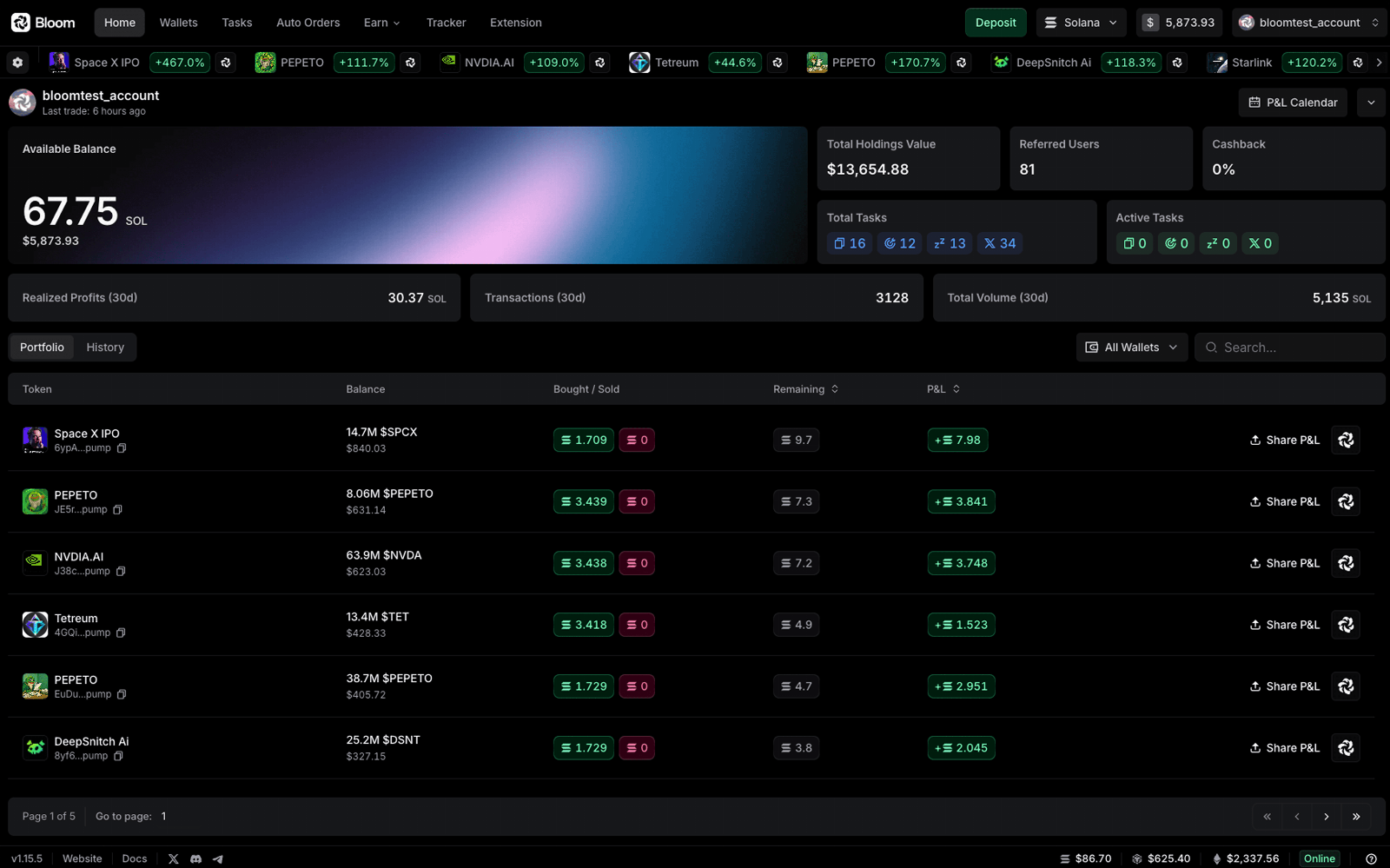
Bloom Trading User Reviews
-
6 bandos for the kid
View on X ↗
Grateful for it all
Use @BloomTrading for the best fills -
Ive been using @BloomTrading for over a month
View on X ↗
Im really upset that I didnt do it sooner
Best tech Iv ever used for trenches
> Snipe
> Portfolio
> Copy trade
> Twitter tracking
ALL in ONE
ALL in BLOOM -
So for everyone that is asking how to trade on $ETH and other EVM chains. The best tek in the market is @BloomTrading.
View on X ↗
You literally get the best fills, and lowest fees.
If you have any questions or even how to set up just DM me.
Bloom Trading Review
Pros
- It supports Solana, Ethereum, BNB Chain, Base, and several other networks.
- Copy trading can mirror buys and sells with filters for size, market cap, token age, and other conditions.
- AFK, X post tracking, limit orders, take profits, and stop losses automate trades when the user is away.
- The Chrome extension adds quick trades, keyboard shortcuts, preset slippage, and priority fee settings inside supported terminals.
- Telegram, the Chrome extension, and the Manager dashboard share wallets, settings, and strategies.
- The published fee is 1% per buy or sell, with a 0.9% referral rate and 10% cashback on fees.
Cons
- The operator infrastructure can sign transactions for bot-managed wallets, so users face custodial-style security risk.
- A 1% fee applies to each buy and sell, with gas, priority fees, and bridge costs charged separately.
- The platform is closed source, so users cannot independently audit its code.
- Some X automation tasks need periodic restarts, which limits hands-off use.
- The terminal focuses on spot trading and does not list perpetual or other complex derivatives support.
- Documentation does not fully explain key recovery and some security settings.
Our verdict
Bloom Trading is worth using for active Solana and EVM traders who need automation. The 1% fee per buy and sell, gas, and priority fees make frequent trading expensive. Referral rebates can lower the 0.9% signup rate, but cashback has claim thresholds. I would start small, since users face custodial-style wallet risk. I would change my mind if Bloom published audits or gave users exclusive key control.
Is Bloom Trading safe & legit?
Bloom Trading was built by a team of Web3 engineers, product builders, and traders active since around 2020, but the founders are not publicly named. It appears to have real use in the crypto community, with reported activity of 70,000-plus traders and $4.5 billion in volume, though much of the praise comes from promotional user posts. No widely reported hacks or regulatory actions are known, but the platform controls signing infrastructure for its bot-managed wallets, which creates custodial, server, and account-compromise risks.
X account intel @BloomTrading
-
Based in Europe
-
Joined X October 2024 2 years ago
-
Username changes 2 renames last on Jun 4, 2025
-
Signup source Web
Public profile signals from X. Use as one input alongside other due-diligence.
Security scan checked Oct 22, 2026
- Google Web Risk Not flagged
- MetaMask Not flagged
- Phantom Not flagged
- ScamSniffer Not flagged
- EtherAddressLookup Not flagged
- Keplr Wallet Not flagged
Domain www.bloombot.app checked against Google's lists of unsafe sites and public crypto wallet blacklists.
Bloom Trading FAQ
What fees does Bloom Trading charge?
Which chains does Bloom Trading support?
How does Bloom handle wallet safety and custody?
How fast are trades, and can I set priority fees?
How does Bloom compare with other crypto trading terminals?
Bloom Trading Updates
-
 Kimchi likes trading memecoins.
Kimchi made bank on $TRUMP.
People thought he was done.
Then he came back and ran another crazy trade on @Pumpfun
You can trade like Kimchi too.
- 2 replies
- 2 reposts
- 16 likes
- 881 views
-
Me seeing a guy turn $500 into $30K on $FTR with Bloom while I wake up at 6am for work
- 3 replies
- 4 reposts
- 16 likes
- 1.8K views
-
FULL list of memecoin trading platforms with AFK buys + social sniping + copytrading:
1. Bloom
2. ...1 more in this thread
Check out what you've been missing on: https://manager.bloombot.app/- 4 replies
- 3 reposts
- 22 likes
- 3.7K views
-
people who manually trade memecoins in big 2026
- 2 replies
- 3 reposts
- 10 likes
- 1.5K views
-
.@metricxyz is live ⚡️
Pools priced to reality.
Better execution for Bloom users.- 4 replies
- 2 reposts
- 15 likes
- 1.6K views
-
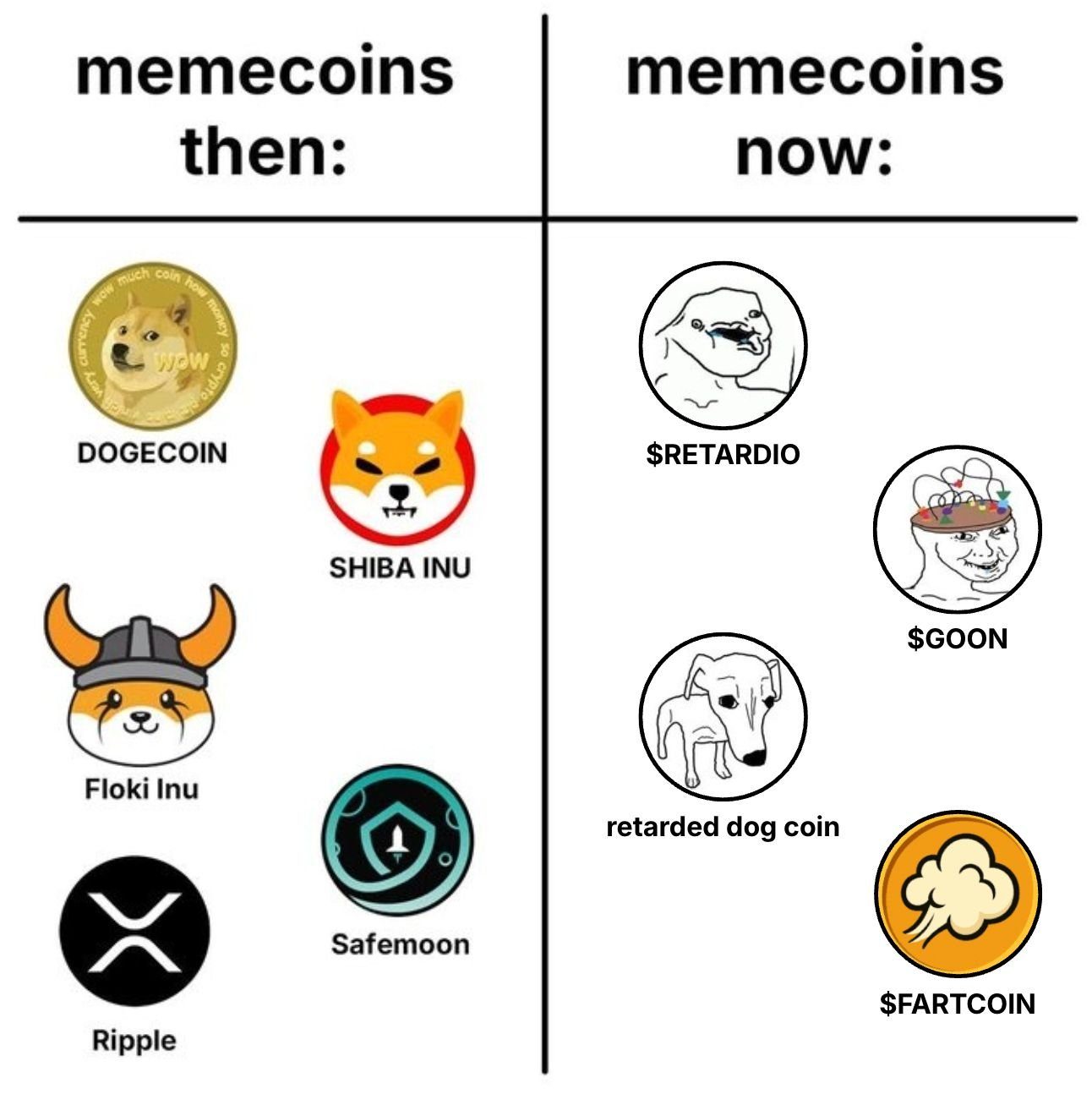
degen traders know where to find these runners: https://www.bloombot.app/
- 2 reposts
- 14 likes
- 1.1K views
-
trading on @Pumpfun or @fomo?
see what you’re missing without Bloom.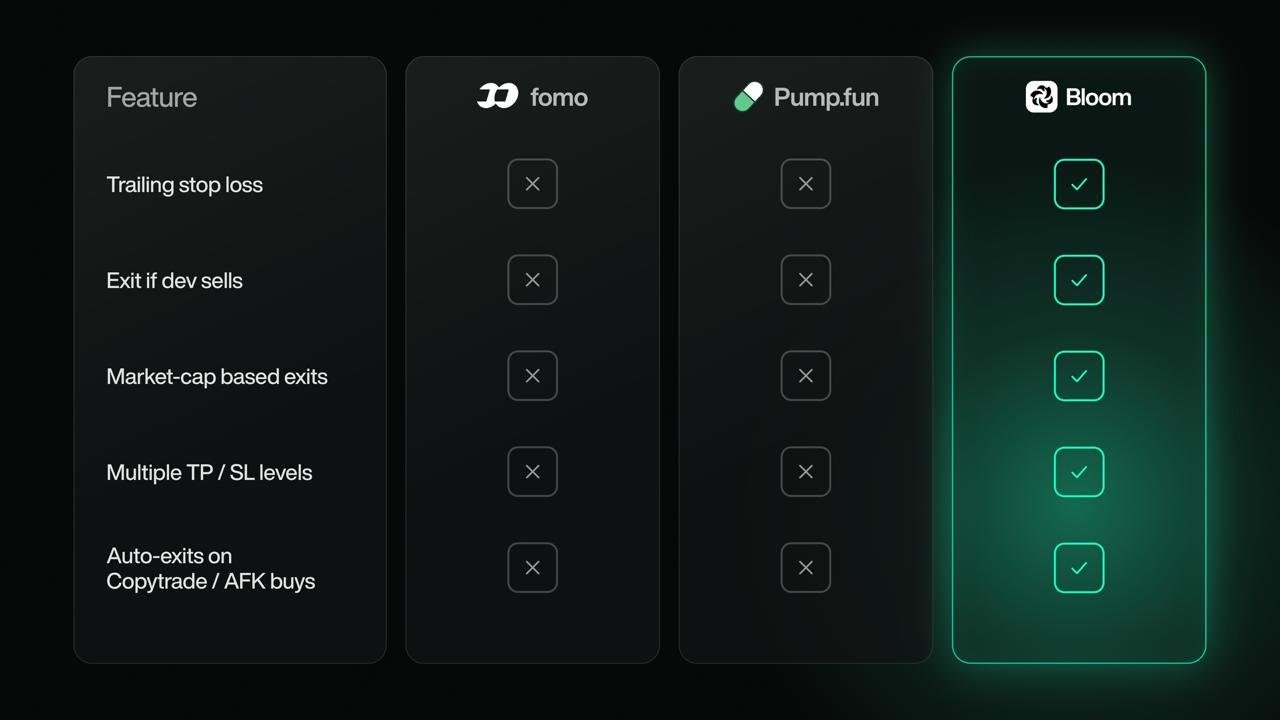
- 7 replies
- 4 reposts
- 22 likes
- 1.3K views
-
Introducing the bro who advised me to automate my memecoin trading with Bloom
- 3 replies
- 5 reposts
- 22 likes
- 1.6K views
-
nobody sees the bundle coming. that's the point of a bundle.
set your SL on the way in. Bloom handles the exit while you're doing something else.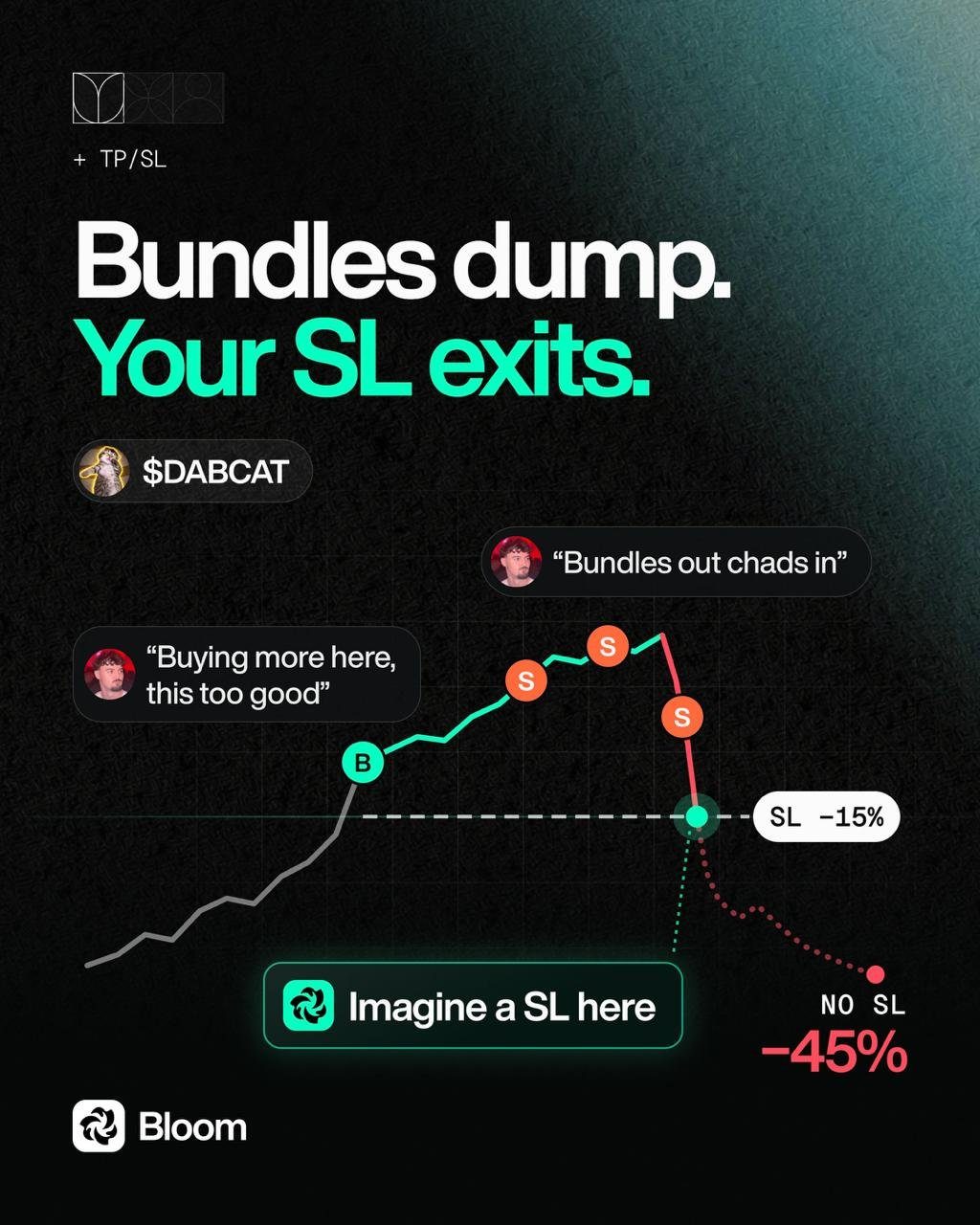
- 6 replies
- 3 reposts
- 17 likes
- 2.3K views
-
this is what you missed while being AFK.
$SI → $67M
$AGENCY → $29.7M
$CRAWL → $7.1M
$HUMAN → $6.2M
or you set your filters once and let AFK Auto Buy catch the next one for you.
your call, anon.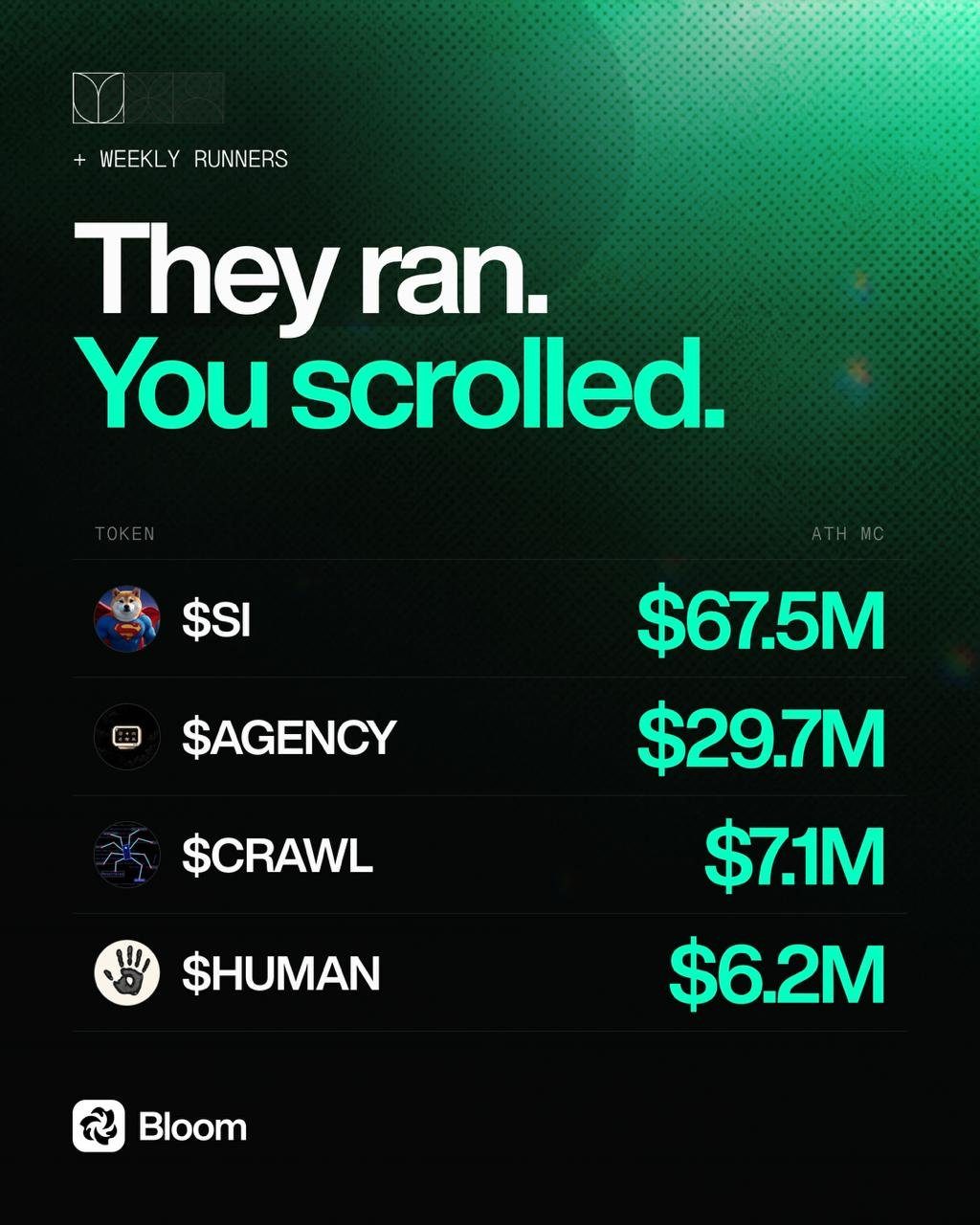
- 2 replies
- 6 reposts
- 21 likes
- 1.8K views
-
𝚌̶𝚘̶𝚙̶𝚢̶𝚝̶𝚛̶𝚊̶𝚍̶𝚎̶ copy conviction.
With Bloom's Copy Trading, set a minimum buy size for the target wallet.
Bloom ignores smaller entries and copies only the buys that meet your minimum size.
Skip the small buys. Copy conviction.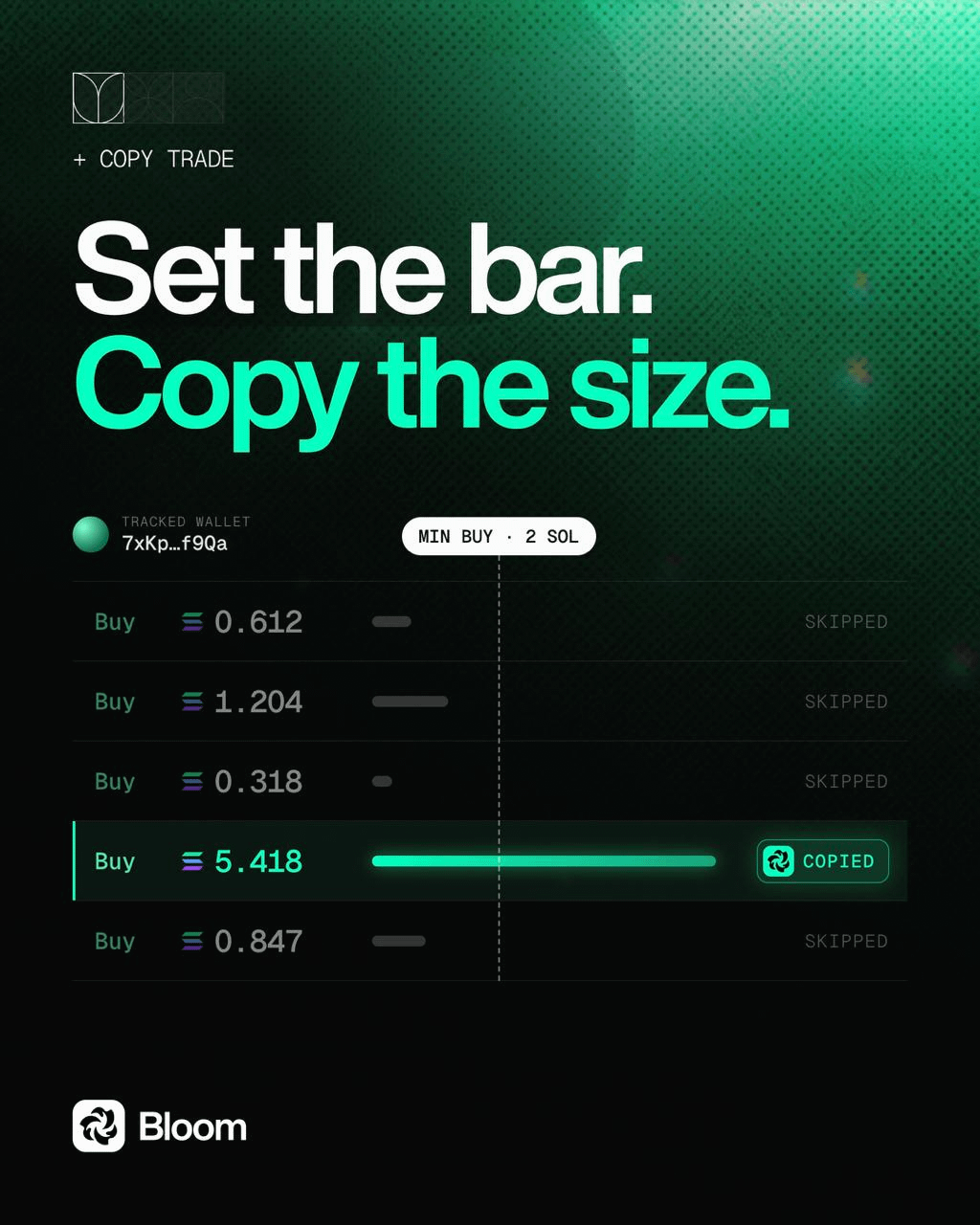
- 2 replies
- 5 reposts
- 19 likes
- 2.1K views
-
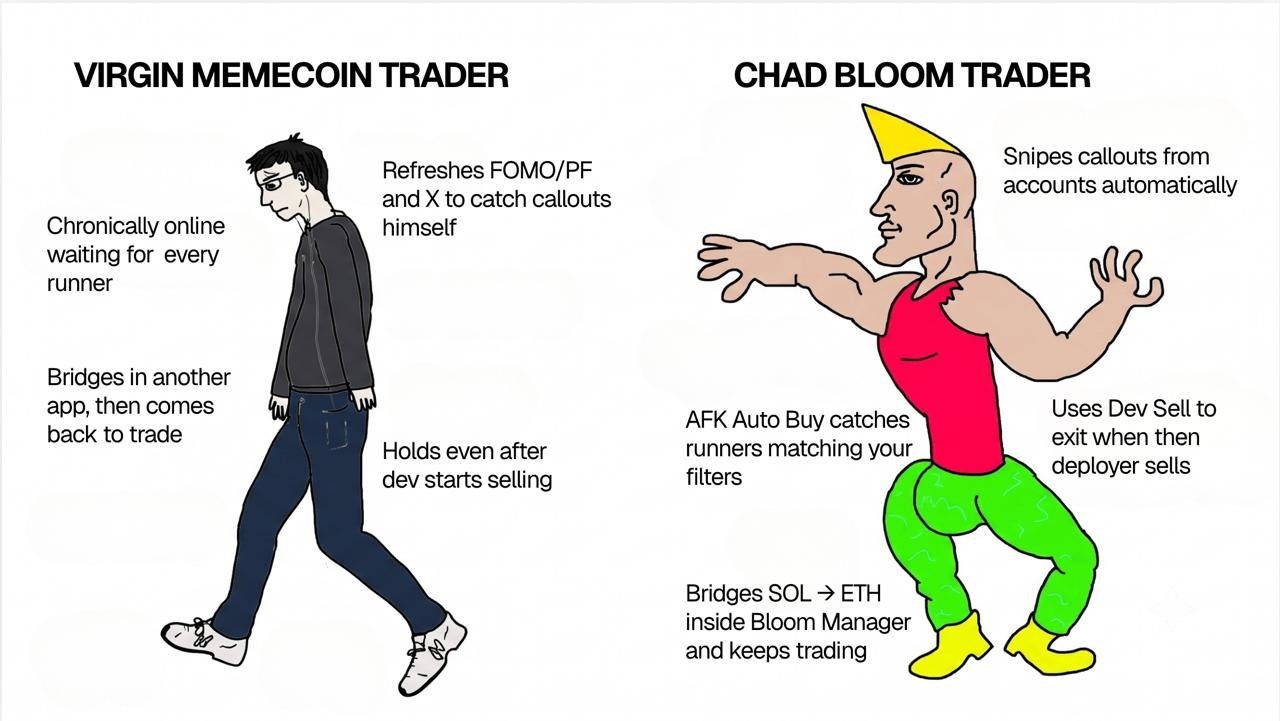
modern problems require bloom solutions.
- 1 replies
- 5 reposts
- 18 likes
- 1.4K views
-
you’d find people tagging Bloom all over the replies to this @FabianoSolana tweet.
because Bloom lets you:
> track big 𝕏 accounts like @elonmusk
> set your keywords + token
> keyword hits → Bloom auto-buys
Bloom is your Social trading edge.👇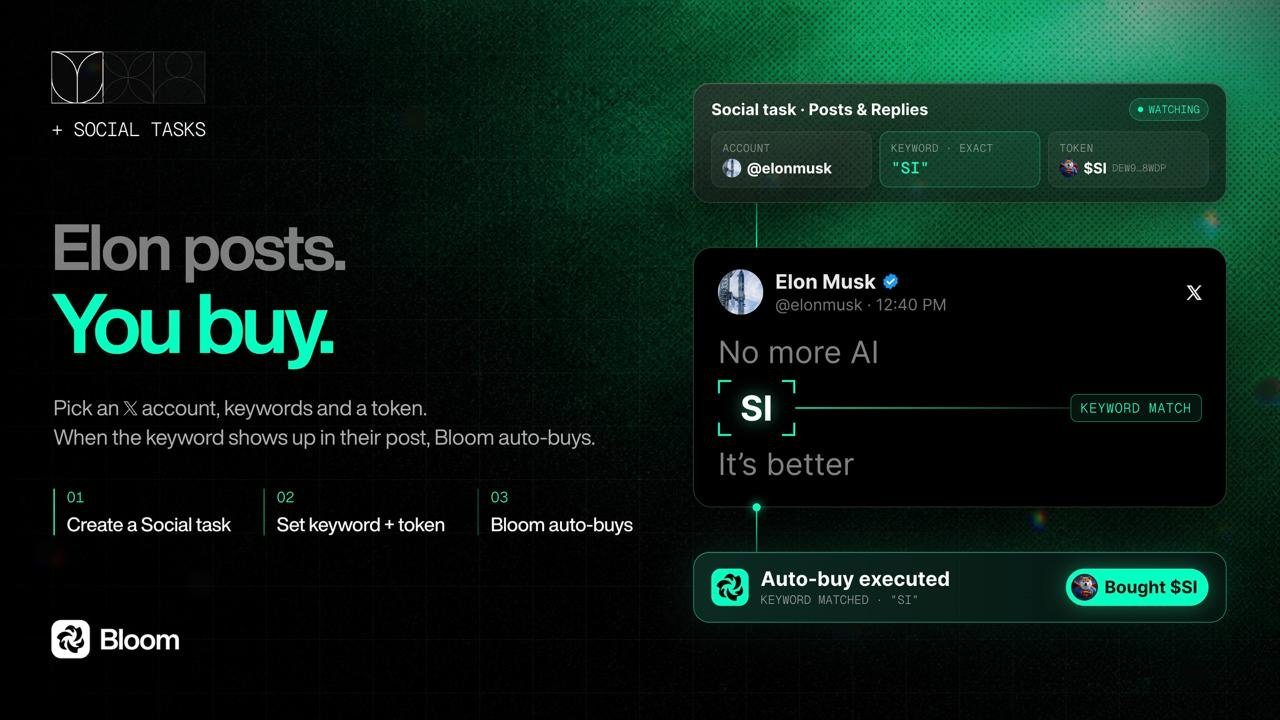
- 3 replies
- 1 reposts
- 17 likes
- 1.9K views
-
Build on Bloom. Get paid on every trade.
Builder fees let you set your own rate on top of Bloom's, and it lands in your wallet in the same transaction as the swap.
Same Bloom tech that you love, now as a part of your product.
1 more in this thread
Read more: https://dev.bloombot.app/concepts/builder-fees- 3 replies
- 5 reposts
- 29 likes
- 2.5K views
-
They call us 007
0 missed launches
0 manual snipes
7 runners caught by Bloom while I’m AFK1 more in this thread
AFK Mode allows you to automate your trades while you are away.
Bloom executes buys on your behalf based on the parameters you define.
A well-configured setup maximizes your chances of success.
Read more here:
https://docs.bloombot.app/manager/pages/tasks/solana/afk- 4 replies
- 5 reposts
- 28 likes
- 2.6K views
-
How to Make Free Internet Monies With Bloom, Pt. 1
One of Bloom’s Copy Trading features is Reverse Mode.
It’s built for wallets you think sell too early.
Track a KOL, creator, or trader you have strong intel on.
When they sell, Bloom can turn that sell into your buy, while their buys are ignored.
For example:
Frank sold 牛来 at around $32M MC.
⬇️
牛来 later traded at $112M MC.
An entry around $32M held to $112M would be roughly about +250%.
That’s exactly the kind of setup Reverse Mode is built for.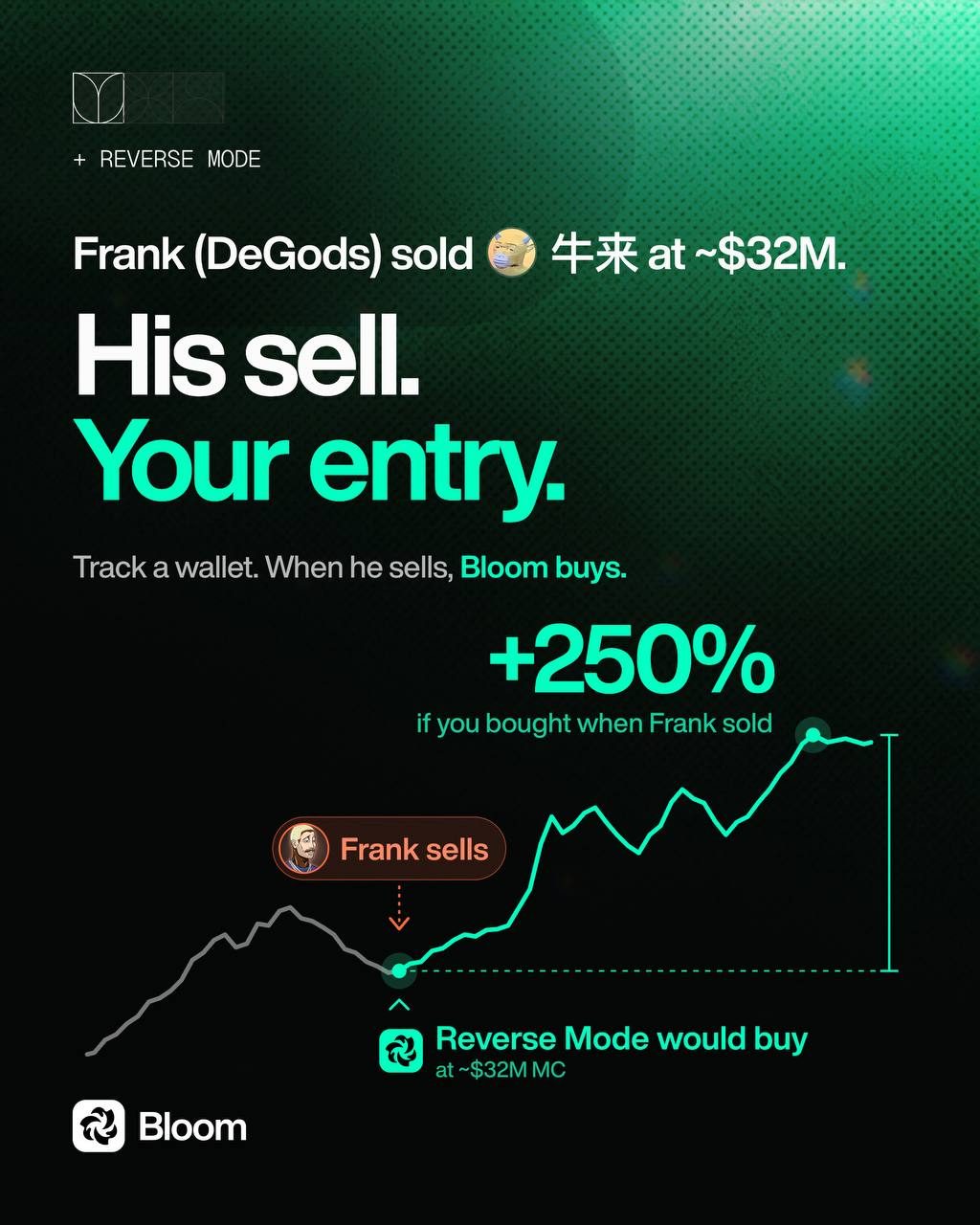
1 more in this thread
Want to go deeper on Reverse Mode and the rest of Bloom Copy Trading?
The docs break down the full setup, including First Interaction, Sized Copy Trading, Follow Sells, and more.
Start here: https://docs.bloombot.app/manager/pages/tasks/solana/copy-trade- 9 replies
- 8 reposts
- 34 likes
- 4.3K views
Bloom Trading Reviews & Comments
No reviews yet. Be the first to share your experience.
Bloom Trading alternatives
Other trading terminals that do a similar job. Compare them and pick what fits how you use crypto.
-
Compare
MevX
Gives memecoin traders one place to snipe launches, copy strong wallets, and trade across…
-
Compare
Mizar
Mizar runs your trading bots and copy trades on Solana, Base, BNB Chain and Ethereum, and…
-
Compare
Defined
Defined lets traders discover tokens, track wallets, chart markets, and trade tokens, per…
-
Compare
Genius Terminal
Trade spot tokens and perps across chains from one balance, without manual bridging.




Recommended reading
In-depth guides for Trading Terminals — get more out of tools like Bloom Trading.
-
Crypto Referral & Invite Codes
Pump Fun Referral Code “TradeNow” Get $50 Reward
Pump Fun App Referral Code is TradeNow. Up to $50 matched on your first deposit, plus lower fees. What it takes to actually unloc…
6 min read

Ready to try Bloom Trading?
Open the official site and get started in a few clicks.
Leave a comment