

PolyOrderBooks
PolyOrderBooks archives historical L2 order books for Polymarket crypto markets, so your backtests reflect real depth and slippage.
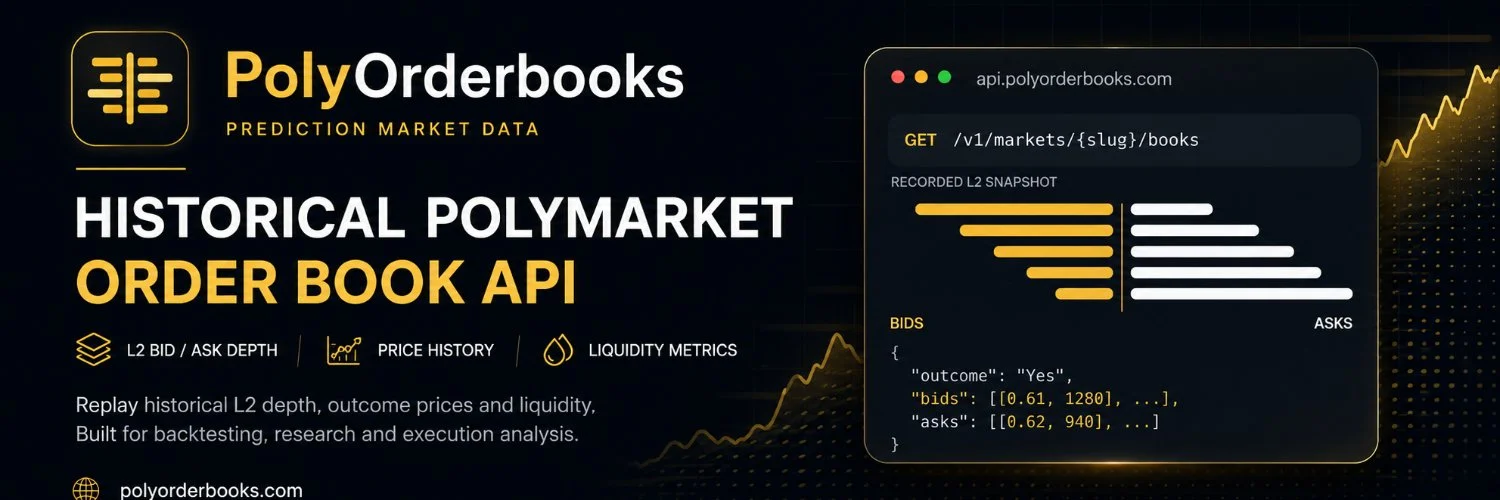
PolyOrderbooks: Historical Order Book Data API for Polymarket Crypto
What is PolyOrderBooks?
PolyOrderbooks is a historical data API and Python SDK that archives Level 2 order book snapshots, prices, and liquidity metrics for Polymarket crypto markets so researchers and traders can backtest strategies against real market depth.
Ready to try PolyOrderBooks?
Open the official site and get started in a few clicks.
PolyOrderBooks Overview
PolyOrderbooks stores historical Level 2 order book data for Polymarket crypto markets. Its collectors snapshot open books every second, so the full bid and ask ladders survive even after a market moves or resolves. Prices and liquidity metrics sit on the same timeline, and closed markets stay in the archive with their winning outcome. The index covers hundreds of thousands of markets and hundreds of millions of snapshots.
The tool is for quantitative researchers, strategy developers, and bot builders who need realistic backtests. Mid price charts tell you where a market traded, but not whether your size could have filled. If you have ever watched a paper strategy fall apart live because the book was thin, this archive answers that question before you risk money. Analysts who study prediction market microstructure get spread behavior and depth patterns across many markets and time windows.
You sign up, generate an API key in the dashboard, and search markets by keyword through the discovery endpoints. History endpoints take a start timestamp, end timestamp, and resolution, then return the matching books, prices, and metrics. A cursor handles pagination on long ranges. Access comes through a REST API, an official Python SDK (pip install polyorderbooks), or enterprise S3 bulk exports in Parquet, CSV, or JSON. The free Starter plan gives you 60 second resolution and a 7 day history window. Pro at 19 dollars per month opens 1 second snapshots and 31 days of history, and Scale at 49 dollars extends that to 90 days.
What sets it apart is market depth instead of mid prices. Most Polymarket data APIs hand you a price series and leave you guessing about fills. Here you walk the actual ladder, estimate slippage for a given order size, and check whether liquidity existed when your signal fired. The aligned timestamps across books, prices, and metrics save real pipeline work. I also like that the limits are plain. The usage endpoint tells you where you stand before you hit a wall, and the free tier is enough to validate the data before you pay anything.
PolyOrderBooks Key features
-
Historical L2 snapshots
PolyOrderbooks stores full bid and ask ladders as price size pairs for each outcome. You can replay market depth at any captured moment and estimate fill price and slippage for a given order size.
-
Aligned price history
Prices and liquidity metrics share the same capture timeline as the books. Queries with the same start and end timestamps return series that join without extra alignment work.
-
Market discovery
Search markets by keyword and filter by status, volume, dates, and tags. Each result includes the slug, question, outcomes, and identifiers you need for history calls.
-
Resolved market archive
Closed markets stay queryable after they settle. You can pull the historical books and the final winning outcome for post event analysis.
-
Flexible resolution
Collectors snapshot open markets every second. You can query at 1 second on higher plans or at 60 second to 1 day buckets on any plan.
-
Multiple access methods
Use the REST API with any language, the official Python SDK, or enterprise S3 bulk exports in Parquet, CSV, or JSON.
-
Usage endpoint
One endpoint reports your current plan, remaining limits, allowed granularity, and history window. Your code can check bounds before it hits a rate limit.
-
Cursor pagination
Long time ranges return a next cursor so you can fetch the full history page by page with no gaps.
PolyOrderBooks Fees
-
Starter plan Starter is free with no credit card required, and includes 60 second resolution, a 7 day history window, 60 requests per minute, and 1,000 requests per day.
-
Pro plan Pro costs 19 dollars per month and unlocks 1 second resolution, a 31 day history window, 300 requests per minute, and 50,000 requests per day, plus email support.
-
Scale plan Scale costs 49 dollars per month and keeps 1 second resolution, extends history to 90 days, and raises limits to 1,000 requests per minute and 200,000 requests per day with priority support.
-
Enterprise plan Enterprise is custom priced and supports negotiated rate limits, longer history, SLAs, and bulk S3 exports on one time or scheduled delivery.
-
Payment methods Paid plans accept card or a wide range of cryptocurrencies, and plan changes and cancellations are handled in the dashboard billing portal.
How to use PolyOrderBooks
-
Create your account
Go to the signup page and register with your email and a password, or sign up with Google.
-
Verify your email
Check your inbox and confirm your address if the site asks you to. API keys are only issued after verification.
-
Generate an API key
Open the dashboard, go to the API keys section, and create a new key. Copy it immediately since you will need it for every request.
-
Set up authentication
Store the key as an environment variable, or pass it in the X-API-Key header. The Authorization Bearer header works too.
-
Test your key
Call the usage endpoint to confirm everything works. The response shows your current plan, remaining limits, allowed granularity, and history window.
-
Search for markets
Query the discovery endpoint with a keyword like bitcoin, set a limit, and filter by status if needed. Note the slug of the market you want to study.
-
Request order book history
Send a history request for that slug with start_ts and end_ts in UTC ISO format, plus a resolution your plan allows. Starter plans get 60s, while Pro and above get 1s.
-
Paginate through results
If the response includes a next_cursor, pass it in your next request to fetch the following page. Repeat until no cursor comes back.
-
Install the Python SDK
Run pip install polyorderbooks, then create the client with your API key. Use its methods to list markets and fetch books, prices, or metrics with the same time parameters.
-
Ask about bulk exports
For large scale needs, email the enterprise contact to arrange S3 drops in Parquet, CSV, or JSON on a one time or scheduled basis.
Is PolyOrderBooks safe & legit?
An independent team runs PolyOrderBooks, and it states clearly that it is not affiliated with or endorsed by Polymarket; no founder names or team bios are public. The service is read only, so it never executes trades, holds funds, or asks for a wallet connection, and the independent prediction markets wiki lists it with high verification confidence. The one real red flag is that limited team transparency, so start on the free plan and validate sample data against markets you know before paying.
X account intel @polyorderbooks
-
Based in India
-
Joined X May 2026 5 months ago
-
Username changes 2 renames last on Aug 2, 2026
-
Signup source India App Store
Public profile signals from X. Use as one input alongside other due-diligence.
Security scan checked Oct 22, 2026
- Google Web Risk Not flagged
- MetaMask Not flagged
- Phantom Not flagged
- ScamSniffer Not flagged
- EtherAddressLookup Not flagged
- Keplr Wallet Not flagged
Domain polyorderbooks.com checked against Google's lists of unsafe sites and public crypto wallet blacklists.
PolyOrderBooks Updates
-
 Never re-ingest Polymarket orderbook history again.
https://polyorderbooks.com serves full crypto L2 books at 250ms resolution — prices, liquidity, spread, depth — via a single /v1 API. Thousands of markets, sized for backtests, no login.- 2 likes
- 38 views
-
We archive full L2 bid/ask depth for every open Polymarket market at 250ms.
Not mid prices. Ladders.
https://polyorderbooks.com- 2 likes
- 39 views
-
Sports data is live on PolyOrderbooks.
Every market, series, and event is now tagged with a category, so you can query straight to the league you want instead of pulling the whole catalog and filtering client-side.
Same API, same keys, same latency budget.- 1 likes
- 35 views
-
Your AI assistant can now read Polymarket order books directly.
Point Cursor or Claude Desktop at our MCP server and ask: "What was the depth 10 seconds before settlement?" — it answers from a 1-second, full-ladder archive.
Docs & setup: https://polyorderbooks.com/polymarket-mcp-server- 1 likes
- 454 views
-
This weeks featured project is @polyorderbooks
Research Polymarket with 1-second granular order book data, price and liquidity history.
Backtest AI allows you to generate and backtest strategies with full performance evaluation
Check out the video for more!- 6 replies
- 4 reposts
- 18 likes
- 6.7K views
-
PolyOrderbooks Pro is available at 50% off
Access historical Polymarket crypto order books, prices and liquidity metrics at true 1-second resolution
https://polyorderbooks.com- 1 likes
- 92 views
-
Most "Polymarket order book" datasets interpolate the gaps they never captured.
@PolyOrderbooks doesn't — but don't take our word for it. Every row in our archive publishes a crossed flag so you can measure the defect rate yourself.
Free 1-second Polymarket L2 sample: https://polyorderbooks.com/datasets/polymarket-btc-5min-orderbook-sample- 90 views
-
94% of Polymarket crypto up/down books go one-sided in the final 60 seconds before settlement.
Measured from 838M+ L2 snapshots — captured every 1 second.
Most historical APIs give you prices. We archive full depth at 1s resolution: bids, asks, spread, crossed-book flags.- 1 likes
- 74 views
-
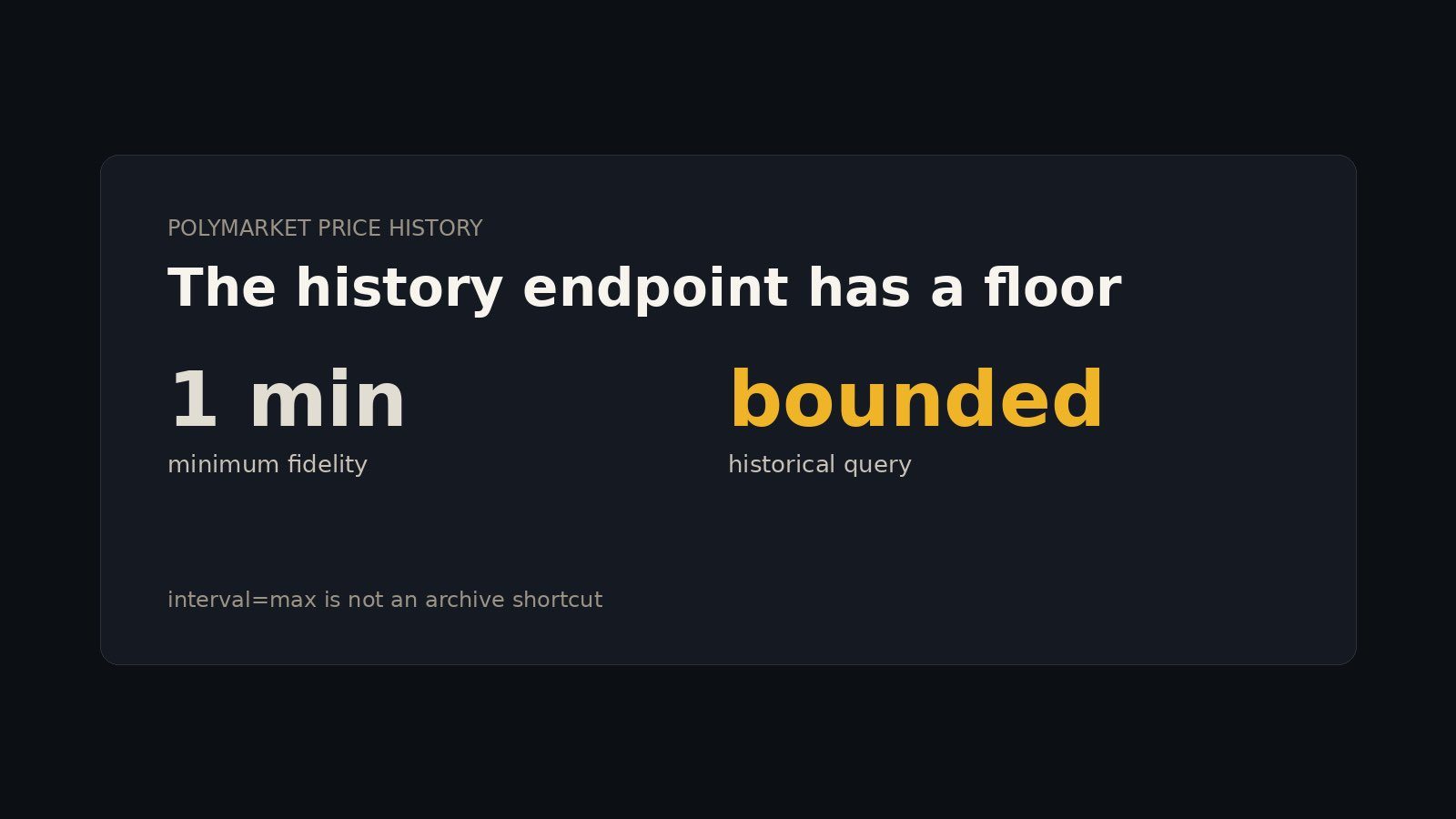
Polymarket’s price-history endpoint bottoms out at 1-minute fidelity. interval=max is not an archive switch. For older BTC markets, bound the request with startTs and endTs.
- 1 likes
- 89 views
-
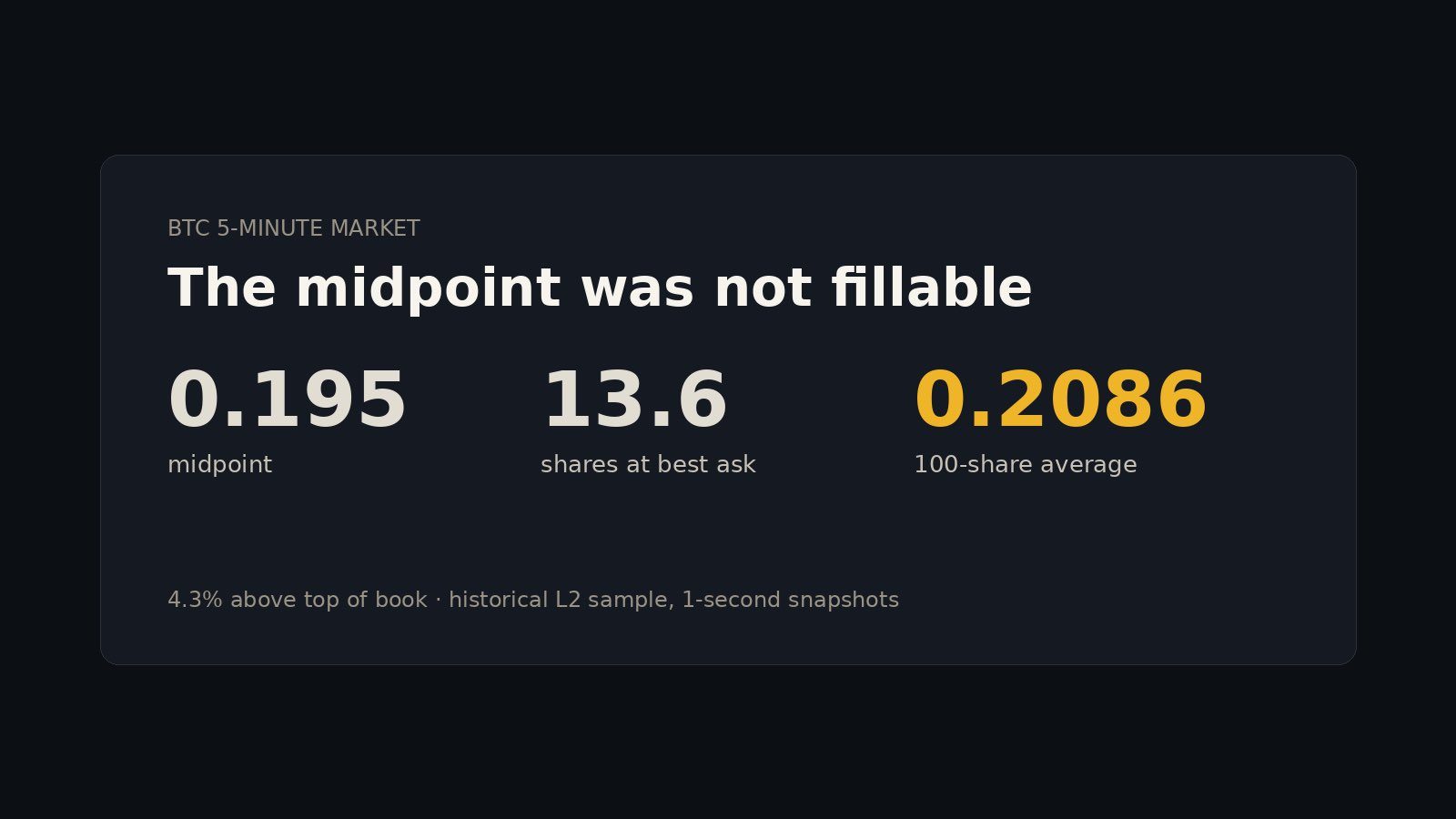
In a BTC 5-minute market, the midpoint was 0.195. Just 13.6 shares rested at the best ask. A 100-share buy averaged 0.2086, 4.3% above top of book.
- 1 replies
- 82 views
-
A price chart tells you where the market moved.
An order book tells you how it moved.
Bid/ask depth, liquidity, spreads, and slippage can reveal what the price alone misses.
Build strategies on the full market picture—not just the midpoint.- 1 replies
- 1 likes
- 90 views
-
BTC just ripped back above $72K.
But price is only half the story.
The real signal is sitting in the order book.
Watch the liquidity, walls, and spread before chasing the move.- 1 likes
- 83 views
-
Most Polymarket backtests answer:
What happened to the price?
The better question is:
Could my order actually have filled there?
That means looking at historical spread, depth, and available size — not just midpoint history.
That’s where L2 data starts to matter.- 1 likes
- 81 views
-
Released a free Polymarket historical L2 dataset for researchers and backtesters.
BTC 5-minute market
1-second snapshots
YES + NO outcomes
Full bid/ask ladders
600 total snapshots
CSV + JSON
https://polyorderbooks.com/datasets/polymarket-btc-5min-orderbook-sample- 4 likes
- 369 views
-
Polymarket backtests can look great until you ask one question:
Was there actually enough liquidity to fill the trade?
Price history won’t tell you that.
You need the historical book:
spread
depth
available size
how the ladder changed
That’s the difference between a chart backtest and an execution-aware one.- 3 likes
- 104 views
-
🆕 New project added to the prediction markets wiki
PolyOrderbooks
@polyorderbooks provides historical L2 order-book data for Polymarket crypto markets 📊🧱
Researchers can replay prices, liquidity, and market depth to study past market behavior and test strategies.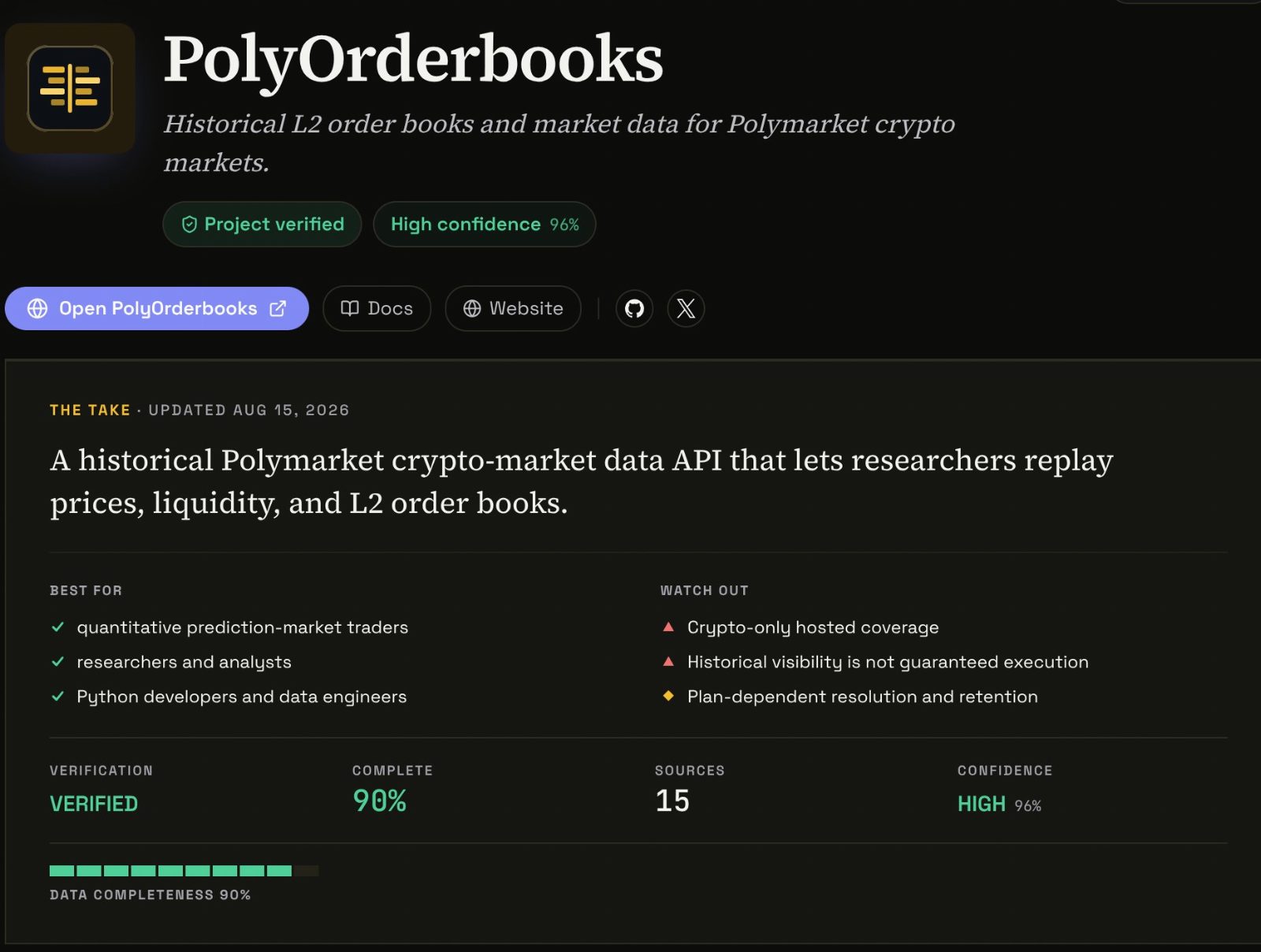
- 1 replies
- 1 reposts
- 14 likes
- 396 views
-
Price history tells you what happened.
Order book history tells you whether you could have traded it.
That difference matters a lot in Polymarket backtests — especially once spread, depth and available size start moving quickly.
Midpoint-only backtests can look much better than reality.- 1 likes
- 97 views
-
Historical price data can tell you where a market traded.
Historical order book data tells you whether your trade could actually have happened.
For backtesting prediction-market strategies, spread, depth, and available size are often the difference between a good chart and a tradable system.- 1 likes
- 84 views
-
Released a free Polymarket dataset for anyone working on backtesting or market microstructure.
It contains a complete BTC 5-minute market with 1 second historical L2 order books for both outcomes.
600 snapshots. Full bid/ask ladders. CSV + JSON. No signup.
https://polyorderbooks.com/datasets/polymarket-btc-5min-orderbook-sample- 86 views
PolyOrderBooks Reviews & Comments
No reviews yet. Be the first to share your experience.
PolyOrderBooks alternatives
Other Polymarket tools that do a similar job. Compare and pick what fits your workflow.
-
Compare
NautilusTrader
Quant teams backtest and trade live with the same strategy code using this open-source Ru…
-
Compare
Polymarket Analytics
Traders who want to copy top Polymarket wallets or spot fading opportunities use Polymark…
-
Compare
Pizzint Watch
Tracks pizza shop foot traffic near the Pentagon and pairs it with live Polymarket odds a…
-
Compare
polymm
Open-source Python market-making and arbitrage bot for Polymarket sports, MIT-licensed, w…




Recommended reading
In-depth guides for Data & APIs — get more out of tools like PolyOrderBooks.
-
Tool Reviews
Polymarket Tools Directory: Find Polymarket Ecosystem APP Lists
Compare Polymarket tools directories side by side. Find trading bots, analytics dashboards, whale trackers and APIs, plus safety…
10 min read -
Tool Reviews
Free Polymarket Open Source Tools and Trading Bots on GitHub
Free Polymarket open source tools and trading bots on GitHub. Datasets, backtesters, copy trading, weather bots, and AI agents, w…
10 min read -
Tool Reviews
Polymarket CLI Commands and Features: A Full Guide for Traders, Scripts, and AI Agents
A practical guide to Polymarket CLI commands and features. Install it, browse markets, read order books, place orders, and pipe J…
8 min read


Ready to try PolyOrderBooks?
Open the official site and get started in a few clicks.
Leave a comment