

ProTrade
Sports traders use ProTrade to trade live Polymarket markets with back and lay ladders and hotkeys in their browser.
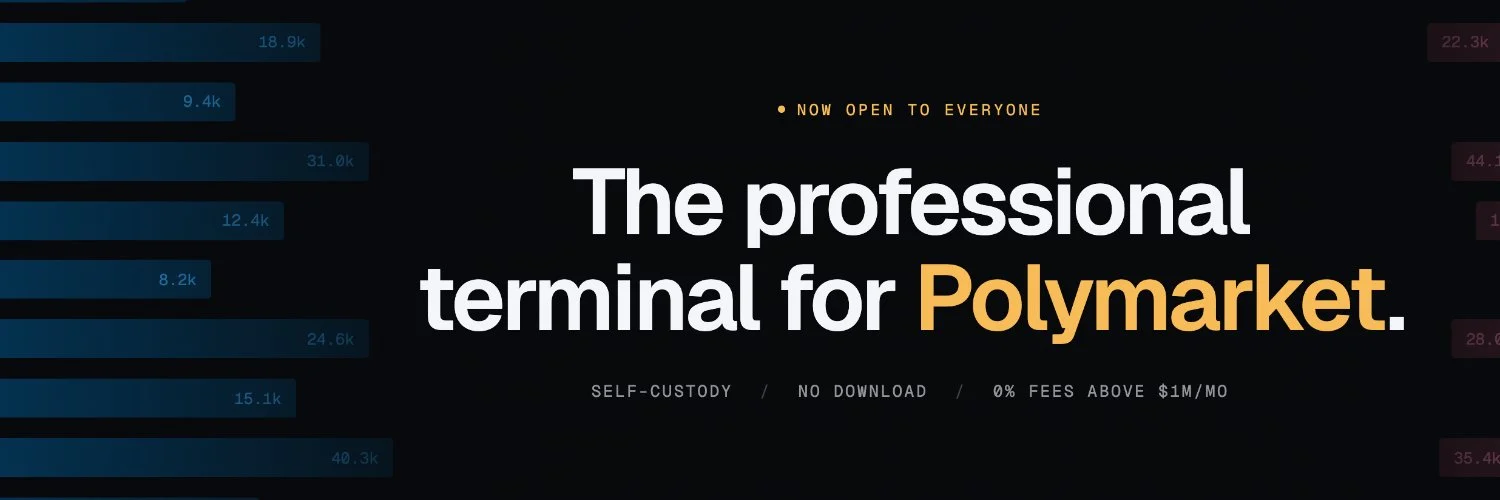
ProTrade: Polymarket live sports ladder trading terminal
What is ProTrade?
ProTrade is a browser-based Polymarket trading terminal for live football and tennis, with back and lay ladders and hotkeys for fast order entry.
Ready to try ProTrade?
Open the official site and get started in a few clicks.
ProTrade Overview
ProTrade is a browser-based Polymarket trading terminal for live football and tennis traders. If you trade with Betfair-style tools, the back and lay ladder will feel familiar. You trade on Polymarket's existing order book through a desktop layout built for fast, manual execution. No download needed.
Import your existing Polymarket account or create an account and fund it with USDC on Polygon. On the back and lay ladder, click a price to place an order or drag an open order to move it. Right-click to cancel. You can set hotkeys for stake sizes and hedging without confirmation boxes, then track live P&L beside your orders. Separate match windows make it easier to trade more than one game.
The main difference is the ladder workflow, with editable layouts and profit or loss estimates for either outcome. The ladder is desktop only. There is no subscription; ProTrade charges volume-based builder fees, with an effective zero builder fee above $1 million in monthly matched volume. Polymarket fees still apply.
ProTrade Key features
-
Back and lay ladder
See depth on both sides of one price column, with your orders beside the last traded price. Click a price to place an order, then drag it to change the price or right click to cancel.
-
Custom trading hotkeys
Set keyboard shortcuts for stake presets and order actions, including cancel all and take profit. You can edit or disable shortcuts, and place orders without a confirmation box.
-
One click hedging
Hedge a position with one click while a match is live. You can manage exposure directly on the ladder without building a separate order ticket.
-
Live position tracking
Check potential profit or loss for either outcome on each ladder rung. View matched positions and pending orders for one market or across your book.
-
Multi game windows
Open each match ladder in its own window to trade several games on one monitor. Each window keeps its own stake settings and order state.
-
Sports market filters
Find football and tennis markets by sport or league. Filter for live matches, upcoming games or markets where you already hold a position.
-
Custom ladder layouts
Change column order and widths in Ladder Studio, with a live ladder beside the controls. Save your layout and send another trader a share code to use the same setup.
-
Trade history analytics
Review your P&L curve by timeframe and compare your edge across sports. Export fill history and wallet activity as CSV files for your trading journal.
-
Existing account import
Connect your existing Polymarket account and use the same balance and positions without moving funds. You can also create a self custody wallet through Privy with email or Google.
-
Self custody trading
You keep control of your wallet, and ProTrade does not hold your funds. You sign orders locally and trade on Polymarket's order book, with settlement on Polymarket.
-
Browser desktop access
Trade in a desktop browser without installing software. You can add ProTrade to your desktop for a separate window and icon.
-
Volume fee discounts
Use ProTrade without a subscription and pay a builder fee on routed volume. Builder rates drop with monthly matched volume and reach zero above $1 million, while Polymarket protocol fees still apply.
ProTrade Fees
-
Free software You pay no subscription or seat licence fee, and you need no minimum volume to log in.
-
Standard builder fee For up to $500,000 in matched notional per calendar month, ProTrade charges 0.10% taker and 0.05% maker on routed volume.
-
Volume discounts For $500,000 to $1,000,000 in monthly matched notional, you pay 0.05% taker and 0.025% maker; above $1,000,000, you pay 0.00% for both.
-
Reset and cashback You start fresh on the first day of each month and pay the standard rate on fills, with ProTrade returning the difference for discounted tiers to your trading wallet at the end of each day.
-
Protocol fees You also pay Polymarket protocol fees under its separate fee schedule, even when your ProTrade builder fee is zero.
How to use ProTrade
-
Open ProTrade
Go to protrade.tech in a desktop browser. Use a computer you control and keep your session private.
-
Choose your account
Choose import to connect your existing Polymarket account and keep its balance and positions. Or sign in with email or Google to create a self custody wallet through Privy.
-
Fund your wallet
If you created a new wallet, deposit USDC on Polygon. If your imported Polymarket account already has funds, use that balance without a transfer.
-
Open a match
Open the markets board and filter for live football or tennis. Click a fixture to open its back and lay ladder.
-
Set your controls
Set your stake presets and check the hotkeys in settings before you trade. Edit or turn off shortcuts you do not want, since you submit orders without a confirmation dialog.
-
Check your exposure
Review the depth and the if win / if lose values on the rung you plan to click. Check the position panel for your matched and pending exposure.
-
Place an order
Choose your stake, then click a price rung on the back or lay side to submit an order. Check your working size on the ladder.
-
Manage your orders
Drag a working order to change its price, or right-click it to cancel. Use the one-click hedge action when you want to hedge your position.
-
Add more matches
If you trade several matches, open extra ladders in separate popout windows. Set the stake for each window before you place orders.
-
Watch your positions
Watch the if win / if lose values and live P&L while the match is in play. Use the position panel to check exposure per market and across your book.
-
Review your session
Open your profile after the session and review your P&L over the timeframe you want. Check your edge by sport and export your fill history as CSV for your journal.
Is ProTrade safe & legit?
A small team with limited public founder details built ProTrade; the team is a verified Polymarket builder. That supports its legitimacy, but the supplied information does not establish broad community trust. No scams or security incidents are reported in the supplied material, though you still face browser security risks and trading losses even with self custody.
X account intel @protrade_tech
-
Based in Portugal
-
Joined X July 2026 3 months ago
-
Username changes 1 rename last on Sep 15, 2026
-
Signup source Portugal App Store
Public profile signals from X. Use as one input alongside other due-diligence.
Security scan checked Nov 1, 2026
- Google Web Risk Not flagged
- MetaMask Not flagged
- Phantom Not flagged
- ScamSniffer Not flagged
- EtherAddressLookup Not flagged
- Keplr Wallet Not flagged
Domain protrade.tech checked against Google's lists of unsafe sites and public crypto wallet blacklists.
ProTrade Updates
-
 ProTrade is now a Polymarket verified builder.
Full-depth ladders, one-click hedging and live P&L for every Polymarket sports market, in the browser. Bring your Polymarket account.
Thank you @Polymarket and @PolymarketDevs for the support along the way.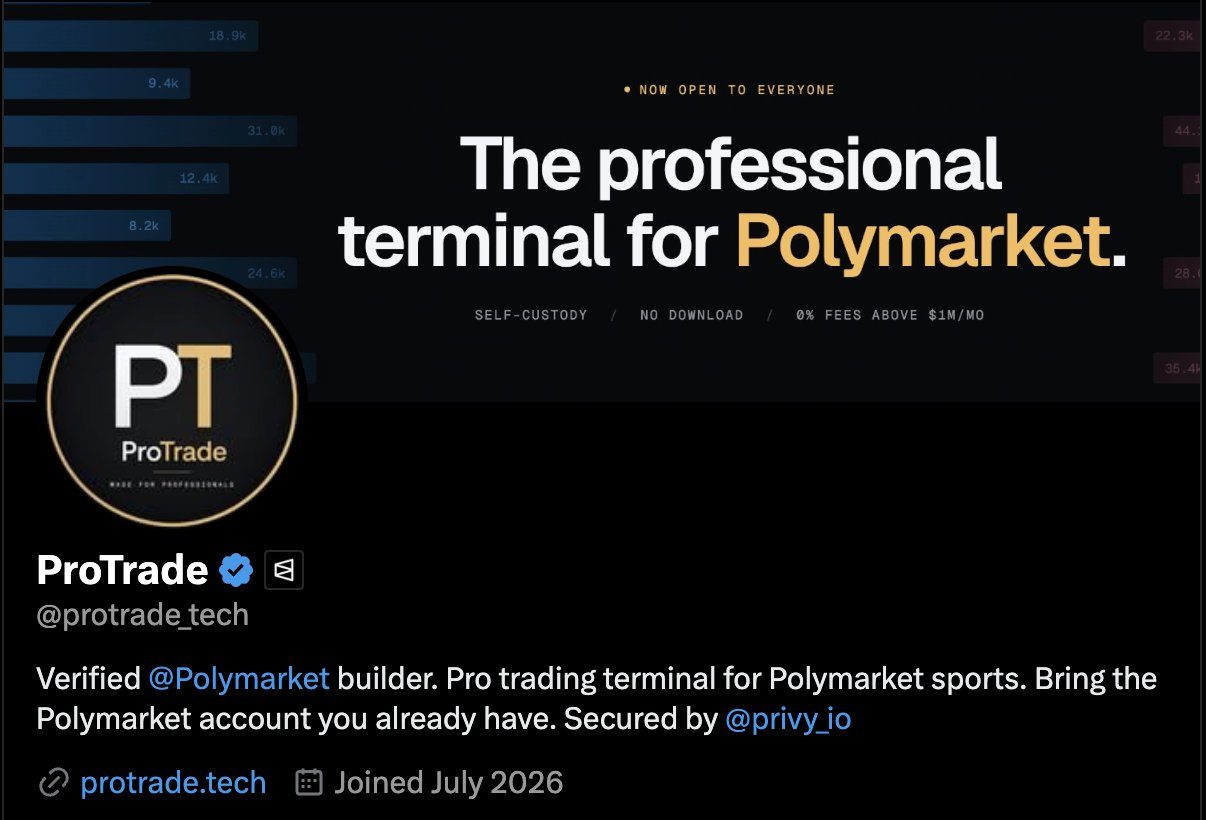
- 1 reposts
- 2 likes
- 133 views
-
First ProTrade trader to clear $1M in monthly volume!
All sports, all in-play. We are granting him zero fees for the next month.
Keep it up!
https://protrade.tech/- 2 reposts
- 4 likes
- 89 views
-
Villarreal score, he's long at 2.08, and VAR takes the goal away.
What happens next is the whole job: 12 fills in 2 seconds, 9 more in the next 11, out at +$234.
Recorded live by a ProTrade trader, Villarreal v Betis, 14 Sep.
https://protrade.tech- 3 likes
- 150 views
-
15 days into September and we've routed over $4M into @Polymarket's books, all of it sports, all of it through a ladder that runs in the browser.
#16 on the builders leaderboard.
Keep building, keep climbing.
@protrade_tech
https://protrade.tech/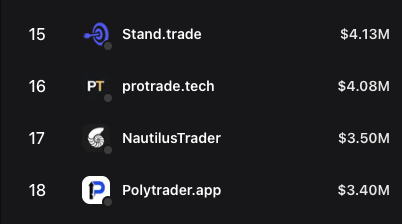
- 1 reposts
- 1 likes
- 48 views
-
ProTrade: Polymarket live sports ladder trading terminal
🆕 ProTrade added to #polymartapp
@protrade_tech
ProTrade is a browser-based Polymarket trading terminal for live football and tennis, with back and lay ladders and hotkeys for fast order entry.
https://polymart.app/protrade
#Protrade #Polymarket #TradingTerminals- 1 reposts
- 3 likes
- 383 views
-
Thanks @Polymartapp for listing ProTrade. A directory where traders can find every tool built on @Polymarket in one place is exactly what the builder ecosystem needed!
https://protrade.tech/- 1 replies
- 1 reposts
- 2 likes
- 68 views
-
public launch is happening today - if you are a sports trader, if you love geekstoy and if you want to see what polymarket has for you, join us!
I think a sentence to bare in mind from some of our users is "polymarket today feels like the early days of betfair"- 1 likes
- 17 views
-
covering all traders requirements in the ladder UI was so hard that we launched a studio. Now every trader can simply configure the ladder the way he wants. colours, size, order, font, highlights, etc... the cool thing? You can actually generate a code and share if you want.
- 2 likes
- 41 views
-
if you are a trader using @Geekstoy we think you will love to get your hands in Protrade and give it a go - we have some cool easter eggs for you
- 1 likes
- 42 views
-
real time execution. the ladder technology seems to be performing really well
- 2 reposts
- 2 likes
- 53 views
-
public launch in 3 days
- 1 likes
- 34 views
ProTrade Reviews & Comments 1
Leave a comment
ProTrade alternatives
Other Polymarket tools that do a similar job. Compare and pick what fits your workflow.
-
Compare
Kreo
Kreo copies proven Polymarket and Kalshi wallets in real time, so you ride smart money tr…
-
Compare
Axiom Trade PolyMarket
Traders on Axiom can now take positions on real-world events without leaving the terminal…
-
Compare
Predictefy
Predictefy pulls live prices and order books from Polymarket, Kalshi, and other venues in…
-
Compare
Future News
Traders who want to turn news headlines into instant yes-or-no bets on real-world events…




Recommended reading
In-depth guides for Trading Terminals — get more out of tools like ProTrade.
-
Tool Reviews
Best Polymarket Trading Bots 2026: Copy Trading & Sniper
Five Polymarket trading bots tested for 2026. Compare copy trading speed, sniper orders, fees after the March rate change, setup…
29 min read -
Tool Reviews
Best Polymarket CopyTrading Bot 2026
This breakdown covers the five best Polymarket bots available right now: PolyCop, Kreo, TradePolyBot, PolyGun, and a forward-look…
14 min read -
Tutorials
The Ultimate Guide to Copy Trading on Polymarket
Finding a profitable wallet is the easy half. This walks through picking one worth following, then setting the sizing, filters an…
6 min read


Ready to try ProTrade?
Open the official site and get started in a few clicks.
Super easy to setup, super fast execution and very good analytics for traders.