

Billion Live
Billion Live puts live streams, chat, and trading in one screen, routing prediction tickets through Polymarket and perps through Hyperliquid.

BillionLive Review: Social Trading App for Polymarket and Hyperliquid
What is Billion Live?
BillionLive is a Web3 social trading app that combines live streams, chat, and one-tap trading for Polymarket prediction markets and Hyperliquid perpetuals.
Ready to try Billion Live?
Open the official site and get started in a few clicks.
Billion Live Overview
BillionLive is a mobile-first trading app that puts live streams, chat, and market execution on one screen. Instead of watching a creator break down a match or a token on one app and then switching to another to place a trade, you do both in the same room. That is the whole idea behind it, and it is a fair one. Most people lose the trade because they lose the tab.
The app works as a front end, not a closed exchange. Prediction market tickets route through Polymarket as a builder integration, so you are trading against real liquidity, not a thin house book. Perpetual contracts run on Hyperliquid rails with Cross and Isolated margin, and copy trading is wired through OKX DEX. Deposits, withdrawals, and in-room tips settle on X Layer, the OKX Layer 2. You are not learning a new venue. You are watching a feed while known venues handle the settlement behind it.
This tool fits a specific type of user. Creators who already talk odds and takes get paid from the trading volume their room generates, not just gifts. Traders who like to follow a call live can tap once instead of screenshotting a chart. Sports and event watchers get a room where the match and the book sit together. If you already live inside a Polymarket or Hyperliquid terminal and only want the raw order book, this app adds little for you. If your attention keeps splitting between a stream and a chart, this is built to close that gap.
The Discover feed mixes live rooms, replays, and short posts, and its job is to surface a person and a take before you decide to trade. Inside a live room, a streamer can pin a market card, and viewers can comment, tip, or place the trade without leaving the window. The Square tab works as the social layer, where posts can carry a prediction action baked in. Predict and Perps are the actual trading tabs, one for event markets, one for a full derivatives book with leverage, funding, and depth. A built-in Swap lets you rotate assets before you trade or tip, so you rarely need to leave the app mid-thought.
What separates BillionLive from a normal trading app is the copy trading layer. You watch a fill happen live, read the chat around it, and mirror it with one tap through OKX DEX. That single feature turns a passive stream into something closer to a shared trading floor. It is also the part that carries the most risk, since you inherit both the market and the streamer's judgment. A confident voice on a livestream is not the same as a good track record, so treat copy trades as a starting point, not a guarantee.
Weekly leaderboards pay real USDT plus points to top creators and traders, and theme weeks push extra rooms around sports or AI content. It gives the app a reason to open on a given night beyond just checking prices. BillionLive will not replace a native Polymarket or Hyperliquid terminal for anyone who wants the deepest book and full documentation. But for someone who wants to watch, chat, and trade without three open tabs, it is doing something few others try.
Billion Live Key features
-
Discover feed
The home feed mixes live rooms, replays, short video, and text cards across topics like X Layer, markets, and AI. It is built to surface a person and a take first, not a chart.
-
Live rooms
Creators stream analysis, picks, and co-host sessions while viewers comment, tip, and trade in the same window. Livestream battles let two rooms compete for a prize pool based on trade volume.
-
Square social feed
A social layer for posts, trending topics, and streamer discovery. Posts can carry a prediction action, so you move from a written take to a market without opening another app.
-
Predict tab
Prediction markets route through the Polymarket protocol, so tickets hit real liquidity instead of a thin house book. Sports, crypto, and event markets show up here first.
-
Perps trading
Perpetual contracts run on Hyperliquid rails with Cross and Isolated margin, plus mark, oracle, funding, and depth data. This carries more risk than a prediction ticket, so treat it like a full derivatives desk.
-
In-app swap
You can swap assets inside the app before a trade or a tip. No need to leave the product to rotate inventory.
-
Live copy trading
Copy trading runs through OKX DEX, so you can watch a streamer's fill and mirror it with one tap. This is the feature that separates BillionLive from apps that only talk about markets.
-
Chat and communities
Private messages, group chats, and standing community rooms let a streamer's audience stick around after a live session ends.
-
Referral and Asset Center
Referral sits in its own tab, and the Asset Center handles deposits, withdrawals, points, and campaign stakes. Early access used Genesis invites, and later drops used points plus USDT leaderboards.
-
Creator Incentive Program
Weekly creator rankings pay out in USDT and Billion Points, with top spots recently earning 238 USDT plus 3,000 points. Creator, trader, and P&L boards stayed as standing features after the World Cup season.
-
Creator Assistant extension
A Chrome extension syncs one X post to Binance Square, BillionLive, and OKX Orbit at once, and shows live chat in a sidebar. It saves creators from rewriting the same card three times.
-
X Layer tipping
Gifts and tips settle on X Layer through the OKX Agent Payment Protocol. That keeps tip money on the same chain as deposits and withdrawals.
-
Campaigns and jackpots
Seasonal events run on-chain jackpot tickets and redeemable USDT stakes, like a 10 USDT stake that unlocks after the event. These are promotions rather than core trading features, but they drove growth during the World Cup window.
Download Billion Live App For Android And iOS
Download Billion Live and start spending crypto from your phone — available on Android and iOS.
Billion Live Fees
-
Prediction trades Polymarket fees apply on the underlying market; makers are often free, taker fees vary by category, and geopolitics markets can be fee free while sports and crypto markets may charge.
-
Perps fees Hyperliquid's base tier lists about 0.045% taker and 0.015% maker on perps, with lower rates at higher volume tiers, plus separate funding costs.
-
Copy trades and swaps Copy trading and swaps route through OKX DEX, so you pay OKX's fee plus any route spread shown on the quote screen.
-
X Layer gas Deposits, withdrawals, and tips settle on X Layer, where gas is typically small compared to Ethereum L1, but you should confirm the live gas and any withdraw fee in Asset Center.
-
Creator revenue share Billion shares up to 60% of trading fees with creators based on the volume their content generates, according to the April launch note.
How to use Billion Live
-
Install the app
Go to billion.live or app.billion.live, or download Billion Live from the App Store or Google Play.
-
Set up your wallet
Create an account and connect or set up the in app wallet. Keep an EVM address ready if you plan to deposit through X Layer.
-
Fund your account
Deposit through Asset Center on X Layer. Check the network before you send, since a wrong chain deposit is the most common way people lose funds.
-
Browse Discover
Open Discover and pick a live room or topic tag that matches what you trade, like sports, markets, X Layer, or AI.
-
Read the pick card
Check the creator's pick card and note the market, the size, and whether it is a prediction ticket or a perp.
-
Trade inside the room
If you agree with the pick, tap trade right in the room so the order routes without you leaving the stream.
-
Try copy trading
If you want to follow a streamer instead of picking yourself, use the live copy path through OKX DEX. Confirm size and slippage before you confirm.
-
Swap when needed
Use the Swap tab only when you need to rotate an asset before a trade or a tip.
-
Check prediction rules
Before you size a prediction trade, confirm the resolution rules on the underlying Polymarket market.
-
Set your perp settings
For perps, choose Cross or Isolated margin, pick a leverage level you can survive, and watch funding rates. A fast chat room will not stop a liquidation.
-
Apply as a creator
If you want to stream, apply for the Creator Incentive Program, go live on the current theme week, and install Creator Assistant to push your X posts into Square.
-
Withdraw carefully
Send funds from Asset Center back to a wallet you control. Test with a small amount first before moving larger sums.
-
Follow official channels
Join the official Telegram and Discord through the Linktree on @Billion_Global. Do not take room links from random accounts, since the name is a common phishing target.
Billion Live Review
Pros
- Live rooms, chat, and trade execution sit on one screen, so you never leave the stream to place an order.
- Trades route to real venues (Polymarket, Hyperliquid, OKX DEX, X Layer) instead of a thin house book nobody can audit.
- Creators earn a share of trading volume their room generates, not just gifts and tips.
- Weekly USDT and points leaderboards for creators are public and consistently paid out.
- The app is confirmed on iOS, Google Play, and web, with a Chrome extension that syncs a creator's X post across three platforms at once.
- X Layer Official and OKX have both named BillionLive in public program batches, which is a concrete partner signal, not a vague claim.
- In app swap and copy trading (via OKX DEX) let you rotate assets and mirror a streamer's fill without opening a second app.
- Campaign jackpots and point pools give small accounts a defined, low stake way to test the flow before trading real size.
Cons
- Team faces are not public; only the corporate entity is disclosed.
- Fees are split across three venues, so users must learn Polymarket, Hyperliquid, and X Layer terms separately.
- Play Store downloads are still in the hundreds, so rooms can feel thin outside campaign weeks.
- Most live rooms run in Chinese, which limits the experience for English only users.
- Perps sit right next to live chat, which makes it easy to take on too much leverage in the moment.
- Prediction tickets still inherit Polymarket's regional access limits.
- Copy trading exposes users to both market risk and the streamer's personal trading skill.
- The name overlaps with other 'Billion' crypto brands, raising the risk of phishing links.
Our verdict
Billion Live puts the parts of trading that usually live in five different tabs into one feed: a live stream, the chat under it, and a trade button that actually fires. I like that the routing is honest, prediction tickets hit real Polymarket liquidity, perps run on Hyperliquid, copy trades go through OKX DEX, so you're not trusting some new house book, you're trusting known venues with a social layer on top. The catch is that "known venues" also means you inherit their fees and their risk on top of whatever Billion Live adds, and the app never shows you one clean number for what a trade actually costs. It also still feels early: small install numbers, no public founder faces behind the company, and a lot of the best rooms run in Chinese, so an English-only user will find the feed thinner than expected outside big event weeks. This is worth trying if you're a creator who wants payout tied to volume instead of tips, or a trader who already follows people and hates alt-tabbing to place a bet. If you just want the deepest order book and full custody control, stay on Polymarket or Hyperliquid directly and skip the wrapper.
Is Billion Live safe & legit?
Billion Live is a real product made by Hypertrend Technology Limited, a company based in Hong Kong with public store listings, working support emails, and an active X account. It routes trades through known venues like Polymarket, Hyperliquid, and OKX DEX rather than running its own closed book, and it has been named by X Layer Official in past campaigns, which backs up that it is legit. That said, no named founders appear anywhere, so you are trusting a company entity, not a public team, and the app itself is still small (download numbers are in the hundreds, not millions), so I would not call it a major red flag app but I also would not size a deposit like you would on Polymarket itself.
X account intel @Billion_Global
-
Based in Hong Kong
-
Joined X September 2025 1 year ago
-
Username changes 2 renames last on Nov 10, 2025
-
Signup source United States App Store
Public profile signals from X. Use as one input alongside other due-diligence.
Security scan checked Oct 22, 2026
- Google Web Risk Not flagged
- MetaMask Not flagged
- Phantom Not flagged
- ScamSniffer Not flagged
- EtherAddressLookup Not flagged
- Keplr Wallet Not flagged
Domain app.billion.live checked against Google's lists of unsafe sites and public crypto wallet blacklists.
Billion Live FAQ
What is BillionLive?
Does BillionLive run its own order book?
Is BillionLive safe to use?
What does it cost to trade on BillionLive?
How is BillionLive different from Billion Wallet or Billion.Global?
Billion Live Updates
-
 @chipchipgame @gokunocool Watch Live: https://app.billion.live/live/detail?id=10007130
- 11 views
-
📢 Livestream Preview: BillionLive x @chipchipgame Crazy Wednesday Episode 27 · Blood Battle Squid
Time: Oct 21, 20:00 (UTC+8)
The Squid table battles through 23:00, with Goku @gokunocool back in action tonight. Can he rule the table, enter Big Water mode, and have the last laugh?
The champion will receive limited-edition CHIPCHIP gold playing cards, a custom trophy, and 30,000 platform points.
Tune in to BillionLive tonight at 20:00. Don’t miss the action!
Watch live, make predictions, and win rewards on #BillionLive.
📢 直播预告:BillionLive x @chipchipgame 疯狂星期三第 27 期 · 血战鱿鱼
时间:10 月 21 日 20:00(UTC+8)
鱿鱼桌血战至 23 点,狗哥 @gokunocool 今晚继续出战,能否把规矩立住,成为大水强者笑到最后?
本期冠军将获得 CHIPCHIP 限量定制黄金扑克、专属冠军奖杯及 30,000 平台积分。
今晚 8 点,锁定 BillionLive,精彩牌局不容错过!
看直播,玩预测,赢大奖,就来 #BillionLive
- 2 replies
- 1 reposts
- 2 likes
- 157 views
-
BillionLive Creator Incentive Program Week 12 Winners 🎬
Leaderboard:
🥇 Molly @Molly9975019573
238 USDT + 3,000 Billion Points
🥈 Cc Egg-Fried-Rice @Cc910813
138 USDT + 2,000 Billion Points
🥉 Trader Mingfei @Veritas135
100 USDT + 1,200 Billion Points
4️⃣ Shuishui @zsz710710
60 USDT + 900 Billion Points
5️⃣ golddingway
30 USDT + 900 Billion Points
6️⃣-7️⃣ Iris @Iris_121314 and Zhou @zhouzhou8199
Each receives 20 USDT + 550 Billion Points
From TapeOut ecosystem explainers and project breakdowns to hands-on onchain demos, meme hunting, market trading, and gaming, last week had plenty worth revisiting. Watch the highlights 👇
The Week 13 Creator Leaderboard is now live. Content related to TapeOut and FabX will receive additional weight this week.
Event page: https://app.billion.live/leaderboard
BillionLive 创作者激励计划第十二期优胜创作者公布🎬
本期优胜榜单:
🥇 Molly @Molly9975019573
238 USDT + 3,000 Billion Points
🥈 Cc 蛋炒饭 @Cc910813
138 USDT + 2,000 Billion Points
🥉 交易员明非 @Veritas135
100 USDT + 1,200 Billion Points
4️⃣ 水水 @zsz710710
60 USDT + 900 Billion Points
5️⃣ golddingway
30 USDT + 900 Billion Points
6️⃣-7️⃣ Iris @Iris_121314、玩家老周 @zhouzhou8199
每人获得 20 USDT + 550 Billion Points
从 TapeOut 生态科普、项目拆解到链上实操,扫链打狗、行情交易和游戏竞技也各有看点。上周精彩切片,一起回顾👇
第十三期创作者周榜现已开启。本周将重点加权 TapeOut 与 FabX 相关内容。
活动链接:https://app.billion.live/leaderboard- 4 replies
- 3 reposts
- 5 likes
- 3K views
-
📢 This Week’s BillionLive Creator Focus: TapeOut + FabX
Congratulations to @Fabx_global for winning the first TapeOut Genesis Transistor Hackathon. Built on @XLayerOfficial, FabX connects circuit design, onchain tape-out, PoD mining, and real DeWEB usage.
With X Layer launching the 100,000 USDT TapeOut Accelerate and @TapeOutCF adding BEM community incentives, more opportunities are opening for TapeOut builders.
Creators are welcome to go live with explainers, hands-on demos, and ecosystem projects. Related content will receive additional weight on this week’s Creator Leaderboard.
Event page: https://app.billion.live/leaderboard
📢 本周 BillionLive 创作者激励热点:TapeOut + FabX
恭喜 @Fabx_global 获得首届 TapeOut Genesis Transistor Hackathon 冠军。FabX 建立在 @XLayerOfficial 上,将电路设计、链上流片、PoD 挖矿与 DeWEB 实际使用结合起来。
随着 X Layer 推出总奖池 100,000 USDT 的 TapeOut Accelerate,@TapeOutCF 增设 BEM 社区激励,TapeOut 开发者也迎来了更多机会。
欢迎创作者围绕 TapeOut 和 FabX 开播,分享基础知识、实操体验与生态项目。相关内容将获得本周创作者榜额外权重。
活动链接:https://app.billion.live/leaderboard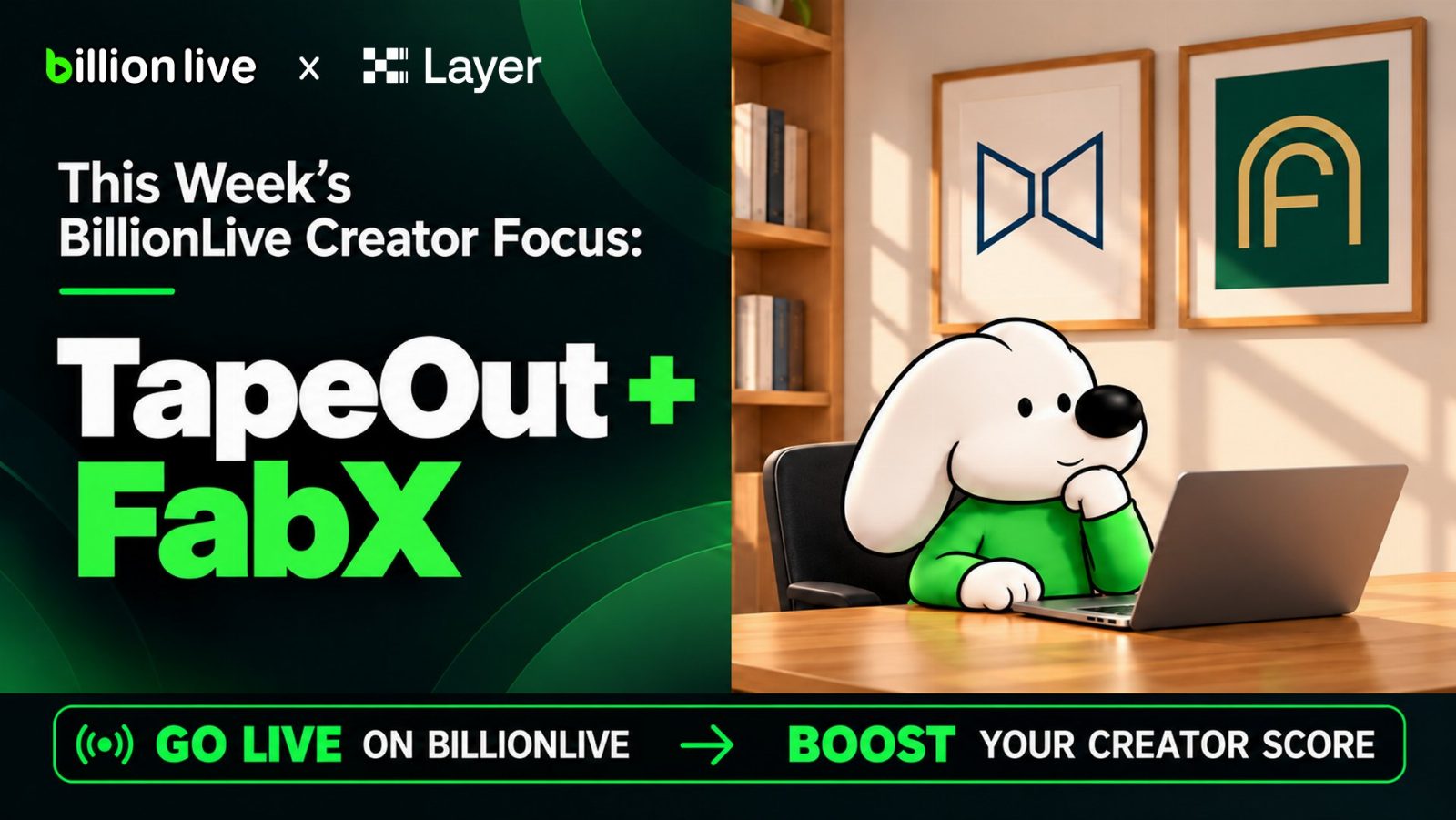
- 2 replies
- 1 reposts
- 10 likes
- 632 views
-
No script. No edits.
Just another night on #BillionLive
- 3 likes
- 198 views
-
Oct 14 @chipchipgame Crazy Wednesday Episode 26 “Blood Battle Squid” Highlights 🎬
Goku @gokunocool slow-played pocket Aces, narrowed the range, and correctly put his opponent on a small pocket pair.
Just as he thought he had everything figured out, the table flipped the script: his bluff catch ran into a real hand, while his fold let a bluff through. Maximum entertainment.
Watch the highlights 👇
Watch, predict, and win big on #BillionLive.
10 月 14 日 @chipchipgame 疯狂星期三第 26 期「血战鱿鱼」切片🎬
本期切片收录了狗哥 @gokunocool 的几手精彩牌局:
手持 AA 选择慢打,抽丝剥茧,层层缩小范围,精准锁定对手的口袋小对子。正当狗哥得意于自己今天规矩立住了,打牌不烧心的时候,牌桌立刻给出反转:抓鸡撞上强牌,弃牌又放过诈唬,节目效果拉满。
精彩切片不容错过👇
看直播,玩预测,赢大奖,就来 #BillionLive- 1 replies
- 1 reposts
- 6 likes
- 803 views
-
The focus is shifting from what can be built with TapeOut to what people will actually use.
After the first wave of experiments and hackathon projects, X Layer TapeOut Accelerate puts real-world utility and commercial potential at the center. That is how new infrastructure becomes an ecosystem: builders ship, users test, and the strongest ideas find a market.
The most valuable part of any ecosystem is its self-driven builders. They arrive early, follow their curiosity, and turn original ideas into working products. By giving them the resources and support to keep building, X Layer is helping these builders grow alongside the ecosystem.
TapeOut remains this week’s BillionLive Creator Focus. We look forward to seeing more builders share their work and bring new ideas to life.- 150 views
-
@chipchipgame @gokunocool Watch Live: https://app.billion.live/live/detail?id=10007054
- 75 views
-
📢 Livestream Preview: BillionLive x @chipchipgame Crazy Wednesday Episode 26 · Blood Battle Squid
Time: Oct 14, 20:00 (UTC+8)
Crazy Wednesday returns with Blood Battle Squid. Goku @gokunocool is back in action as the seven-player table battles through 23:00. From preflop clashes to river showdowns, every hand could reshape the final standings.
Tune in to BillionLive tonight at 20:00!
Watch, predict, and win big on #BillionLive.
📢 直播预告:BillionLive x @chipchipgame 疯狂星期三第 26 期 · 血战鱿鱼
时间:10 月 14 日 20:00(UTC+8)
疯狂星期三本期「血战鱿鱼」,准时参上。狗哥 @gokunocool 本周重新出征,7 人牌桌一路战至 23 点。从翻前交锋到河牌绝杀,每一轮都可能改写最终排名,精彩牌局不容错过。
今晚 8 点,锁定 BillionLive!
看直播,玩预测,赢大奖,就来 #BillionLive
- 1 replies
- 5 likes
- 295 views
-
BillionLive Creator Incentive Program Week 11 Winners 🎬
X Layer Memes and TapeOut remained popular topics last week, alongside meme hunting, live trading, blockchain gaming, and F1 coverage. Under the updated rules, seven creators qualified through valid streaming activity and content performance:
Leaderboard:
🥇 Molly @Molly9975019573
238 USDT + 3,000 Billion Points
🥈 Cc Egg-Fried-Rice @Cc910813
138 USDT + 2,000 Billion Points
🥉 Lao Zhou @zhouzhou8199
100 USDT + 1,200 Billion Points
4️⃣ Trader Mingfei @Veritas135
60 USDT + 900 Billion Points
5️⃣ golddingway @GoldDingway
30 USDT + 900 Billion Points
6️⃣-7️⃣ Shuishui @zsz710710 and Oliver @oliver31873217
20 USDT + 550 Billion Points each
Week 12 is now live. With the hackathon concluded and TapeCode now available, TapeOut ecosystem content will continue to receive additional weight. Developers and creators are welcome to go live, demo their projects, and share their experience.
Event page: https://app.billion.live/leaderboard
BillionLive 创作者激励计划第十一期优胜创作者公布🎬
上周,X Layer Meme 和 TapeOut 仍是直播间的热门内容。扫链打狗、行情交易、链游体验和 F1 赛事转播轮番开场。新规则启用后的首期周榜,共有 7 位创作者凭有效直播与内容表现进入获奖名单:
🥇 Molly @Molly9975019573
238 USDT + 3,000 Billion Points
🥈 Cc 蛋炒饭 @Cc910813
138 USDT + 2,000 Billion Points
🥉 玩家老周 @zhouzhou8199
100 USDT + 1,200 Billion Points
4️⃣ 交易员明非 @Veritas135
60 USDT + 900 Billion Points
5️⃣ golddingway @GoldDingway
30 USDT + 900 Billion Points
6️⃣-7️⃣ 水水 @zsz710710、Oliver @oliver31873217
每人获得 20 USDT + 550 Billion Points
第十二期创作者周榜现已开启。随着黑客松收官和 TapeCode 上线,本周将继续加权 TapeOut 生态相关内容,欢迎开发者和创作者开播展示项目、分享经验。
活动链接:https://app.billion.live/leaderboard- 1 replies
- 2 reposts
- 4 likes
- 1.2K views
-
📢 This Week’s BillionLive Creator Focus: The TapeOut Ecosystem
The TapeOut Genesis Transistor Hackathon, hosted by @Ignixbot and X Layer, has officially concluded. Projects explored circuit mining, AI, gaming, music, DeWEB, and more. Meanwhile, @Blonskr has launched TapeCode, supporting the full process from code generation and security audits to DeWEB deployment, making it easier to turn ideas into working applications.
This week, we invite everyone in the TapeOut ecosystem to go live on BillionLive. Whether you are a winning team, a hackathon participant, or a creator exploring TapeOut, you can share your experience, demo your project, explain TapeOut, TapeCode, and DeWEB, showcase onchain applications, or discuss your next steps and new opportunities across X Layer.
Related livestreams and content will receive additional weight on this week’s Creator Leaderboard.
Event page: https://app.billion.live/leaderboard
📢 本周 BillionLive 创作者激励热点:TapeOut 生态
由 @Ignixbot × X Layer 联合举办的 TapeOut Genesis 创世晶体管黑客松正式收官,参赛项目涵盖电路挖矿、AI、游戏、音乐和 DeWEB 等多个方向。与此同时,@Blonskr 正式推出 TapeCode,支持从代码生成、安全审计到 DeWEB 发布的完整流程,让更多人可以把想法真正做成应用。
本周欢迎所有 TapeOut 生态参与者来到 BillionLive 开播。无论你是获奖团队、参赛开发者,还是关注 TapeOut 的创作者,都可以复盘参赛经历、现场演示项目,分享 TapeOut、TapeCode 与 DeWEB 的基础知识和实操,也可以展示挖矿、AI、游戏、音乐等链上应用,聊聊项目后续规划与 X Layer 生态的新机会。
相关直播与内容将获得本周创作者榜额外权重。
活动链接:https://app.billion.live/leaderboard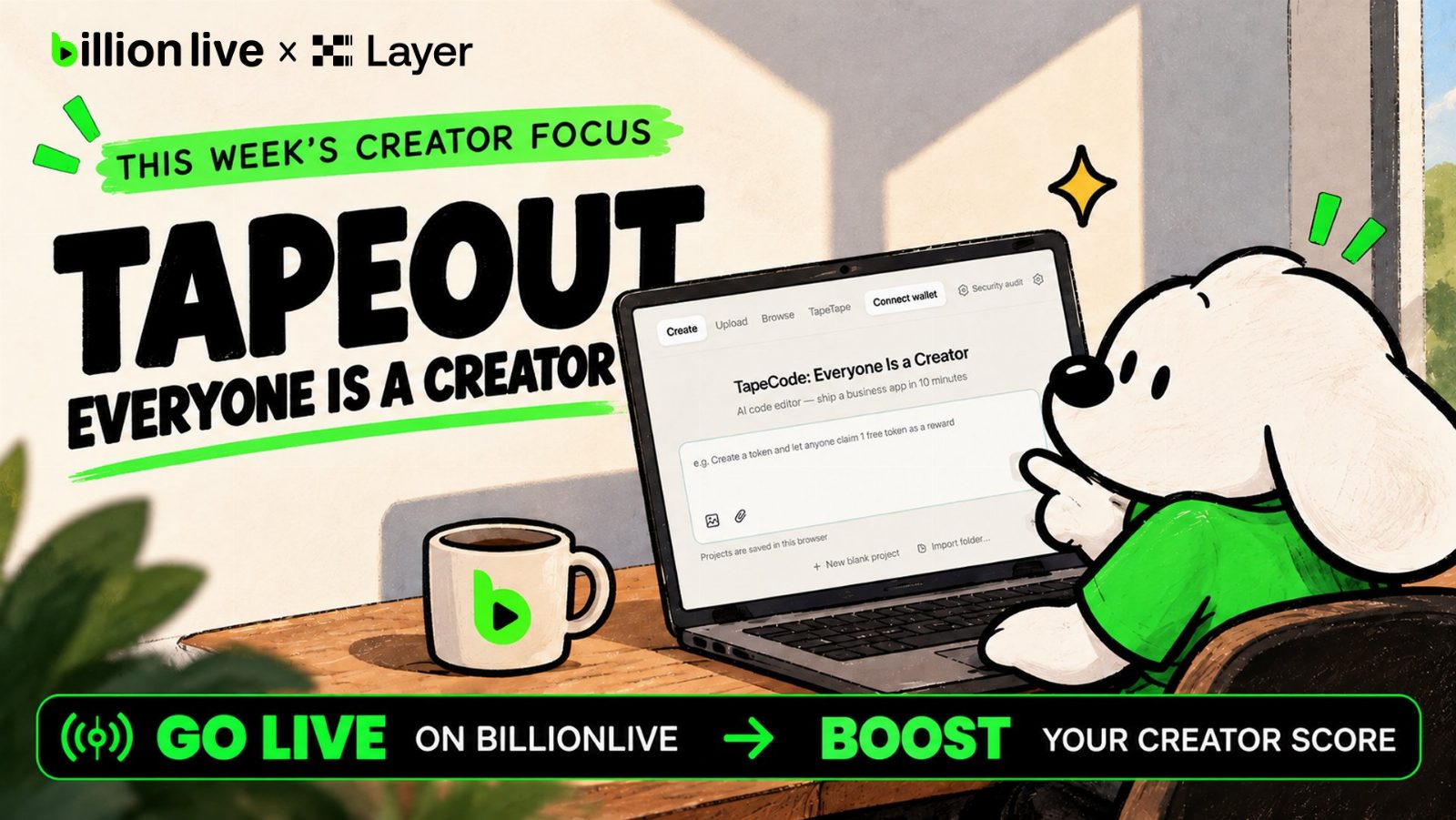
- 2 replies
- 8 likes
- 443 views
-
Sunday check-in.
The best live moments are rarely planned.
- 5 likes
- 391 views
-
More is coming to @XLayerOfficial : payments, RWAs, tokenized equities, trading infrastructure, Memes, and new ecosystem applications.
Each launch gives creators new stories to tell and communities new products to try. At BillionLive, we want to make that progress easier to see and understand. Builders can demo what they ship, creators can break it down, and communities can join the conversation live.
Being part of a chain with this much energy and room to grow is always exciting. We can’t wait to see what lights up first, and what follows.
Build. Ship. Go live. All on X Layer.- 3 replies
- 5 likes
- 355 views
-
📢 Livestream Preview: BillionLive x @chipchipgame Crazy Wednesday Ep.27 · TMTC Taipei Main Event Satellite
Time: Oct 7, 19:00 (UTC+8)
The winner will receive a TMTC Main Event ticket worth NT$35,000, around 1,100 USDT, and advance to the NT$30,000,000 guaranteed Main Event from Oct 22 to 26.
Last week, Goku @gokunocool reached the final table, only to be eliminated by KiKi @Kiki_Zzzzzh and her flopped quads. Can the Sigma Man return to glory this week?
The same 1 USDT starting point. Who will earn their seat at the bigger table? Tune in to BillionLive tonight at 19:00 and see who wins the ticket to Taipei.
Watch, predict, and win big on #BillionLive
📢 直播预告:BillionLive x @chipchipgame 疯狂星期三第 28 期 · TMTC 台北主赛门票赛
时间:10 月 7 日 19:00(UTC+8)
本期冠军将获得价值 NT$35,000(约 1,100 USDT)的 TMTC 主赛门票,直通 10 月 22 日至 25 日举行的 NT$30,000,000 保底主赛。
上周狗哥 @gokunocool 杀入决赛桌,却被 KiKi @Kiki_Zzzzzh 一手天炸弹埋伏出局。本周再战,能否重铸西格玛男人荣光。
同样的 1 USDT 起点,这次谁能打进更大的牌桌?今晚 7 点,锁定 BillionLive,一起见证台北门票花落谁家。
看直播,玩预测,赢大奖,就来 #BillionLive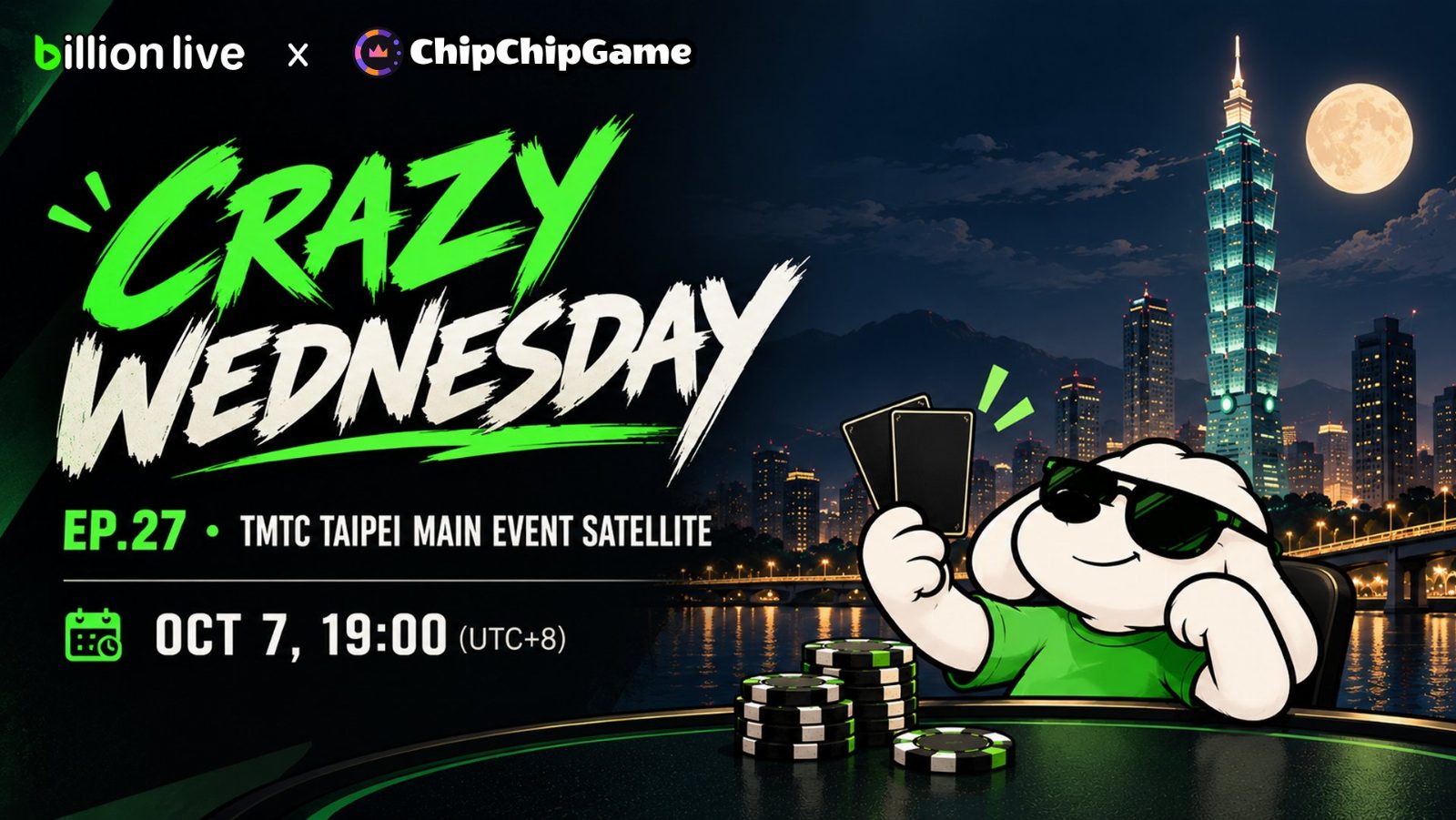
- 1 reposts
- 1 likes
- 314 views
-
BillionLive Creator Incentive Program Round 10 Winners 🎬
Leaderboard:
🥇 Trader Mingfei @Veritas135
238 USDT + 3,000 Billion Points
🥈 Molly @Molly9975019573
138 USDT + 2,000 Billion Points
🥉 Cc Egg-Fried-Rice @Cc910813
100 USDT + 1,200 Billion Points
4️⃣ golddingway
60 USDT + 900 Billion Points
5️⃣ Shuishui @zsz710710
30 USDT + 900 Billion Points
6️⃣-🔟 Player Lao Zhou @zhouzhou8199, Iris @Iris_121314, DYOR Driver, Mubai, and Kursk
Each receives 20 USDT + 550 Billion Points.
Round 11 is now live. Content related to X Layer Memes and TapeOut will continue to receive additional weight.
Updated Creator Weekly rules also take effect this week. The leaderboard will place greater emphasis on active streams and content quality, giving more support to creators who consistently show up and create.
Event page: https://app.billion.live/leaderboard
BillionLive 创作者激励计划第十期优胜创作者公布🎬
本期优胜榜单:
🥇 交易员明非 @Veritas135
238 USDT + 3,000 Billion Points
🥈 Molly @Molly9975019573
138 USDT + 2,000 Billion Points
🥉 Cc 蛋炒饭 @Cc910813
100 USDT + 1,200 Billion Points
4️⃣ golddingway
60 USDT + 900 Billion Points
5️⃣ 水水 @zsz710710
30 USDT + 900 Billion Points
6️⃣-🔟 玩家老周 @zhouzhou8199、Iris @Iris_121314、爱看球的 DYOR 老司机、沐白、库尔斯克
每人获得 20 USDT + 550 Billion Points
第十一期创作者周榜现已开启。X Layer Meme 和 TapeOut 相关直播与内容将继续获得额外权重。
从本周起,Creator Weekly 新规则正式执行,周榜将更注重有效直播与内容质量,让认真开播、持续创作的主播获得更多支持。
活动链接:https://app.billion.live/leaderboard- 3 replies
- 1 reposts
- 4 likes
- 591 views
-
📢 This Week’s BillionLive Creator Focus: X Layer Memes + TapeOut
X Layer Memes and TapeOut remain this week’s focus. Creators are welcome to go live, scan the chain, discover new tokens, and analyze trending Memes. You can also cover TapeOut basics, follow hackathon projects, or demonstrate products and development live.
Related livestreams and content will receive additional weight on this week’s Creator Leaderboard.
Event page: https://app.billion.live/leaderboard
📢 本周 BillionLive 创作者激励热点:X Layer Meme + TapeOut
X Layer Meme 和 TapeOut 相关内容将继续作为本周热点,欢迎创作者开播扫链、寻找新币、分析热门 Meme,也可以分享 TapeOut 基础知识,跟进黑客松项目,或现场演示产品和开发过程。
相关直播与内容将获得本周创作者榜额外权重。
活动链接:https://app.billion.live/leaderboard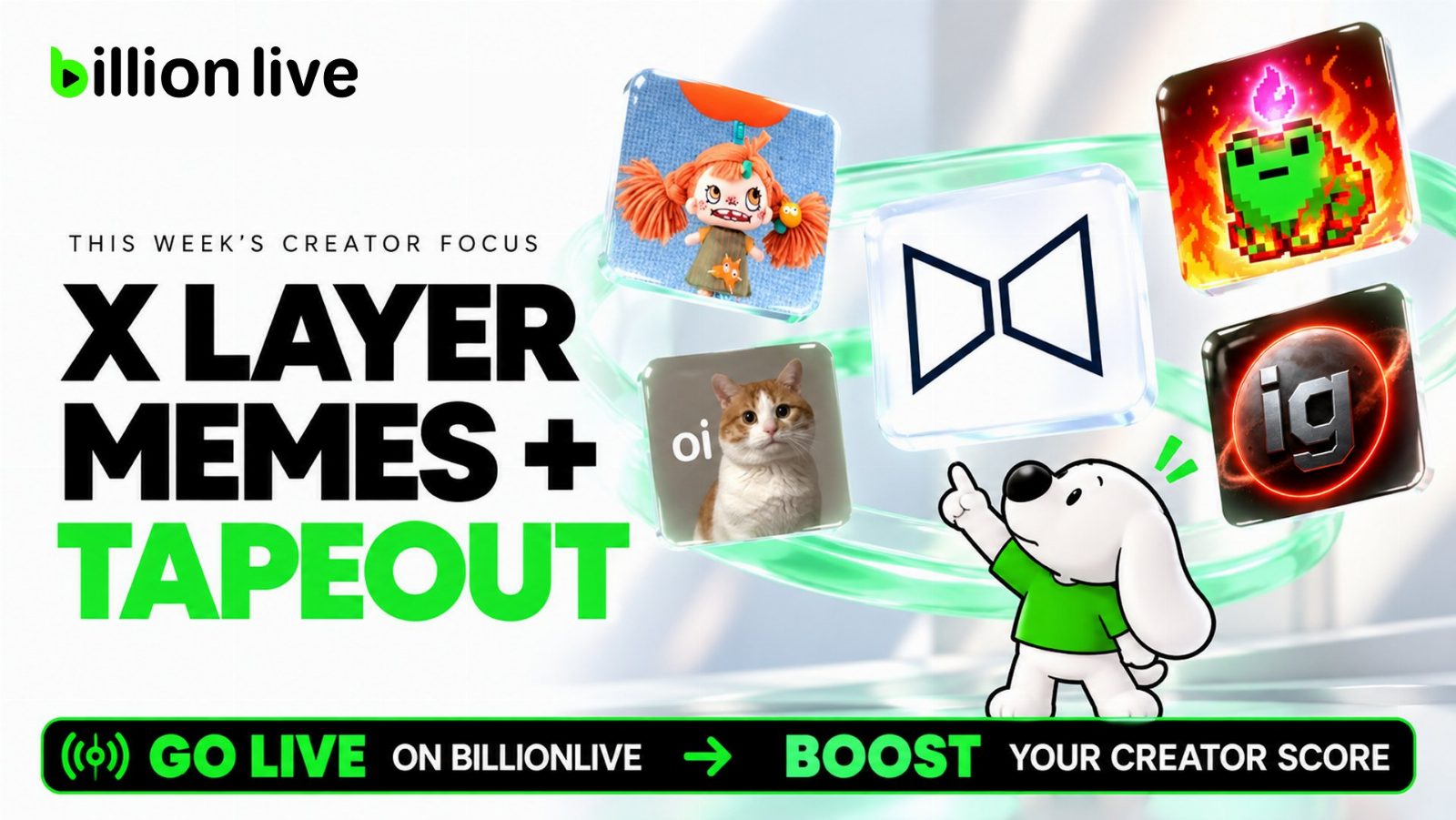
- 1 replies
- 4 likes
- 419 views
-
📢 BillionLive Creator Weekly Update
Starting this week, BillionLive Creator Weekly will introduce updated rules. We hope the leaderboard can better reflect active streams and distribute rewards more fairly among creators who consistently produce content.
1. If a stream is left unattended for more than 15 minutes, that period will not count toward valid streaming time.
2. After 30 minutes, customer support will contact the creator and ask them to end the stream.
3. Two unattended streaming incidents within one week will make the creator ineligible for that week’s Creator Weekly rewards.
4. Creator Weekly will now reward up to 10 creators instead of a fixed Top 10. Rewards will be distributed based on the number of creators who meet the streaming requirements.
Please keep an eye on your stream while live. Thank you to every creator who continues to show up and create.
Event page: https://app.billion.live/leaderboard
📢 BillionLive 创作者激励计划规则调整
为了更好地支持认真开播、持续创作的主播,从本周起,BillionLive 创作者激励计划将采用新的规则。我们希望周榜能够更准确地反映每一场有效直播,也让奖励发放更加公平。
1. 挂播超过 15 分钟,该时段将不计入有效直播时长;
2. 挂播超过 30 分钟,客服会联系主播并提醒下播;
3. 一周内出现 2 次挂播,将无法获得当周创作者激励计划奖励;
4. 创作者激励计划将从固定的前 10 名获奖,调整为最多 10 人获奖,奖励会根据实际符合直播规范的人数发放。
请大家在开播期间留意直播状态,感谢每一位认真投入内容创作的主播。
活动页面:https://app.billion.live/leaderboard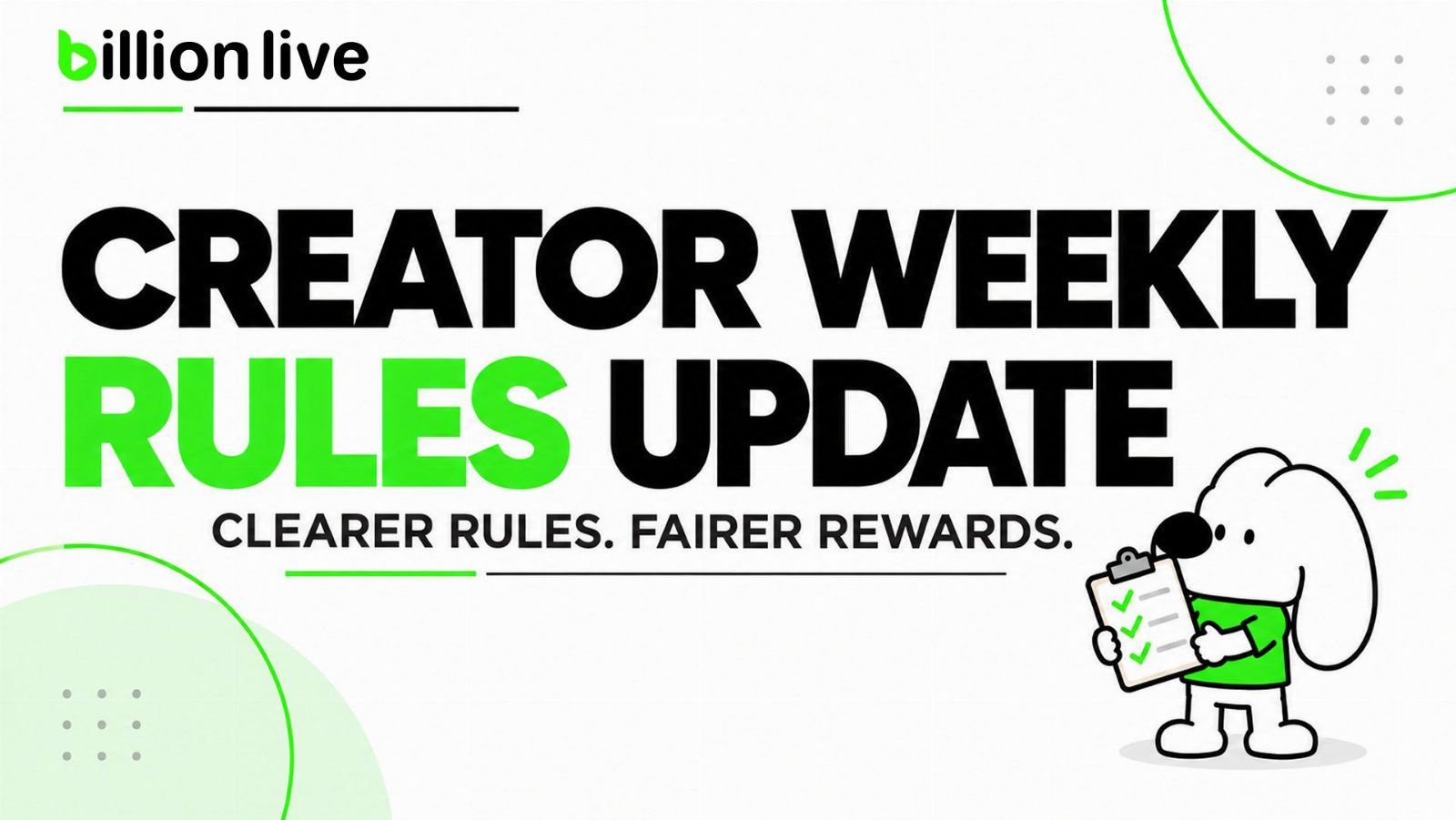
- 4 replies
- 5 likes
- 325 views
-
📢 Livestream Preview: Hands-On TapeOut for Beginners with Venz and Circuit Commons
Topic: TapeOut from Scratch, How CCOM Builds Verifiable Services on X Layer
Host: Venz @wenzherunze
Time: Oct 3, 20:00 (UTC+8)
As the TapeOut Genesis Transistor Hackathon by @Ignixbot continues, new TapeOut projects are emerging on @XLayerOfficial. In this livestream, participant Venz will present Circuit Commons and demonstrate how CCOM turns Circuits into usable, verifiable services with built-in revenue sharing.
Venz will share how CCOM entered the hackathon, covering the full journey from the initial idea and development to its mainnet launch. He will also discuss his experience launching a token on Ignix.
Want to build a TapeOut project from scratch, enter the hackathon, and launch a token on Ignix? Join us tonight at 20:00 and talk directly with the builder. 👇
Watch live and explore new X Layer applications on #BillionLive
📢 直播预告:TapeOut 零基础实操,Venz 现场演示黑客松参赛项目 Circuit Commons
主题:从零讲清 TapeOut,CCOM 如何在 X Layer 上构建可验证服务
主播:Venz @wenzherunze
时间:10 月 3 日 20:00(UTC+8)
随着 @Ignixbot 举办的 TapeOut Genesis Transistor Hackathon 持续进行,@XLayerOfficial 涌现出一批围绕 TapeOut 开发的新项目。本期直播,Venz 将带来他的黑客松参赛项目 Circuit Commons,现场展示 CCOM 如何把 Circuit 变成可使用、可验证、可分账的服务。
今晚,Venz 会从 CCOM 如何参加黑客松讲起,聊聊项目从想法、开发到主网上线的完整过程,也会分享在 Ignix 上发行代币的实际体验。想知道如何从零构建一个 TapeOut 项目,参与黑客松,并在 Ignix 发行代币?今晚 8 点来直播间,直接和开发者聊。👇
看直播,探索 X Layer 新应用,就来 #BillionLive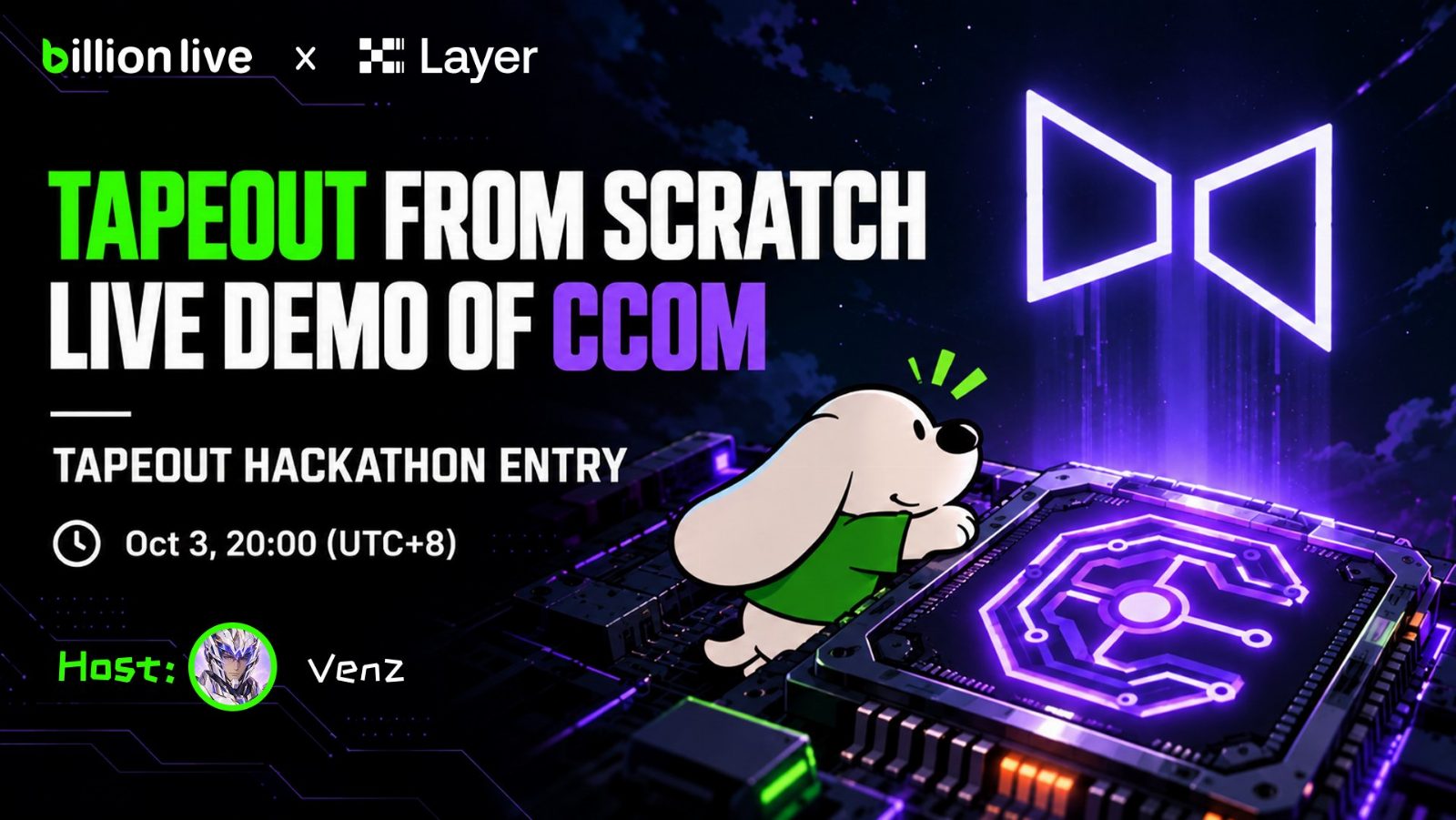
- 5 likes
- 703 views
-
“She played it too well, guys. You can’t trust any woman.” — Goku @gokunocool
Sep 30 | @chipchipgame Crazy Wednesday Ep.26 KPC Jeju Ticket Tournament Highlights 🎬
Three key hands from Goku:
1. Against Oscar @CreaMyHaOsCar , Goku risked his stack with a pair and a flush draw. Then Oscar’s pocket Queens sent him straight to the rebuy.
2. In the rematch, Goku rivered a straight, eliminated Oscar, and got his revenge.
3. At the final table, Goku rivered top pair against KiKi @Kiki_Zzzzzh. But KiKi had slow-played flopped quads for three streets, then ended Goku’s run with a check-raise ALL IN. Pocket Tens always deliver on Crazy Wednesday.
Eason took the title and won a KPC Jeju Main Event ticket worth around 960 USDT! From a 1 USDT buy-in to a bigger stage. That’s CHIPCHIP.
Watch, predict, and win big on #BillionLive.
“真的是演得太好了,兄弟们,不能相信任何一个女人。” — 狗哥 @gokunocool
9月30日 @chipchipgame 疯狂星期三第 26 期 KPC 济州岛主赛门票赛切片🎬
本期切片收录了狗哥三手关键牌:
1. 先是对上奥斯卡 @CreaMyHaOsCar ,狗哥剧本附身,带对听花,可抵身家,然后直接被清空,光速买码。
2. 两人再次相遇,狗哥河牌成顺,淘汰劲敌,复仇成功!
3. 终结的一手牌来自决赛桌上,对阵胡紫画 KiKi @Kiki_Zzzzzh ,狗哥河牌击中顶对,KiKi 却拿着天炸弹埋伏了整整三条街!一记 check-raise 反推 ALL IN,带走狗哥,不愧是疯狂星期三最有节目效果的 1010。
最终 Eason 夺冠, 赢得价值约 960 USDT 的 KPC 济州岛主赛门票!Chipchip 门票赛让玩家有机会从 1 USDT 买入出发,以战养战,走上更大的牌桌。
精彩切片不容错过👇
看直播,玩预测,赢大奖,就来 #BillionLive- 1 replies
- 7 likes
- 3.5K views
Billion Live Reviews & Comments
No reviews yet. Be the first to share your experience.
Billion Live alternatives
Other Polymarket tools that do a similar job. Compare and pick what fits your workflow.
-
Compare
Kreo
Kreo copies proven Polymarket and Kalshi wallets in real time, so you ride smart money tr…
-
Compare
Polymarket
Traders buy and sell shares on real-world event outcomes, earning payouts when their pred…
-
Compare
Tailgate
Copy sharp bettors' plays at the best price across prediction markets, and get paid when…
-
Compare
Axiom Trade PolyMarket
Traders on Axiom can now take positions on real-world events without leaving the terminal…




Recommended reading
In-depth guides for Trading Terminals — get more out of tools like Billion Live.
-
Tool Reviews
Best Polymarket Trading Bots 2026: Copy Trading & Sniper
Five Polymarket trading bots tested for 2026. Compare copy trading speed, sniper orders, fees after the March rate change, setup…
29 min read -
Tool Reviews
Best Polymarket CopyTrading Bot 2026
This breakdown covers the five best Polymarket bots available right now: PolyCop, Kreo, TradePolyBot, PolyGun, and a forward-look…
14 min read -
Tutorials
The Ultimate Guide to Copy Trading on Polymarket
Finding a profitable wallet is the easy half. This walks through picking one worth following, then setting the sizing, filters an…
6 min read


Ready to try Billion Live?
Open the official site and get started in a few clicks.
Leave a comment